Three artifacts, three different jobs
Transcripts, captions, and subtitles all turn spoken audio into text, but they serve different viewers and formats. A transcript is a standalone document you read on its own. Captions and subtitles are time-synced text laid over video. The W3C Web Accessibility Initiative separates captions from subtitles by who needs them and what each one includes.
The dividing line is sound versus language. Captions exist for people who can't hear the audio, so they include non-speech information alongside dialogue. Subtitles exist for people who can hear but don't know the spoken language, so they carry the words only. A transcript sits outside video timing entirely – it's the written record you read or search.
The terms blur because they overlap. W3C notes these are sometimes distinguished as "intralingual subtitles" (same language) and "interlingual subtitles" (different language) – the prefix tells you whether the text stays in the source language or crosses into another. Same surface, text on or beside video, but a different job underneath.
Captions vs subtitles: sound vs language
Captions and subtitles differ by what they include and who they're for. Per the W3C WAI, captions are a text version of both the speech and the non-speech audio needed to understand the content, made for Deaf people and others who can't hear. Subtitles translate spoken audio into another language for viewers who can hear but don't know it.
In practice, captions do the work of an ear. They identify who is speaking and mark the sounds that carry meaning: [phone rings], [tense music], [laughter], [door slams]. Mute a thriller and the plot may hinge on a sound you can't see. A caption tells you it happened; a subtitle assumes you heard it.
Subtitles take hearing for granted. They render only the dialogue, translated, trusting the viewer to catch tone, effects, and music unaided. Swap one for the other and the file fails its audience – a hard-of-hearing viewer handed subtitles loses every non-speech cue, which is often half the story.
A transcript is a standalone document
A transcript is a standalone text alternative with no synchronization to playback. WCAG 2.1 Success Criterion 1.2.1 (Level A) requires one for prerecorded audio-only content: a text alternative that presents equivalent information. It's a record you read on its own, with no timing tied to playback.
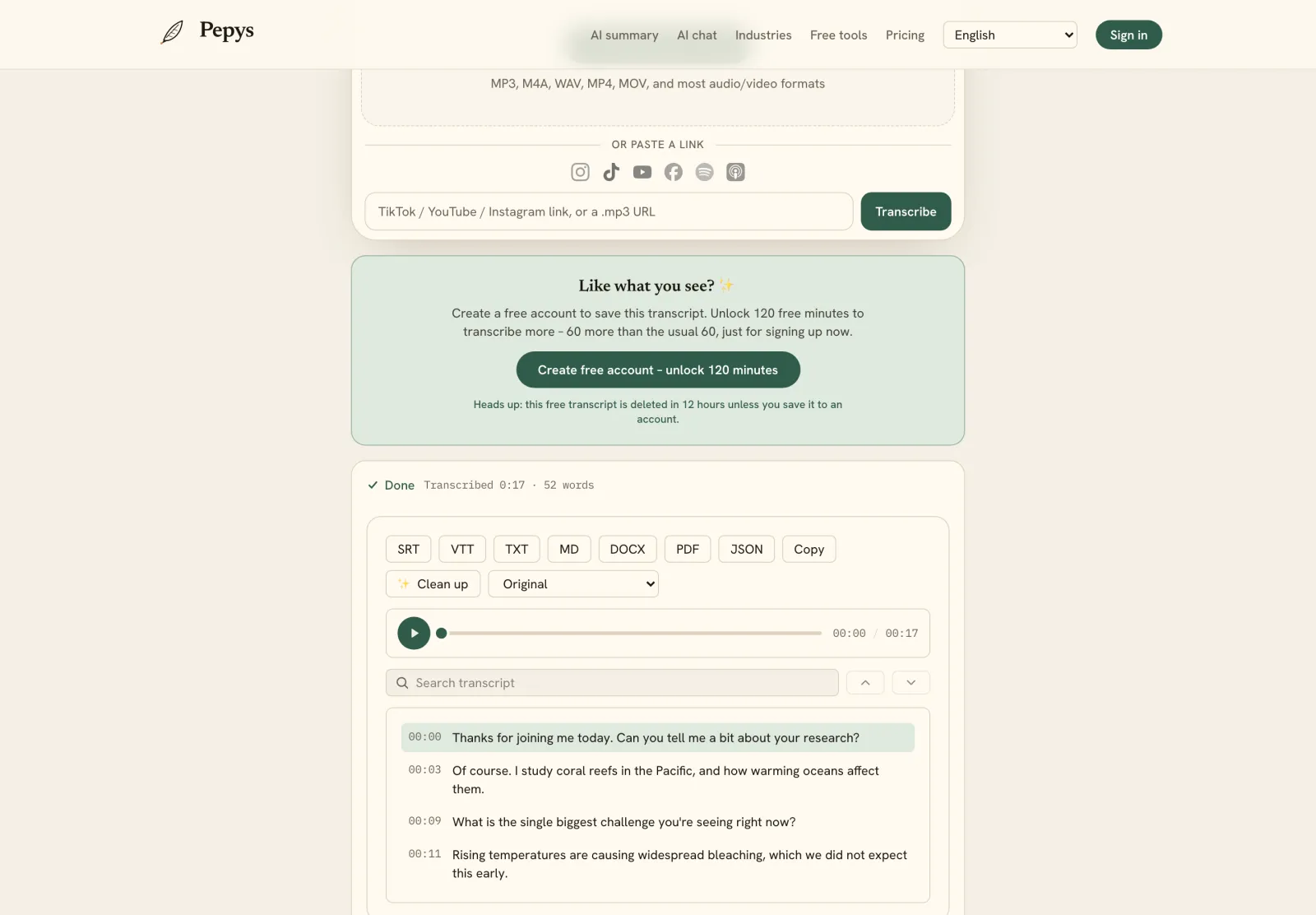
Timing is the whole difference. A transcript is one continuous document you read top to bottom or search by keyword. Captions and subtitles are chopped into short cues, each stamped with an in and out time so text surfaces exactly as the words are spoken. Add those timestamps to a transcript and you have most of a timestamped transcript – the raw material of a caption file.
That shared lineage is why one recording becomes all three. Start with a transcript, segment it, add timing, and export it as an SRT caption file; translate those cues and you have subtitles. The document comes first; the synced tracks are what you build from it.
Closed captions, open captions, and SDH
Captions split into closed and open by one question: can the viewer turn them off? The DCMP Captioning Key defines closed captions as hidden and decoded on demand – toggleable on and off. Open captions are always visible, burned into the picture and impossible to switch off.
SDH, subtitles for the deaf and hard of hearing, is the hybrid between the two. DCMP describes SDH as just like subtitles but adding sound effects, speaker identification, and other non-speech features. So it packages a caption's non-speech cues – speaker labels, effects, music – into a subtitle-format track.
For most work, closed captions are the safer default. They're user-controlled, can be restyled, and can be corrected without re-rendering the video. Open captions can't be switched off, which is why creators burn them into short social clips built to be watched on mute – but that permanence is also their drawback.
What accessibility law requires
For accessibility, the requirement is captions, not subtitles. WCAG 2.1 Success Criterion 1.2.2 (Level A) requires captions for all prerecorded audio in synchronized media, with one exception: a media alternative for text that's clearly labeled as such. Subtitles don't satisfy it, because they drop the non-speech information.
US federal content answers to Section 508. The revised standards incorporate WCAG 2.0 Level A and AA by reference for web and non-web content, and Section508.gov maps the captioning criteria straight onto federal video.
State and local government adds ADA Title II. Under DOJ's 2024 web rule, their web content and mobile apps must meet WCAG 2.1 Level AA, which includes captions. After DOJ's April 2026 extension, compliance falls due on April 26, 2027 for governments serving 50,000 or more people, and April 26, 2028 for smaller entities and special districts.
Broadcast runs on its own rulebook. FCC regulation 47 CFR 79.1 requires distributors to caption 100% of new, nonexempt English- and Spanish-language programming. Carve-outs cover other languages, airings between 2 a.m. and 6 a.m., short promos and PSAs, and programming that's mostly non-vocal music.
So which one do you actually need?
Match the artifact to the barrier your viewer faces. Can't hear the audio? You need captions – speech plus sound cues, ideally closed so they toggle. Can hear but don't speak the language? You need subtitles. Nobody watching the video at all? A transcript is the deliverable, and WCAG treats it as the baseline for audio-only content.
Most real projects need more than one. A published interview wants a transcript for readers and quotes, captions for the embedded video, and subtitles if it crosses languages. Because all three descend from the same source text, producing one gets you most of the way to the next – segment and time a transcript, then add subtitles to the video once the caption cues exist.


