Open finished transcripts sooner
A transcript now becomes available as soon as the words are ready, while AI notes finish separately.
- Speed
- AI notes
- Transcription
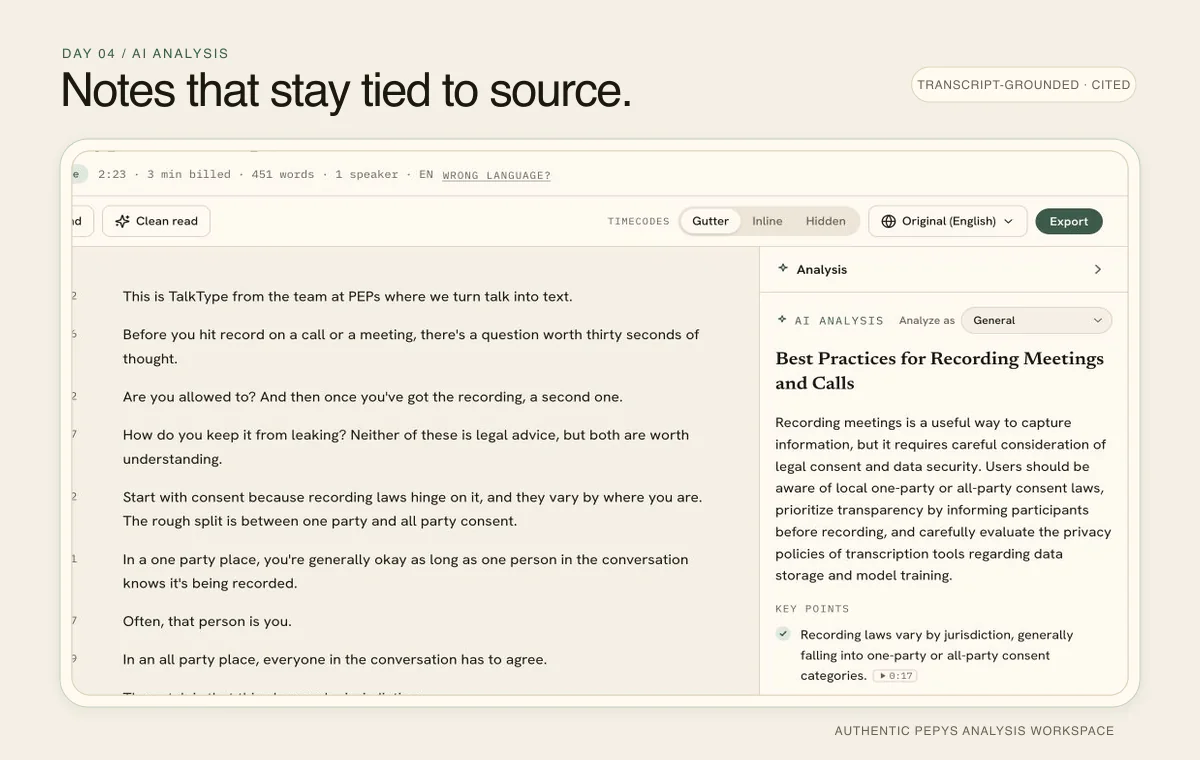
The words are available before the notes
Pepys now marks a transcript ready after the text and timing are safely saved. You can open it, search for a phrase, correct a name, or start reading while the AI analysis continues separately.
Previously, finished transcription could remain behind the processing screen while summaries and other notes were still being prepared. A slower analysis step made the entire job feel slow even though the transcript itself was complete.
AI analysis has its own progress state
The analysis panel shows Preparing AI analysis until the notes arrive. You can keep working elsewhere on the page; the finished analysis appears automatically without requiring a refresh.
The framework picker waits while that first analysis is being prepared. Once it is ready, you can switch the analysis format or regenerate the current one as before.
An analysis problem no longer hides the transcript
If analysis cannot be generated, the transcript remains available. The panel explains that the text is safe and gives you a separate retry action for the notes.
This separation protects the work that has already finished. A recording does not need to be transcribed again because a later analysis step took longer or failed.
Start with the part you need
Open the transcript as soon as it is marked Done when your immediate task is finding a quote, checking a name, or exporting the text. The analysis can catch up while you work.
If you came for the summary, leave the analysis panel open. Its status belongs to the notes now, not to the availability of the transcript.
Ready to try it?
Transcribe a recording