Pepys

Guide

How to add captions to a church service

A working guide for church media teams who want accurate captions on the livestream and the archived sermon, without typing them line by line.

The short answer

To caption a church service, record a clean feed from the soundboard, then run that audio through a transcription tool. Export the timestamped transcript as an SRT or VTT file. Correct the names and Scripture references by hand, then attach the caption track to your video or livestream. Caption live for a stream, or after the fact for the archived recording.

Start with a clean feed from the soundboard

The caption is only as good as the audio behind it. A microphone at the back of a sanctuary picks up reverb, the HVAC, and the whole congregation, and speech recognition gets worse on that far-field sound. One study reports a 75% relative rise in word error rate when a close mic is swapped for a far-field array mic (Purushothaman et al., 2021).

Take the feed straight off the soundboard instead. Most church mixing desks have a record output or a spare aux send, and that signal carries the pulpit mic and the lavaliers without the room around them. Send that into your transcription tool and the captions come back cleaner, because the model isn't fighting echo and crowd noise.

The capture details are the same ones that make any sermon recording usable: which board output to use, mono versus stereo, matching your levels. Rather than repeat them here, we cover soundboard capture in depth in how to transcribe a sermon.

Add captions to a church service, live or recorded

Two different jobs hide inside 'captioning a service,' and the accessibility standards treat them differently. Captions on a livestream are live captions, which WCAG 2.1 lists as a Level AA success criterion (W3C, SC 1.2.4). Captions on the recording you post afterward are prerecorded captions, a stricter Level A criterion (W3C, SC 1.2.2).

Live captioning runs in real time, so it leans on either automatic speech recognition or a human captioner typing along with the service. It keeps up, but it's the harder path. There's no second pass, and every misheard name goes out uncorrected. For most teams the live track is good enough to follow, not clean enough to publish.

Captioning the recording afterward is where the accuracy comes from. You transcribe the finished audio, read it against the video, fix what the model missed, then attach a corrected caption file. Plenty of churches do both: a rough live caption during the stream, and a clean track on the archived sermon.

Turn the recording into an SRT or VTT file

A caption file is a plain-text list of lines, each with a start and end timestamp, and two formats cover almost every platform: SRT and WebVTT. WebVTT is a published W3C specification (W3C, WebVTT), and it's the format the HTML `<track>` element reads to show captions on a web video (MDN, <track>).

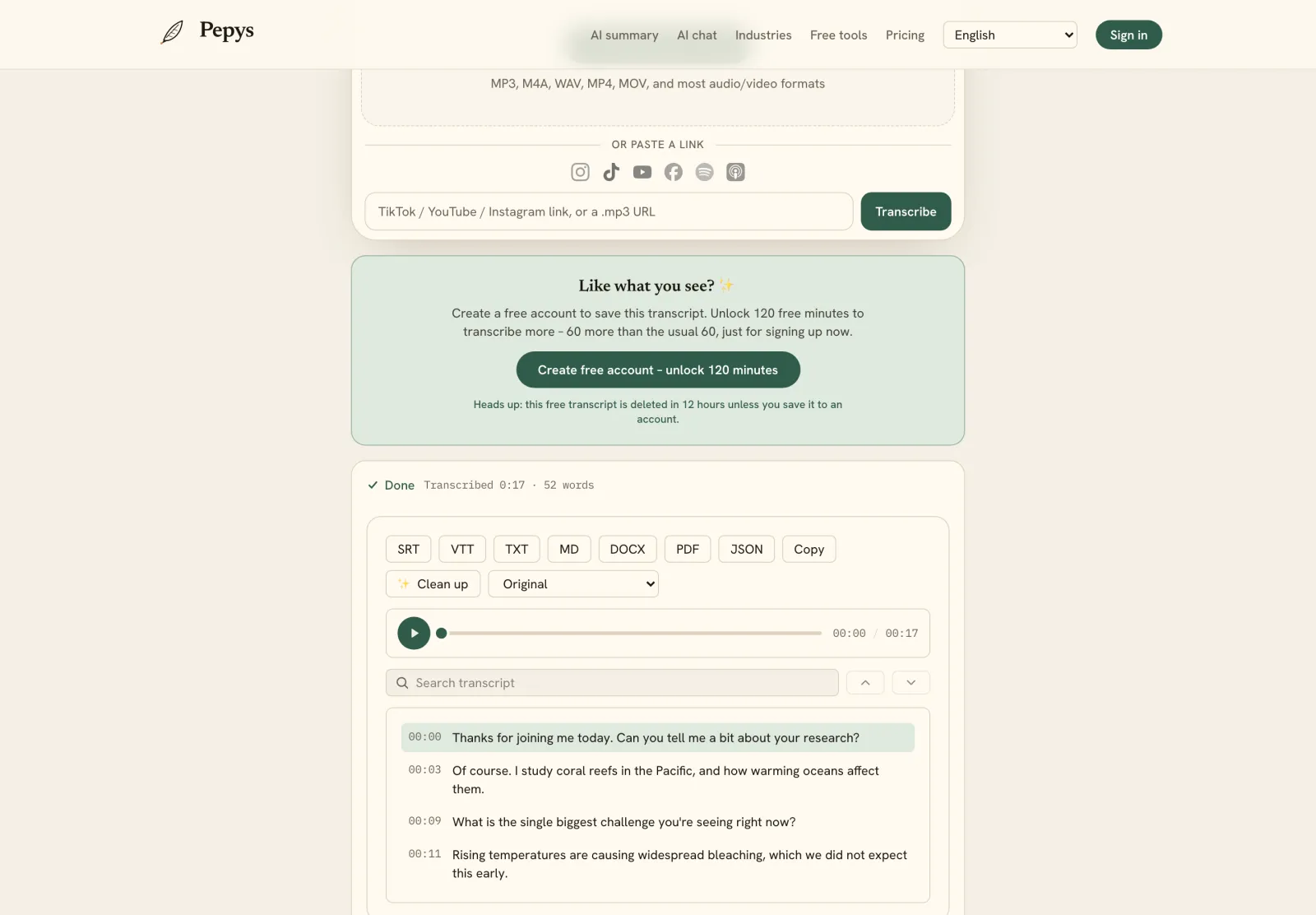
To make one, run the service audio through a transcription tool that timestamps every line and exports a caption file directly. Church-service transcription gives you a timestamped, speaker-labeled transcript you can export as SRT or VTT. For the church website, export a .vtt file and point a `<track>` tag at it; for a livestream or video platform, upload the .srt version, which is the format most of them expect.

The parts that aren't specific to a church are the same for any video: burning captions into the picture versus a separate track, splitting long lines, choosing between SRT and WebVTT. We walk through those in how to add subtitles to a video.

Fix the names and Scripture before you publish

Automatic captions get the sermon mostly right and the proper nouns wrong. End-to-end speech recognition keeps a measurable error rate on entity names that show up rarely in its training data (Pusateri et al., 2024). That's exactly your hard part: Scripture references, book and chapter numbers, hymn titles, and the names of people in the congregation.

So budget a short correction pass on those spots. Read the caption file against the audio and fix the names, the 'Ephesians' the model heard as three separate words, the chapter-and-verse numbers, and any vocabulary specific to your tradition. The rest of the transcript usually needs only a light touch.

While you're editing, keep the lines readable. Broadcast subtitle norms keep to about two lines on screen at once and pace reading around 160 to 180 words per minute (BBC Subtitle Guidelines). If a caption flashes past faster than a person can read it, split it into two.

What the ADA actually requires of a church

Start with the honest legal picture, then decide on the merits. The ADA's Title III, the part that covers public accommodations, does not apply to religious entities, including places of worship (28 CFR 36.102(e)). The Department of Justice reads that exemption broadly, covering a religious entity's activities whether they're religious or secular (ADA.gov).

That's the general rule, not a reason to skip accessibility, and it isn't legal advice. The same church can still fall under Title I employment obligations once it has enough staff. Local law, grant conditions, and your own denomination's standards may point the other way, so check with counsel before you rely on the exemption.

The stronger reason to caption isn't the statute anyway. Over 5% of the world's population, about 430 million people, live with disabling hearing loss (WHO, 2026). Captions let those members follow the sermon, and they make your archived services searchable for everyone. WCAG's caption criteria are a voluntary standard you can choose to meet even where no law demands it.
The steps, in order

  1. 01

    Capture a clean soundboard feed

    Record from the mixing desk's record output or aux send, not a room or camera mic, so the audio carries the pulpit mic and lavaliers without sanctuary echo.

  2. 02

    Choose live, post, or both

    Decide whether you need real-time captions on the livestream, a corrected caption track on the recording, or both. Live keeps up; the recording is where you get accuracy.

  3. 03

    Generate a timestamped transcript

    Run the service audio through a transcription tool to get a timestamped, speaker-labeled transcript in minutes instead of typing it out by hand.

  4. 04

    Correct names and Scripture

    Read the transcript against the audio and fix the proper nouns: people's names, Scripture references, chapter-and-verse numbers, and hymn titles the model tends to mishear.

  5. 05

    Export the caption file and attach it

    Export the corrected transcript as SRT or WebVTT, keeping to about two lines on screen at a readable pace. Point an HTML track tag at the .vtt for your website, or upload the .srt to your video platform, then confirm the captions display.

Tips from people who do this a lot

  • Build a short vocabulary list before the service – the speaker names and the book or hymn titles you expect – and check the captions against it each week; the same errors tend to repeat.

  • Caption the recording even when you already ran live captions. The live track serves people watching now; the corrected file is what stays accurate and searchable on your site.

  • Watch the reading speed. If a caption line disappears before you can finish reading it aloud, it's moving too fast, so break it into two shorter lines.

  • Name each caption file with the date and series, not 'sermon-final-2.vtt.' A month later you'll want to pull the captions for one specific Sunday quickly.

  • If your board can't send a clean record feed, a single close mic on the pulpit still beats the camera mic at the back of the room.

Try it now

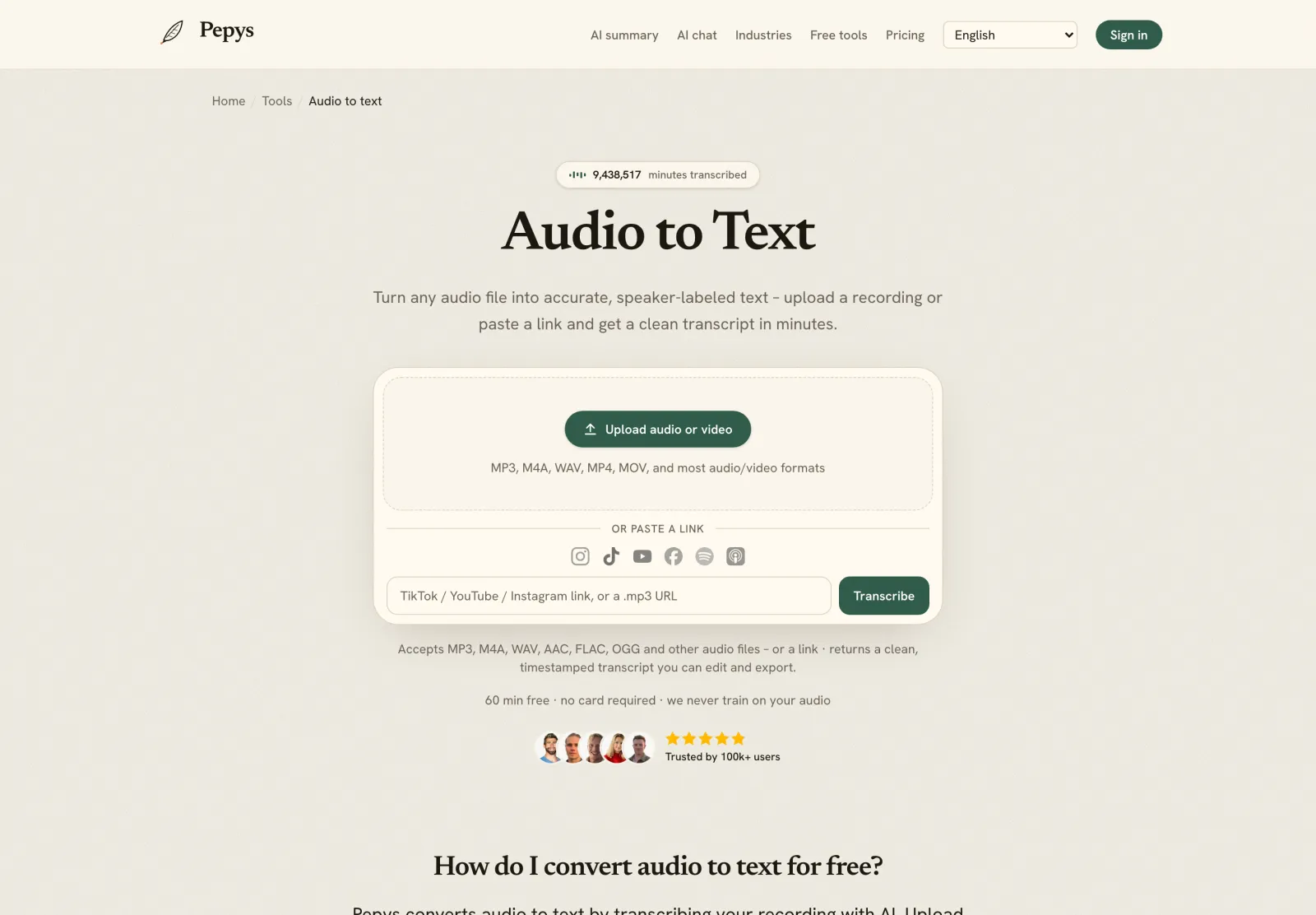
Drop in your recording or paste a link and get a clean, speaker-labeled transcript in minutes. Your first 60 minutes are free.

or paste a link
InstagramTikTokYouTubeFacebookSpotifyApple Podcasts

60 min free · no card required · we never train on your audio

PodcasterJournalistContent creatorResearcherStudent
Trusted by 100,000+ creators, podcasters, journalists & researchers

How to add captions to a church service – questions, answered

Do churches have to caption their services by law?

We can't give legal advice, but the ADA's public-accommodation rules under Title III generally don't apply to religious entities, including places of worship (28 CFR 36.102(e)). Employment rules under Title I can still apply once a church has enough staff. Many churches caption anyway, to reach people who are deaf or hard of hearing.

What's the difference between live captions and captioning the recording?

Live captions run in real time on the stream, so they keep up with the service but go out uncorrected. Captioning the recording afterward lets you fix names and Scripture before publishing, so it's more accurate. WCAG treats live captions as Level AA and prerecorded captions as the stricter Level A.

How do I get an SRT or VTT file from a service recording?

Run the service audio through a transcription tool that timestamps each line and exports a caption file. SRT suits most video and livestream platforms; WebVTT is the W3C format the HTML track element reads on a web page. Correct the names and Scripture references, then attach the file to your video.

Why are the captions wrong on names and Bible verses?

Speech recognition keeps a measurable error rate on proper nouns and terms that appear rarely in its training data, which is exactly what Scripture references, book names, and congregants' names are. Budget a short correction pass on those spots; the rest of the sermon usually transcribes cleanly.

Do I need a special microphone to caption a service?

No, but the audio source matters. A feed from the soundboard beats a camera or room mic, because far-field room sound raises transcription errors sharply. One study reports a 75% relative rise in word error rate versus a close mic. Use the board's record output where you can.

References

  1. 1.28 CFR 36.102(e) – Application (religious entity exemption)U.S. Code of Federal Regulations (Cornell Legal Information Institute)
  2. 2.ADA Title III Technical Assistance Manual, III-1.5000 – Religious entitiesU.S. Department of Justice (ADA.gov)
  3. 3.Understanding SC 1.2.2: Captions (Prerecorded) (Level A)W3C Web Accessibility Initiative (WAI)
  4. 4.Understanding SC 1.2.4: Captions (Live) (Level AA)W3C Web Accessibility Initiative (WAI)
  5. 5.Deafness and hearing loss – Fact sheetWorld Health Organization (WHO)
  6. 6.Dereverberation of Autoregressive Envelopes for Far-field Speech Recognition (arXiv:2108.05520)arXiv (Purushothaman, Sreeram, Kumar, Ganapathy)
  7. 7.BBC Subtitle Guidelines (reading rate, line length, line count)BBC
  8. 8.WebVTT: The Web Video Text Tracks FormatW3C (Timed Text Working Group)
  9. 9.HTML <track> elementMDN Web Docs (Mozilla)
  10. 10.Retrieval Augmented Correction of Named Entity Speech Recognition Errors (arXiv:2409.06062)arXiv (Pusateri et al.)

Keep reading

Don't just take our word for it.

Ask ChatGPT, Claude, or Perplexity what Pepys is and who it's for. One click, and your favorite AI does the homework.

Get your transcript – free to start

Pay as you go – credits never expire, nothing to cancel. Or start free with 60 minutes, no card.