The recording decides 80% of your accuracy
No tool can transcribe what the microphone never captured. The single biggest lever on transcript quality isn't the software – it's the audio going into it. For an in-person interview, put a recorder close to each speaker, off any hard surface that booms, and away from HVAC vents, fridges, and the café espresso machine. A $30 lav clipped to a lapel beats a phone across the table every time.
For remote interviews, record each side on its own channel if your platform allows it. Zoom can record a separate audio file for each participant, and Riverside's local per-track recording does the same – both give you isolated speakers, which makes diarization (speaker labeling) much cleaner, because the tool isn't guessing who's talking when two people overlap. If you can only get a single mixed file, that's fine; just expect to fix more speaker turns by hand.
Before you start, say each person's name and the date into the recording. It sounds fussy, but it timestamps your consent, anchors who 'Speaker 1' is, and saves you re-listening to figure out which voice is the source and which is you.
Why an AI first pass beats typing – and where it doesn't
Transcribing by hand can take up to six hours for a single hour of audio – most of a working day spent on one interview. An AI first pass turns that hour into a few minutes of processing plus a focused cleanup, and modern speech-to-text is accurate enough that you're editing, not re-transcribing. For most interviews you'll change a handful of words per minute, not rebuild sentences.
Where AI still needs you: proper nouns (names, companies, place names), domain jargon and acronyms, numbers said quickly, and crosstalk where two people speak at once. These are exactly the spots that matter most for an attributable quote – so the right workflow is to let the machine handle the bulk and spend your attention on the 5% that's load-bearing.
If a passage is genuinely unclear in the audio, bracket it with the timestamp rather than guessing – [inaudible] is the common marker. A flagged gap is honest; a confidently wrong quote is a correction waiting to happen.
Verbatim, clean verbatim, or readable?
Decide your style before you edit, because it changes every line – and in research, the choice shapes the analysis itself, not just how the quote reads. Strict verbatim keeps every 'um,' false start, and repetition – it's what you want for discourse analysis, legal context, or when how something was said is the point. Clean verbatim drops filler and stammers but keeps the speaker's actual words and grammar – the default for most journalism and research. Intelligent (readable) verbatim lightly tidies grammar so a quote reads smoothly in print without changing meaning.
Pick one and apply it consistently. The fastest path is to start from a clean, speaker-labeled draft and then, for the quotes you'll actually publish, tighten to your chosen style. Don't polish the whole transcript to publication quality – most of it you'll never quote. Spend the effort on the lines going into the piece.
Whatever you choose, never silently fix a factual slip a source made. If they say the wrong year, the quote keeps the wrong year; you flag it with a bracketed [sic] – the standard way to show the error is the source's, not yours – rather than making a quiet edit.
Keep timestamps – they're your audit trail
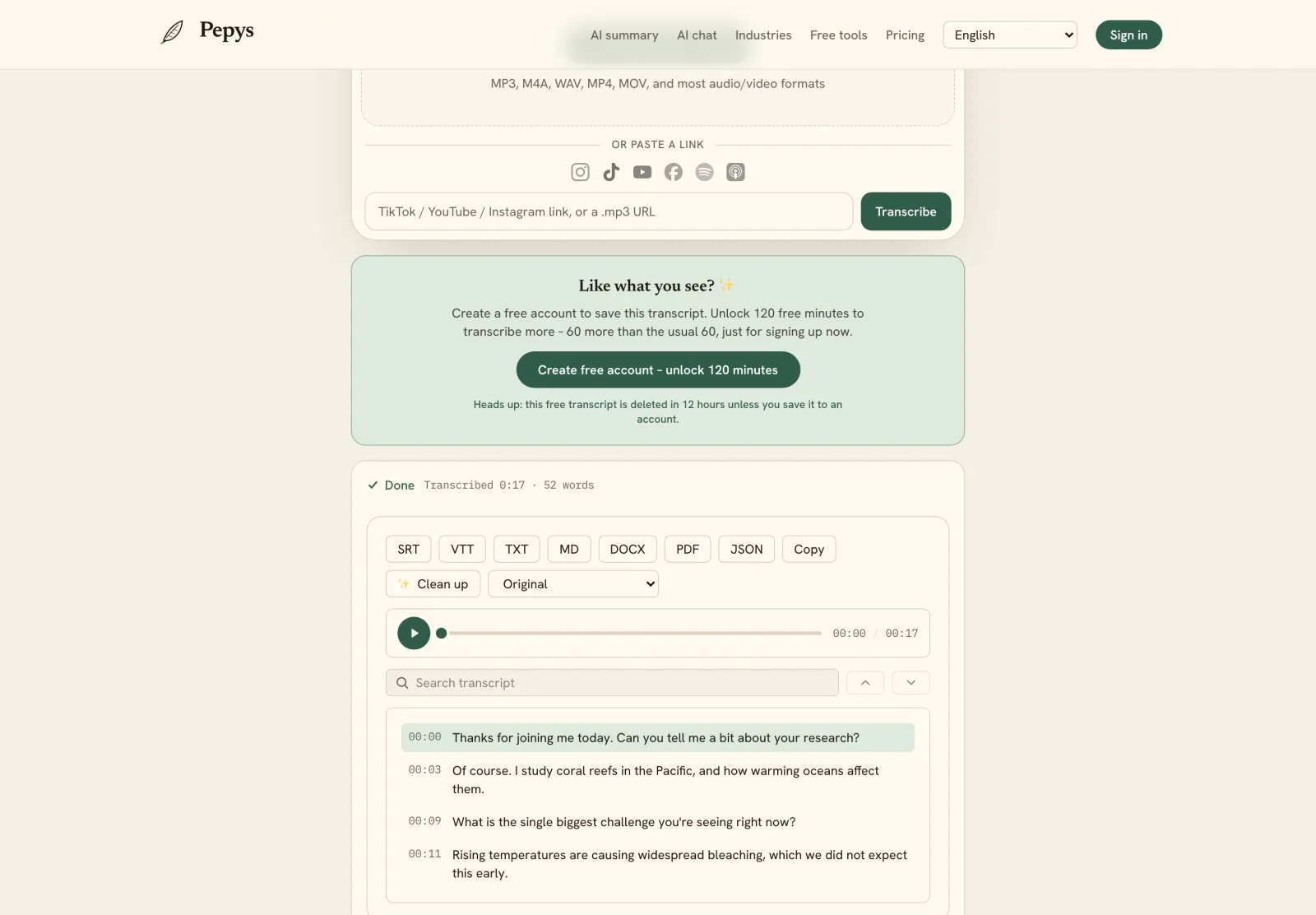
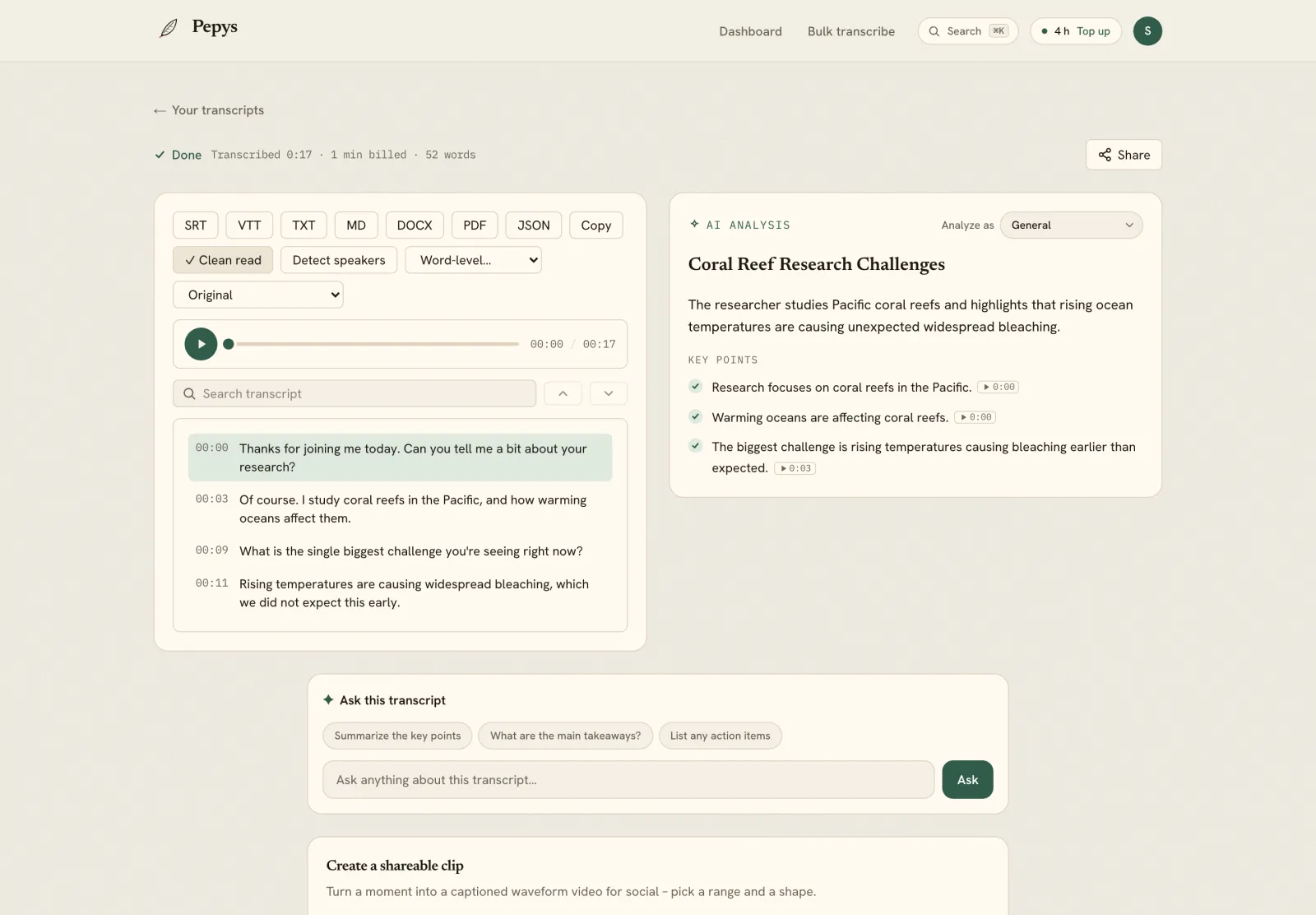
A timestamped transcript is the difference between 'I think she said that' and 'she said it at 14:32.' For any quote you publish, you want to jump straight back to the audio and hear it in context before it goes out. Word-level or sentence-level timestamps let you spot-check in seconds instead of scrubbing.
Timestamps also make a long interview navigable. Use them to build a quick index of the moments that matter – the answer where the story turns, the number you'll lead with, the line you'll pull for the headline – so when you're writing you're jumping to those points, not re-reading 9,000 words.
If you're collaborating or fact-checking, share the transcript with timestamps intact. A fact-checker who can hear the exact line works far faster and trusts the quote more than one staring at text alone.
Consent, sensitive sources, and where the audio lives
Get consent to record on the record, ideally captured in the audio itself. Recording laws vary by state – most allow one-party consent, but roughly a dozen require every party to agree, and other countries differ – so when in doubt, ask and get a clear yes before the substance starts.
For sensitive or off-the-record material, mind where the audio and transcript live. Use a tool that doesn't train AI on your files, lets you delete recordings after processing, and doesn't quietly retain them. Pepys never trains on your audio or text, and you can auto-delete files after they're transcribed.
Anonymize in the transcript itself when a source needs protection: replace names with a role label as you clean the draft, and keep the un-redacted master somewhere access-controlled. Don't email the raw transcript around if a name could put someone at risk.