Use the cleanest master you have
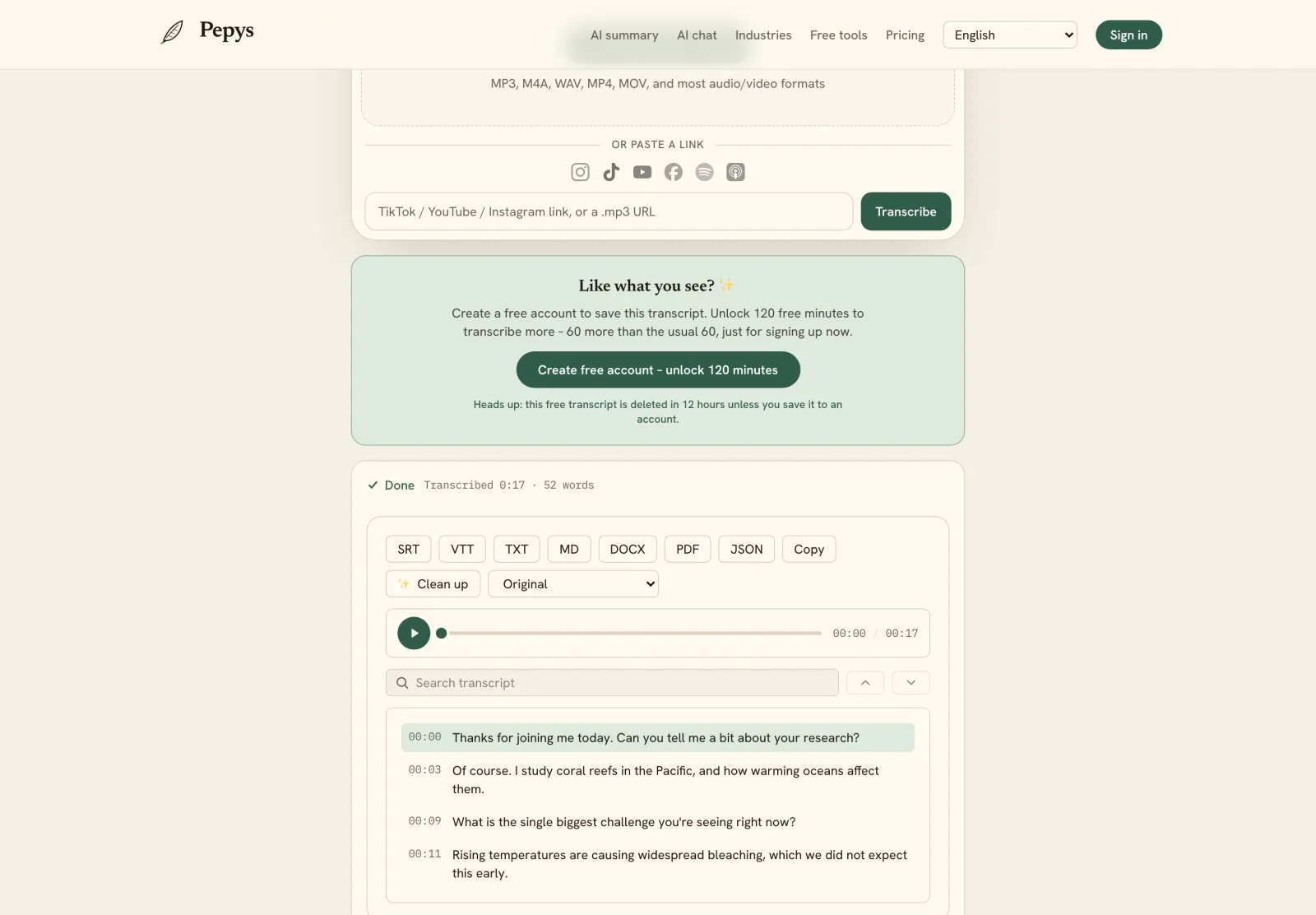
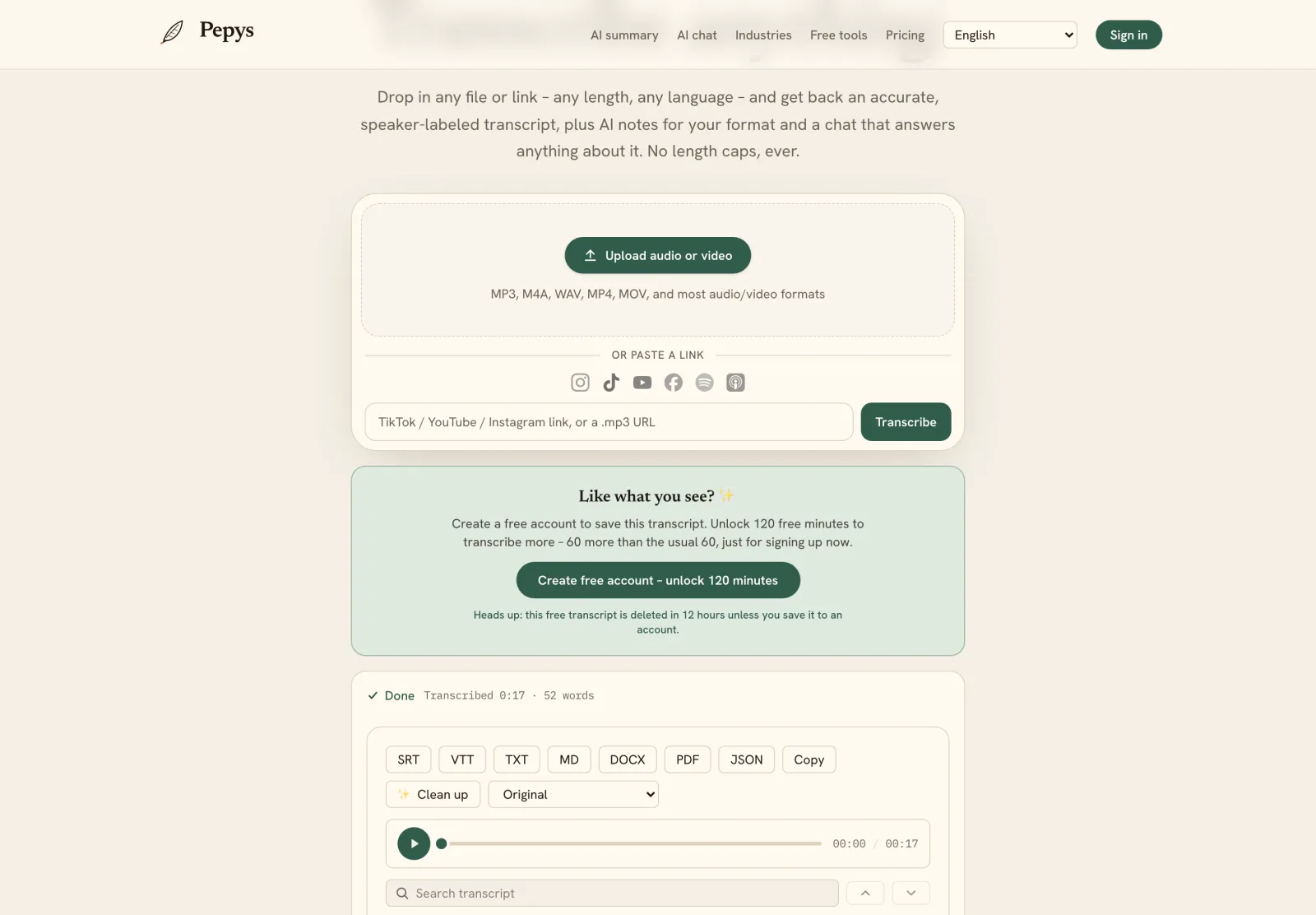
Transcribe from the highest-quality file you can reach – ideally the edited master (WAV or a high-bitrate MP3), not the compressed version your host re-encodes for streaming. The clearer the audio, the fewer corrections you'll make, especially on guest names and technical terms. If your episode lives only as a published link, you can paste that instead, but a clean export will always read better.
If you record multitrack (each speaker on their own track), keep those tracks – they make speaker labeling far more reliable than a single mixed-down file, because the tool isn't untangling two voices that overlap. For a solo show none of this matters; for a two-host plus guest episode it's the difference between clean labels and a manual cleanup pass.
Transcribe after your edit, not before. If you cut tangents, fix audio, or drop a segment in post, transcribing the final cut means your transcript, chapters, and show notes all match what listeners actually hear – no phantom timestamps pointing at content you removed.
Turn the transcript into show notes and chapters
A timestamped transcript is the raw material for everything you publish around the episode. Read it once and mark the natural beats – the intro, each major topic, the guest's best story, the takeaway. Those marks become your chapter markers (with the timestamps already attached) and the skeleton of your show notes. You're editing a structure that exists, not inventing one from a blank page.
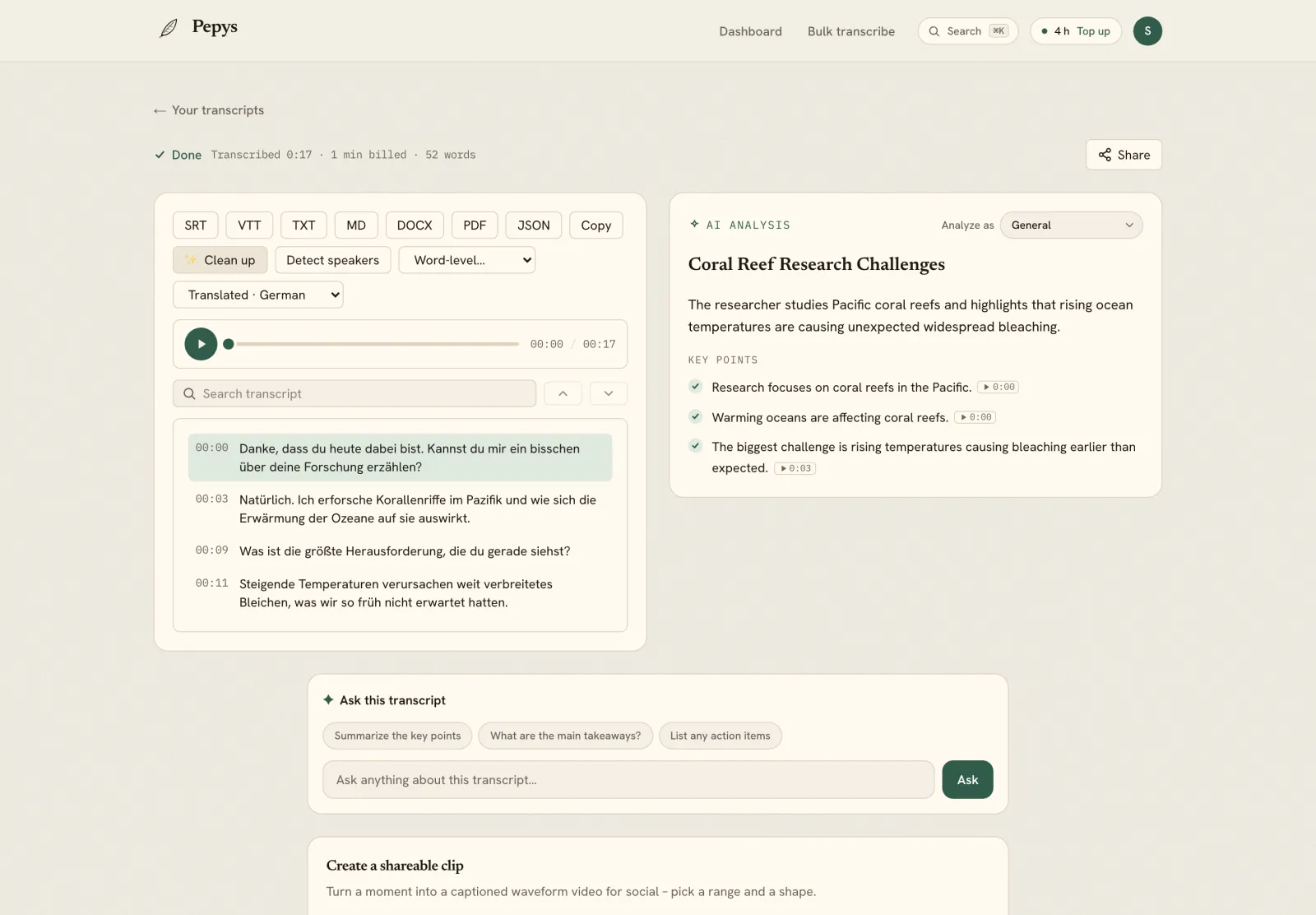
Built-in AI summaries shortcut the first draft: get a tight episode summary and a chapter list straight from the transcript, then tighten the wording in your own voice. The goal isn't to publish the AI's words verbatim – it's to skip the slowest part (figuring out what the episode was even about) and spend your time on polish.
Pull three or four quotable lines while you're in there. Punchy, self-contained sentences make the best episode descriptions, newsletter teasers, and quote cards – and you already have them timestamped, so you can grab the exact audio for an audiogram.
Publish the transcript for SEO and accessibility
Audio is invisible to search engines; a transcript is not. Posting the full text on the episode's page turns a 45-minute conversation into thousands of indexable words, so people searching for the topics, names, and phrases you discussed can actually land on your show. For many independent podcasts, transcript pages are the single biggest source of organic discovery.
Transcripts are also an accessibility baseline. Listeners who are deaf or hard of hearing, people in sound-off environments, and anyone who'd rather skim than listen all get access when the text is on the page. It's the same artifact doing double duty – reach and inclusion from one transcript.
Format it for humans, not just crawlers: keep speaker labels, break it into the same sections as your chapters, and link timestamps back to the player if your site supports it. A wall of unbroken text technically ranks but nobody reads it; a structured transcript gets used.
Make captions and audiograms from the same file
If you cut video clips or audiograms for social, you need captions – and your transcript already contains them. Export the transcript as SRT or VTT and you've got subtitle files with correct timestamps, ready to drop onto a clip. Captioned clips dramatically outperform silent, uncaptioned ones in feeds where most people watch with sound off.
For an audiogram, find the standout 30-to-60-second moment using your quote index, grab that timestamp range, and pair the waveform with the matching caption lines. Because everything traces back to one transcript, your clip captions and your published transcript say exactly the same thing – no retyping, no drift.
Translate the transcript to reach non-English listeners: a translated transcript plus translated captions opens the episode to audiences who'd otherwise bounce. It's a low-effort way to extend a single episode's reach across languages.