The recording hands you one mixed track, not clean speaker files
A webinar recording almost always gives you a single mixed audio track, not separate per-speaker files. The attendees aren't on it at all. In a Zoom webinar, attendees are muted the moment they join and can't speak unless promoted to panelist, so the captured feed is only the host and panelists. Everyone you'll transcribe is a presenter.
When you pull the cloud recording, expect pre-mixed audio. Zoom processes one file for the entire audio of a recording, and phone callers are merged into that same file. Most webinar platforms deliver a single blended track of whoever was live on air. That's fine for transcription. It just means the tool has to separate speakers from a mixed signal, so plan to fix some turns by hand.
Before you transcribe, list who was on the panel and the order they spoke in. A webinar usually has a host, two or three panelists, and a moderated Q&A, and labeling several voices across one mixed broadcast feed is the part that takes real attention. A roster turns 'Speaker 3' into a name in seconds instead of a re-listen.
Why transcribe a webinar with an AI first pass
Transcribing a webinar by hand is slow. One hour of audio can take up to six hours of manual work. Webinars often run 45 to 90 minutes, so typing one out can burn most of a working day. An AI first pass turns that into a few minutes of processing plus a focused cleanup, where you edit rather than re-transcribe.
The workflow is the same one that underpins interview transcription: let the machine handle the bulk, then spend your attention on the spots it gets wrong. For a webinar, those spots are product names, company names, acronyms, statistics read off a slide, and moments where the host talks over a panelist.
One thing to watch is specific to webinars: a lot of the meaning lives on the slides, not in the audio. Presenters say 'as you can see here' and point at a chart the transcript can't see. When you clean the draft, note the slide or figure a speaker refers to, or the quote reads as a dangling pronoun later.
Labeling a mixed host-and-panelist feed
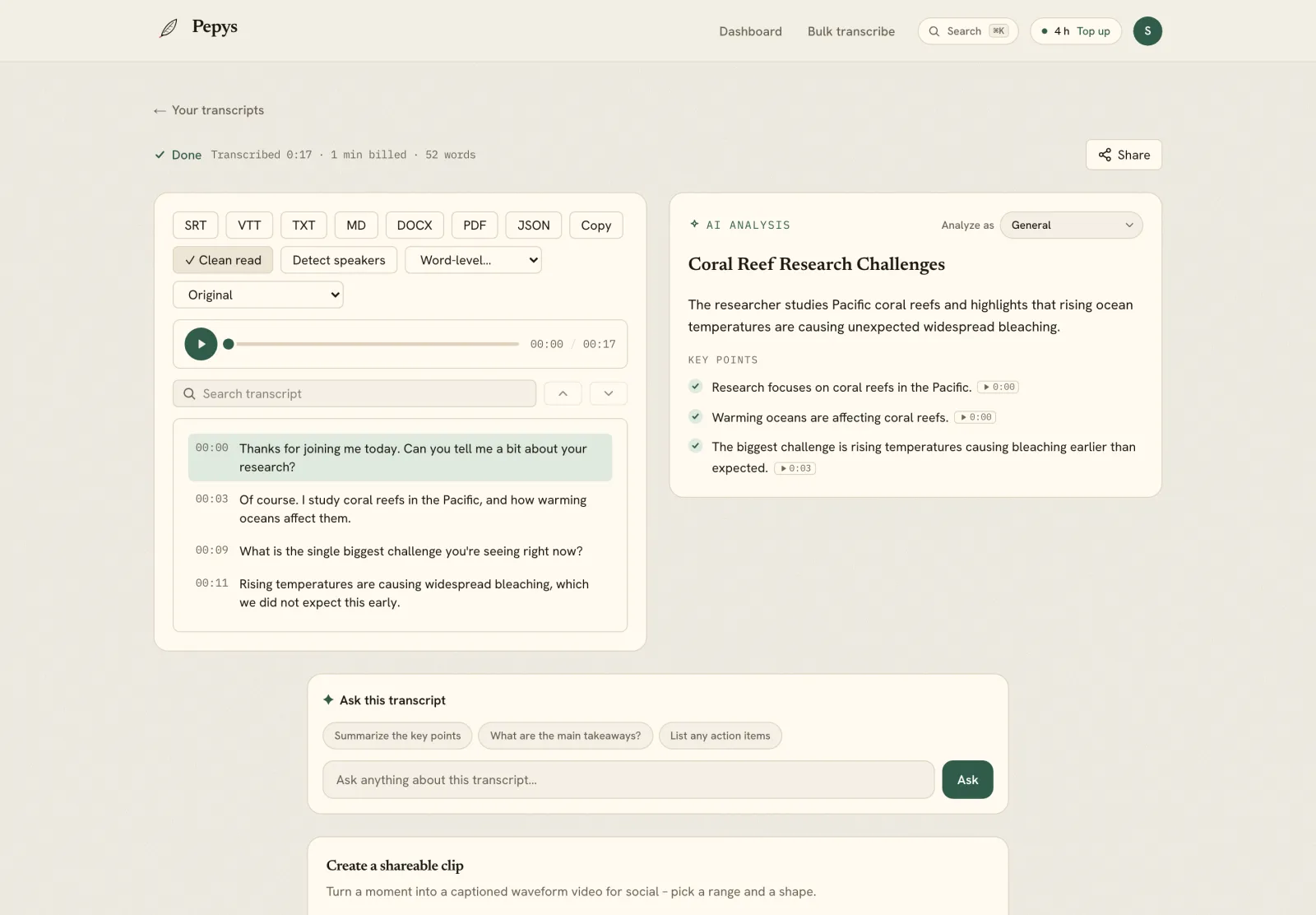
Speaker labels are where a webinar transcript earns its keep, or falls apart. Because the recording is one mixed track, the tool infers who's speaking from voice characteristics, and it will occasionally merge two panelists with similar voices or split one person across two labels. That's normal. You fix it on the read-through.
Handle the Q&A carefully. When the moderator reads out an audience question, that's the moderator's voice, not the attendee's, because attendees were never on the feed. Attribute the question to the moderator, or note it as 'audience question, read by host', so you don't put words in an attendee's mouth that they never said aloud.
Do a fast first pass on speaker turns before you touch the wording. Correct every mislabeled block, confirm the host-to-panelist handoffs, then go back for the words. Fixing labels and text in the same pass is slower, because you keep switching between two different kinds of attention.
Pulling clean, attributable quotes
A webinar is a quote mine: a named expert saying something on the record, often the exact soundbite you want for an article or a report. Pulling those attributable quotes is usually the whole reason you're transcribing, so treat them differently from the rest of the transcript.
Decide a verbatim style and apply it only to the lines you'll publish. Clean verbatim, with filler and false starts removed but the speaker's actual words kept, is the usual choice for a webinar quote. Don't polish the entire transcript to that standard, because most of it you'll never quote. And the choice isn't cosmetic: in research, transcription is a real act of representation, not a neutral clerical step.
Never silently fix a mistake a speaker made. If a panelist misstates a figure, keep their words and flag it: [insert '[sic]' right after the error](https://apastyle.apa.org/style-grammar-guidelines/citations/quotations/errors) to show the slip is theirs, not yours. Keep the timestamp on every quote so you, or a fact-checker, can jump back to the audio and hear it in context before it's published.
What you can legally publish from a webinar
Sitting through a webinar is one thing; republishing it is another. A webinar recording is a copyrighted audiovisual work, because U.S. copyright protects original works of authorship as soon as they're fixed in a tangible form. So posting the full transcript of someone else's webinar isn't automatically allowed, even though you attended it.
Quoting is a different question. The U.S. Copyright Office lists criticism, comment, and news reporting among the uses that may qualify as fair use, judged on four factors: your purpose, the nature of the work, how much you use, and the effect on its market. Short attributed quotes for reporting or analysis sit far more comfortably than a wholesale repost. We can't give legal advice, so when in doubt, quote briefly, attribute clearly, and ask permission for anything more.
If it's your own webinar, none of that constrains you. Transcribe freely and reuse it. A clean transcript is the raw material for a recap post, a follow-up email, show notes, or a lead-gen PDF. Export the cleaned transcript to DOCX and you're editing an article draft instead of starting from a blank page.