Pepys

Guide

How to transcribe a lecture

A working guide for students, researchers, and anyone who needs accurate, citable notes from a talk – not a wall of AI guesswork.

The short answer

To transcribe a lecture, start with the cleanest recording you can get, then upload it for a speaker-labeled, timestamped draft in minutes instead of hours of typing. Read the draft against the audio to fix technical terms, names, and numbers, then keep the timestamps so every quote you cite traces back to the exact moment in the talk.

Capture the lecture cleanly, or the transcript can't win

A lecture hall is one of the harder rooms a microphone will meet. It's large, full of hard reflective surfaces, and the speaker often roams away from any fixed mic. Distance and echo hit accuracy hard: in one study, swapping a close headset mic for a far-field room mic raised word error rate by 75%, because reverberation smears the speech signal. No tool recovers detail the mic never caught.

So get the recorder close to the source. Ask the lecturer if you can clip a small lav, or record from the room's lecture-capture feed or PA line-out where one exists. A direct feed from the podium mic beats anything you'll catch from row twenty, where you mostly record echo and the person unwrapping a sandwich.

If your only option is recording from your seat, sit close and central, away from AC vents and doorways. A ten-second test you play back before the talk starts is the cheapest insurance against an unusable file.

Why an AI first pass is the fast way to transcribe a lecture

Typing a lecture by hand is slow work: manual transcription runs up to six hours for a single hour of audio. A 90-minute lecture can eat a full working day. An AI first pass turns that into a few minutes of processing plus a focused cleanup, so you're editing a draft, not building one from silence.

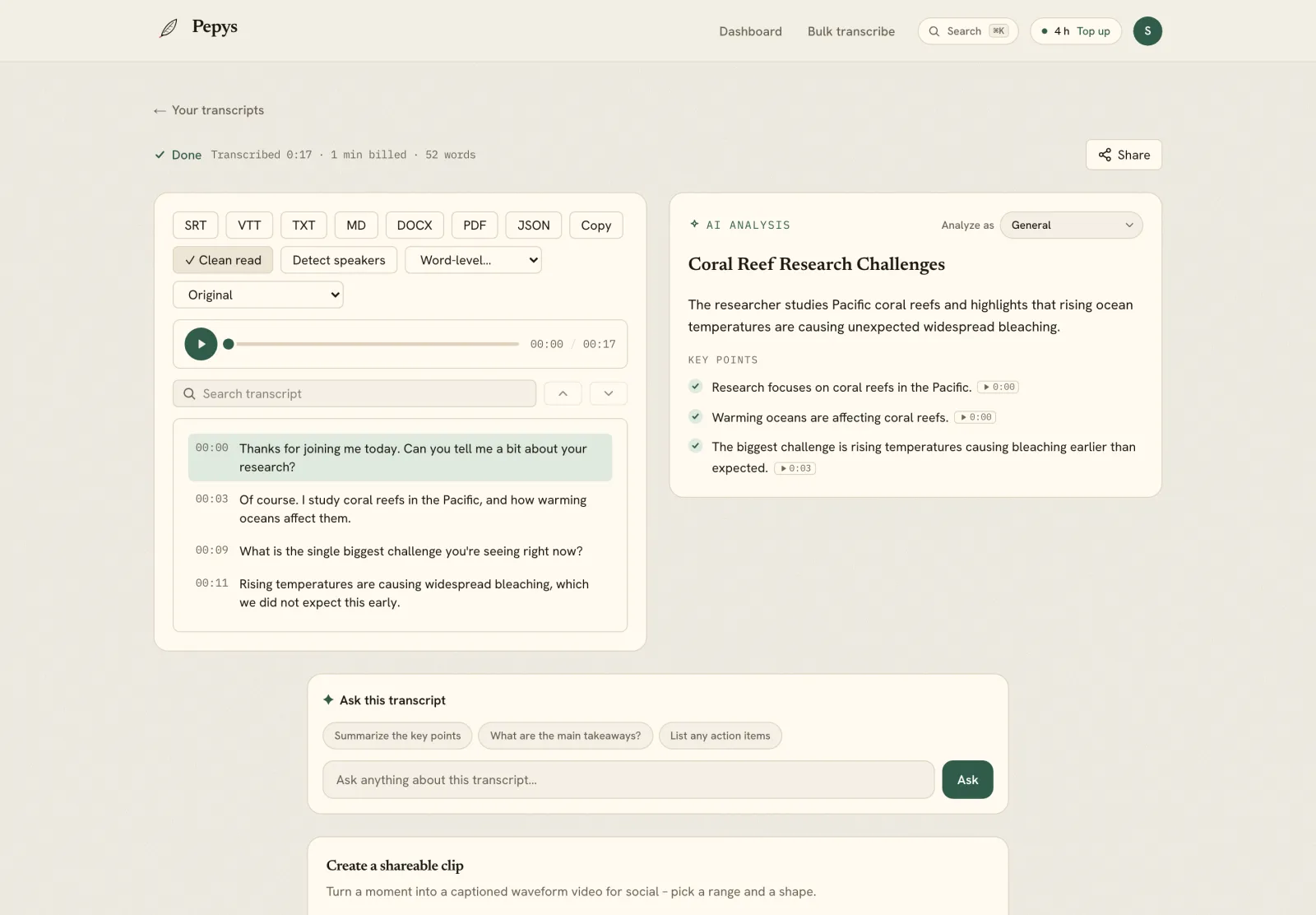
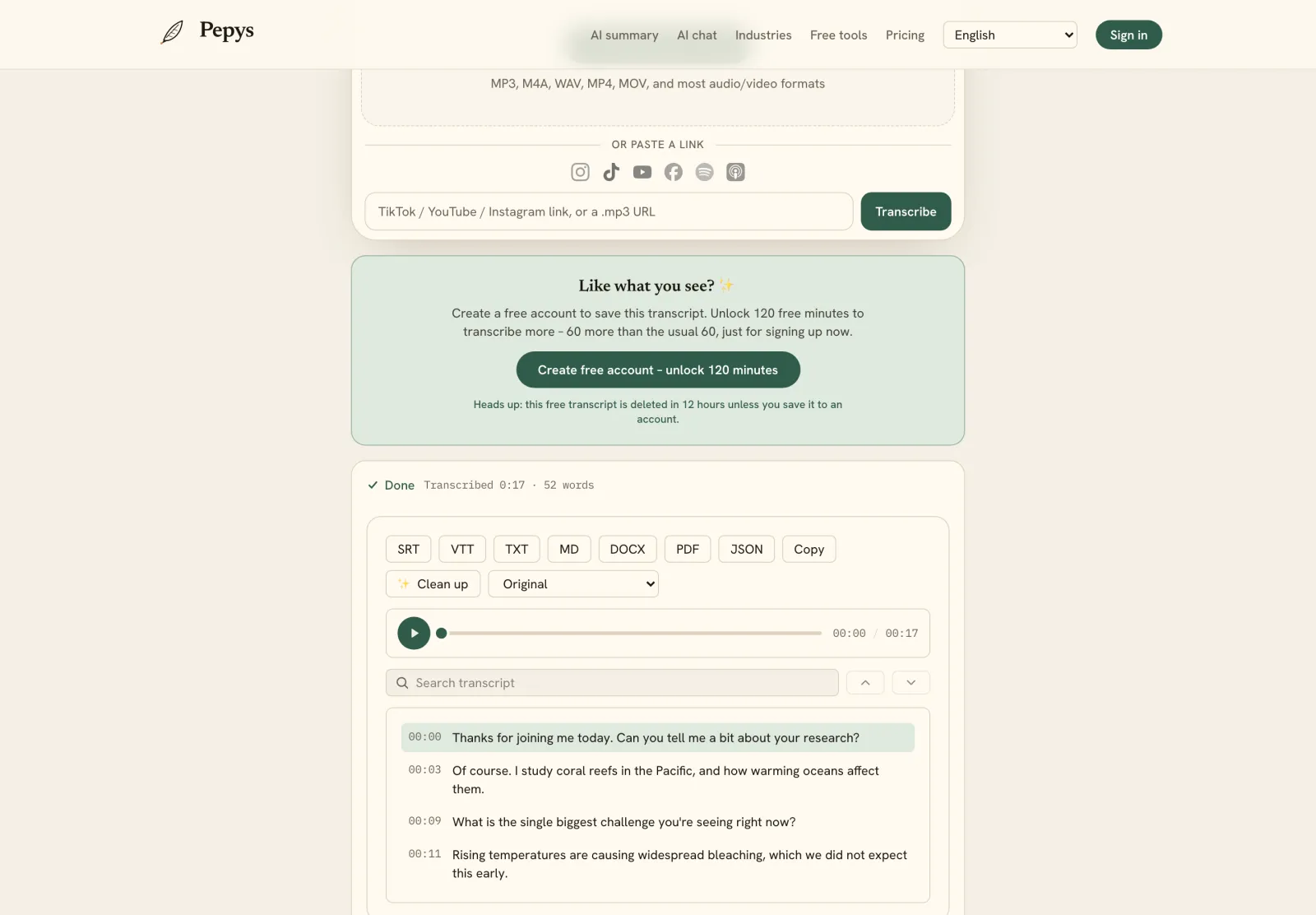
Upload the recording (or paste a link) for a lecture transcript that's timestamped and, where a seminar or Q&A has multiple voices, speaker-labeled. For most lectures you'll change a handful of words per minute, not rewrite sentences. The machine handles the bulk; you spend your attention on the parts that carry meaning.

Which parts are load-bearing? The predictable ones: proper names, specialist jargon, and any figure or date the lecturer rattles off. Those are the words a machine mishears, so that's where your read has to be sharp.

Fixing the jargon, names, and numbers

Lectures are dense with what speech-to-text finds hardest. Modern systems still have a significant error rate for entity names that appear infrequently in training data, and a lecture is wall-to-wall specialist vocabulary: cited scholars, Latin terms, drug names, theorems, acronyms. Expect these to be the errors, and aim your read straight at them.

Build a short term list before you read. The syllabus, the slide deck, and the reading list give you the correct spelling of every name and technical term the lecturer will use. With that beside you, a wrong 'Foucault' or 'mitochondria' is a two-second fix instead of a puzzle.

Where the audio is genuinely unclear, bracket it with a timestamp – [inaudible] at 21:40 – rather than guessing. A flagged gap is honest. A confidently wrong technical term is worse than a blank, because a reader can't tell you got it wrong.

Verbatim or clean? Decide before you edit

Pick your transcription style up front, because it changes every line. Researchers distinguish naturalism, where every utterance is captured in detail, from denaturalism, where grammar is corrected and noise removed – and they frame transcription itself as an act of representation. For study notes, readable is usually right; for pedagogy or discourse research, keep it verbatim.

The mechanics are the same as any spoken-word source. If you want the full method, the interview transcription guide walks through strict, clean, and readable verbatim in depth. Whichever you choose, apply it consistently, and don't polish the whole file – clean only the passages you'll actually quote or code.

Never quietly fix a slip the lecturer made. If they misstate a date or a name, keep their words and flag it with a bracketed [sic] – the convention for showing the error is the source's, not yours.

How do you cite a lecture you transcribed?

Citation depends on whether anyone else can retrieve the talk. APA treats an unrecorded classroom lecture as a personal communication, cited in the text only and left out of the reference list, because readers can't access it. A recorded, recoverable lecture goes in the reference list in the appropriate audiovisual format.

This is where timestamps earn their keep. Pull attributable lines with a quote transcript so each quotation carries the exact moment it was said, and you can re-check it in seconds. When you're ready to write, export the transcript to DOCX and work from there.

Keep the timestamps in your working copy. A quote you can trace back to 33:12 in the audio is one you can defend. A line you half-remember is one a fact-checker will strip out.

Can you legally record and transcribe a lecture?

A lecture is a protected work, not free-floating information. The Berne Convention lists 'lectures, addresses, sermons' among protected works, and the U.S. Copyright Office gives the author the exclusive right to reproduce the work once it's fixed. Recording for your own study notes is one thing; republishing the transcript is another.

Consent to record varies by place. Under one-party rules you can record a talk you attend, but about 11 U.S. states require all parties to agree, and requirements vary by state and country. The simple move is to ask the lecturer, and most will say yes for personal study.

Quoting the lecture in your own work usually falls under fair use, but there's no safe word count. The Copyright Office is explicit: no fixed percentage or number of words is guaranteed, and courts weigh four factors case by case. We can't give legal advice; when the use is public or commercial, check first.
The steps, in order

  1. 01

    Capture the cleanest audio you can

    Record close to the speaker – a clipped lav, a podium-mic feed, or the room's lecture-capture line beats a phone in the back row. Run a 10-second test first.

  2. 02

    Upload it for an AI first pass

    Drop the file or paste a link to get a timestamped, speaker-labeled draft in minutes instead of a full day of typing.

  3. 03

    Read the draft against the audio

    Fix what AI misses – cited names, technical terms, acronyms, and numbers – using the slides and syllabus as your spelling reference. Mark unclear spots as [inaudible] with a timestamp.

  4. 04

    Choose a verbatim style and clean the quotes

    Apply one style – strict, clean, or readable – and tidy only the passages you'll quote or code, keeping timestamps on every line.

  5. 05

    Cite and export

    Cite a recoverable lecture in your reference list, an unrecorded one in text only. Export to DOCX for writing or SRT/VTT for captions.

Tips from people who do this a lot

  • Grab the slide deck and reading list before you transcribe – they're the correct spelling of every name and term the lecturer will mangle on the recording.

  • A line-out from the lecture-capture system or podium mic is the single biggest accuracy upgrade – far more than any setting in the transcription tool.

  • Decide early whether your lecture is recoverable or not; it changes whether the citation goes in your reference list or stays in the text.

  • Don't clean the whole transcript. Polish only the passages you'll quote or code; the rest just needs to be searchable.

  • Say the date and course into your own recording at the start – it anchors your citation and consent without a separate note.

Try it now

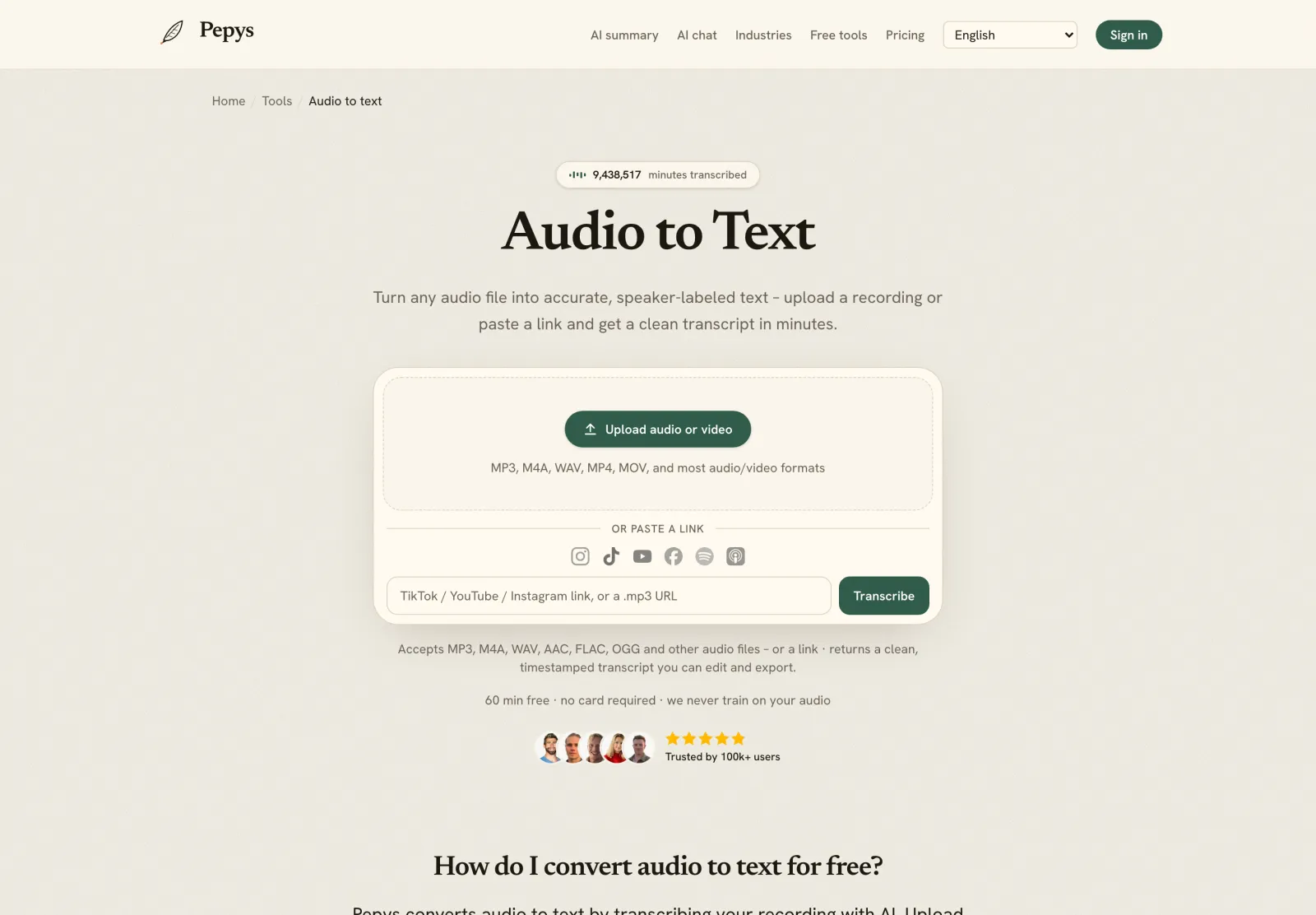
Drop in your recording or paste a link and get a clean, speaker-labeled transcript in minutes. Your first 60 minutes are free.

or paste a link
InstagramTikTokYouTubeFacebookSpotifyApple Podcasts

60 min free · no card required · we never train on your audio

PodcasterJournalistContent creatorResearcherStudent
Trusted by 100,000+ creators, podcasters, journalists & researchers

How to transcribe a lecture – questions, answered

What's the fastest way to transcribe a lecture?

Get an AI first pass, then clean by hand. Upload the recording (or paste a link) for a timestamped draft in minutes, then fix the names, terms, and numbers that matter. That beats typing from scratch, which can run up to six hours per hour of audio.

How do I get technical terms and names right?

Keep the slides, syllabus, and reading list beside you as you read the draft. Speech-to-text has a high error rate on rare names and specialist vocabulary, so those are the words to check. Fix them against the source spelling, and mark anything unclear as [inaudible] with a timestamp.

How do I cite a lecture I transcribed?

It depends on whether the talk is recoverable. Under APA, an unrecorded classroom lecture is a personal communication, cited in the text only and kept out of the reference list. A recorded, retrievable lecture goes in the reference list in the appropriate audiovisual format.

Is it legal to record and transcribe a lecture?

A lecture is a copyrightable work, so the author holds the right to reproduce it. Recording for personal study is usually fine, but consent laws vary – some places allow one-party consent, others require everyone to agree. Ask the lecturer, and get permission before republishing any transcript.

Should I transcribe a lecture word-for-word or clean it up?

Depends on use. Readable verbatim, lightly tidied for grammar, suits study notes and most writing. Strict verbatim – every filler and false start – suits pedagogy or discourse research, where how something was said is the data. Pick one style and apply it consistently.

References

  1. 1.Purushothaman et al., far-field speech recognition and reverberation (75% relative WER increase)arXiv / Speech Communication
  2. 2.Haberl et al. (2023), Take the aTrain – manual transcription time cost, citing Bell et al. (2018)arXiv / University of Graz
  3. 3.Retrieval Augmented Correction of Named Entity Speech Recognition Errors – WER on rare entity namesarXiv
  4. 4.Oliver, Serovich & Mason (2005), naturalism vs denaturalism in transcriptionSocial Forces (Oxford) via ERIC / IES
  5. 5.Quotations that contain errors – the [sic] conventionAPA Style
  6. 6.Personal communications – citing unrecorded classroom lectures in text onlyAPA Style
  7. 7.Berne Convention Art. 2(1) – lectures among protected literary and artistic worksWIPO
  8. 8.What is Copyright? – exclusive right to reproduce a fixed workU.S. Copyright Office
  9. 9.More Information on Fair Use – four-factor, case-by-case test with no fixed word countU.S. Copyright Office
  10. 10.Introduction to the Reporter's Recording Guide – one-party vs all-party consentReporters Committee for Freedom of the Press

Keep reading

Don't just take our word for it.

Ask ChatGPT, Claude, or Perplexity what Pepys is and who it's for. One click, and your favorite AI does the homework.

Get your transcript – free to start

Pay as you go – credits never expire, nothing to cancel. Or start free with 60 minutes, no card.