Pepys

Guide

How to transcribe messy audio

For researchers, journalists, and anyone whose recording is buried under noise, accents, or people talking over each other – what actually helps, and what no tool can fix.

The short answer

Most errors on messy audio are baked in before you hit upload, so fix it upstream first. Record each speaker on a separate track, place mics close, and denoise the file. Then run a current large model like Whisper large-v3, add speaker labels for crosstalk, and do a human correction pass. No tool cleanly untangles heavy overlap, so capture and correction do the real work.

Why does messy audio break speech-to-text?

Clean conversation is nearly solved; messy conversation is not. On the Switchboard benchmark, professional human transcribers hit a 5.9% word error rate, and machines now match it. Put that same talk in a real room with distant mics and people overlapping, and the CHiME-6 'dinner party' baseline runs 51.3% word error. Same task, nearly nine times the mistakes.

The root cause is signal-to-noise ratio: how loud the voice is against the background. In one controlled test, recognition stayed stable at a signal-to-noise ratio of 5 dB and above but degraded sharply below it. Under that line, noise rivals the speech and the model starts filling gaps with guesses. The broader word-error-rate picture lives in the transcription-accuracy guide; here we stay on what noise, reverberation, and overlap specifically do.

Three forces degrade the signal before the model ever runs: noise buries the voice, reverberation smears it, and overlap fuses two people into one waveform. Accents pile on a fourth by shifting sounds away from the model's training data. Each has a different fix, and none of them is a setting you flip after the recording already exists.

Fix it upstream: the biggest wins come before you transcribe

The largest gains aren't in the software; they're in capture. Distance and reverberation alone are brutal: in a far-field ASR review, a single distant-microphone baseline hit about 49% word error, dropping to 6.14% with a multi-microphone front-end. Getting the mic close and the room dry does more for accuracy than any model setting.

Capture each speaker on a separate track wherever you can. Per-channel recording, separate lav mics, or per-participant local recording keeps speakers apart. One loud talker never buries a quiet one, and overlap stays separable instead of fusing into a single blur. Place mics close to each mouth, off hard reflective surfaces, and away from fans, vents, fridges, and HVAC hum. Close and dry beats far and live, every time.

Then denoise the file before you transcribe. Free and effective: ffmpeg's afftdn and arnndn filters (an FFT denoiser and a neural speech denoiser), and Audacity's Noise Reduction, which learns a noise profile from a silent selection and subtracts it. For stubborn tonal or broadband noise, iZotope RX's Spectral De-noise is the paid step up.

But denoise gently, because enhancement isn't free. Researchers who decomposed speech-enhancement error found the artifacts it introduces, not the leftover noise, are the main cause of downstream recognition errors. The practical rule: remove steady hiss and hum, then stop. Scrub hard enough to dull the voice and you'll trade one problem for a worse one.

Which model handles messy audio best?

For degraded audio, model choice matters, and bigger plus newer wins. Whisper's own results show accuracy and noise tolerance both climb with model size and training-data scale, and Whisper held up better than rival systems once added pub noise fell below 10 dB. On messy audio, run the largest current model you can.

Concretely, prefer large-v3 over the speed-optimized turbo. OpenAI describes turbo as 'an optimized version of large-v3' that is faster with 'minimal degradation in accuracy'. On clean audio you won't hear the difference. On messy audio, where every point of accuracy counts, take the slower, more accurate model. (turbo also isn't trained for translation, if you need that.)

Accents are where model and capture meet. A current large model recognizes far more accents than one from a few years ago, but heavy accents still lift error, and no model erases that. The guide to transcribing accented English covers the accent-specific tactics: custom vocabulary, prompting, and what to verify. Pick the biggest model, then plan to correct.

Crosstalk: what to do when people talk over each other

Overlap is the single hardest case in transcription. When voices collide, the words blur and the speaker labels scramble at once. On CHiME-6, adding automatic speaker diarization to the same recordings pushed the baseline from 51% to 78% word error. No consumer tool cleanly separates simultaneous speakers from one mixed track, which is exactly why separate-track capture matters most here.

The fix is upstream capture plus a targeted pass on the labels, because errors cluster precisely where voices overlap. The guide to transcribing multiple speakers covers the full diarization walk-through: how speaker labeling works, what to expect on overlap, and how to relabel efficiently. Here, the takeaway is simpler: you fix crosstalk at the mic, not in post.

The correction pass you can't skip

Never ship an unread machine transcript of messy audio. On degraded or near-silent stretches, Whisper-class models can fabricate passages with no source in the audio. One study found about 1% of transcriptions contained entire hallucinated phrases that were never spoken, concentrated in non-vocal gaps and worse for atypical speech. A fluent sentence that never happened is more dangerous than an obvious gap.

Budget a human pass, and aim it. Read the transcript against the audio and hit the spots noise breaks: names, numbers, overlapping turns, and any suspiciously smooth passage sitting over a noisy or silent stretch. Starting from an AI first pass and correcting it is far faster than typing from scratch. Mark genuinely unclear audio as [inaudible] with its timestamp instead of guessing.

Set expectations honestly. A current model, clean speaker labels, and a careful editing pass will get most messy audio to usable and citable. What no tool does is untangle heavy crosstalk you never separated, or rebuild a voice buried under noise. That work happens at capture, or it doesn't happen at all.
The steps, in order

  1. 01

    Record separate tracks where you can

    Mic each speaker close and record per-channel (separate lavs, or per-participant local recording) so one loud voice never buries another and overlapping speech stays separable. Keep mics off hard surfaces and away from fans, vents, and hum.

  2. 02

    Denoise before you transcribe

    Remove steady hiss and hum first with ffmpeg's afftdn or arnndn, Audacity's Noise Reduction, or iZotope RX for tough jobs. Denoise gently: over-aggressive enhancement adds artifacts that make recognition worse, not better.

  3. 03

    Run a current large model

    Transcribe with the largest current model you can, such as Whisper large-v3, which holds up better on degraded audio than the speed-optimized turbo. Bigger, newer models handle noise and accents better.

  4. 04

    Add speaker labels for crosstalk

    Turn on diarization so who-said-what is tracked, but expect label errors to cluster where voices overlap. Separate tracks make labeling far cleaner than a single mixed file does.

  5. 05

    Do a human correction pass

    Read the transcript against the audio and fix the spots noise breaks: names, numbers, overlap, and any smooth passage over a noisy or silent stretch where the model may have invented words. Mark unclear audio as [inaudible] with its timestamp.

Tips from people who do this a lot

  • Record a 10-second test and play it back before the real thing – a buzzing fan or a mic pointed the wrong way is fixable now, not after.

  • Denoise gently. Killing steady hiss and hum helps; scrubbing hard enough to dull the voice adds artifacts that raise error, not lower it.

  • On messy audio, pick large-v3 over turbo. The speed you lose matters less than the noise tolerance you gain when the signal is already degraded.

  • Watch the quiet parts. Hallucinated words cluster in near-silent and non-vocal stretches, so read any suspiciously fluent line over a noisy or silent gap.

  • You can't fix overlap in software. If two people must be captured, record them on two tracks – that single choice beats every post-processing trick.

Try it now

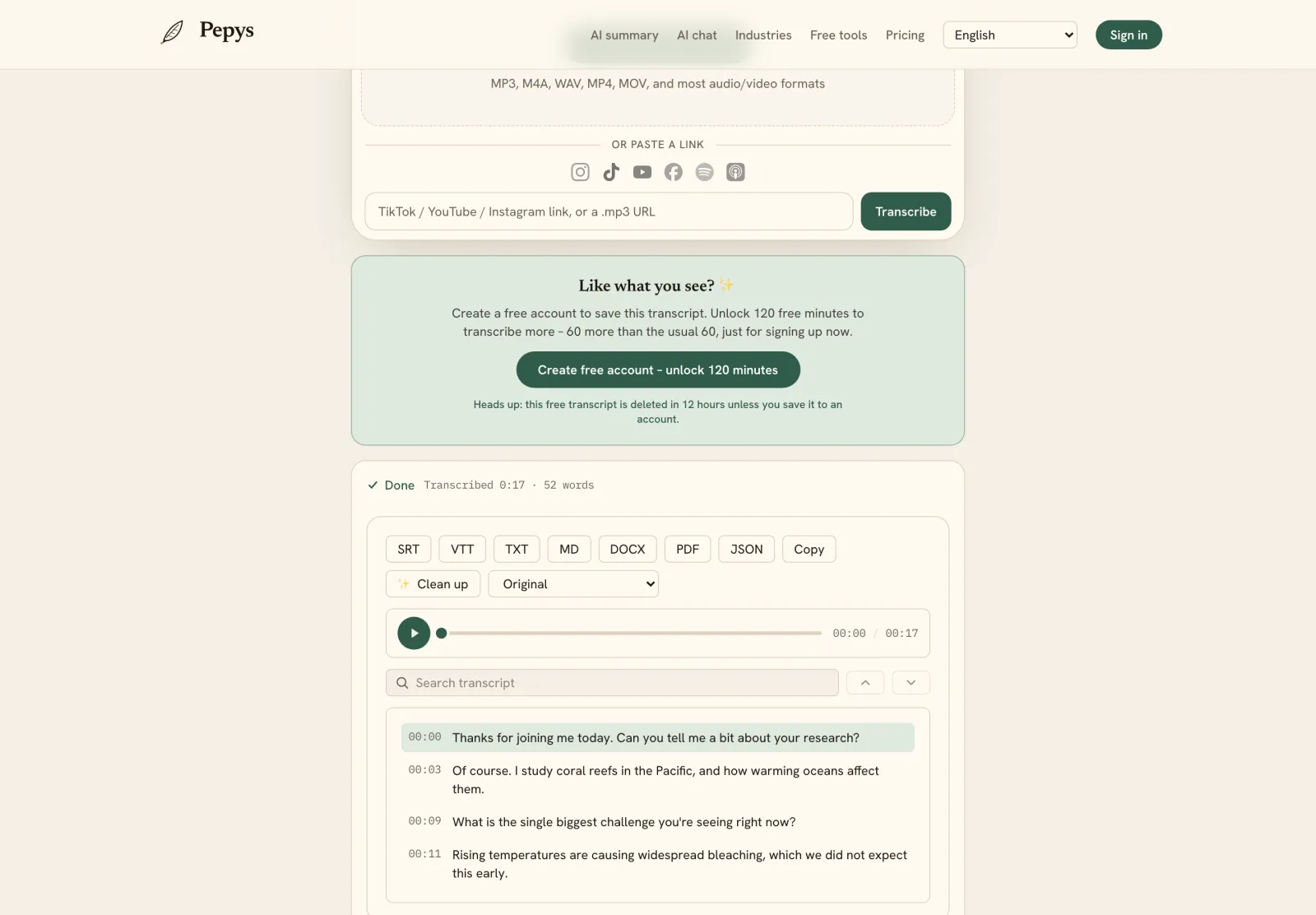
Drop in your recording or paste a link and get a clean, speaker-labeled transcript in minutes. Your first 60 minutes are free.

or paste a link
InstagramTikTokYouTubeFacebookSpotifyApple Podcasts

60 min free · no card required · we never train on your audio

PodcasterJournalistContent creatorResearcherStudent
Trusted by 100,000+ creators, podcasters, journalists & researchers

How to transcribe messy audio – questions, answered

Does denoising help or hurt transcription?

Both, depending on how hard you push it. Gentle denoising that removes steady hiss and hum usually helps. Aggressive enhancement backfires: researchers found processing artifacts, not leftover noise, are the main cause of recognition errors after enhancement (Iwamoto et al. 2022). Remove obvious noise, then stop.

What's the best transcription model for strong accents?

Use the largest current model you can run. Whisper's own results show accuracy and noise tolerance both rise with model size and training data (Radford et al. 2022), so large-v3 beats smaller or older models on accents. Strong accents still lift error, so plan a correction pass and check names and terms.

Can AI separate people talking over each other?

Not cleanly from a single mixed recording. Overlapping speech is the hardest case for automatic transcription and diarization: on the CHiME-6 benchmark, adding automatic speaker separation pushed the baseline from 51% to 78% word error (Watanabe et al. 2020). The reliable fix is recording each speaker on a separate track.

Why does noisy audio produce made-up words?

Because the model fills gaps it can't hear. On degraded or near-silent stretches, Whisper-class models can hallucinate: one study found about 1% of transcriptions contained entire phrases that were never spoken, concentrated in non-vocal gaps (Koenecke et al. 2024). Always read noisy transcripts against the audio.

How noisy is too noisy to transcribe?

As a rough guide, recognition holds up at a signal-to-noise ratio of about 5 dB and above, then degrades sharply below it (Kumalija & Nakamoto 2022). In plain terms: if the voice clearly dominates the background you're fine; once noise rivals the speech, accuracy falls fast. Denoise or re-record.

References

  1. 1.Xiong et al. (2016), Achieving Human Parity in Conversational Speech RecognitionarXiv (Microsoft Research)
  2. 2.Watanabe et al. (2020), CHiME-6 Challenge – baseline WER (Tables 1 and 4)arXiv / CHiME-6 workshop
  3. 3.Kumalija & Nakamoto (2022), ASR performance versus signal-to-noise ratioFrontiers in Signal Processing
  4. 4.Haeb-Umbach et al. (2021), Far-Field Automatic Speech RecognitionProceedings of the IEEE
  5. 5.Iwamoto et al. (2022), How Bad Are Artifacts? – speech-enhancement artifacts and ASRInterspeech 2022
  6. 6.Radford et al. (2022), the OpenAI Whisper paper (arXiv:2212.04356)OpenAI
  7. 7.Whisper README / model card – turbo versus large-v3OpenAI
  8. 8.FFmpeg Filters Documentation – afftdn and arnndn denoisersFFmpeg (official docs)
  9. 9.Audacity Manual – Noise ReductionAudacity (official manual)
  10. 10.iZotope RX – Spectral De-noiseiZotope (official docs)
  11. 11.Koenecke et al. (2024), Careless Whisper: Speech-to-Text Hallucination HarmsACM FAccT 2024

Keep reading

Don't just take our word for it.

Ask ChatGPT, Claude, or Perplexity what Pepys is and who it's for. One click, and your favorite AI does the homework.

Get your transcript – free to start

Pay as you go – credits never expire, nothing to cancel. Or start free with 60 minutes, no card.