Pepys

Guide

How to improve transcription accuracy

A working guide for researchers and journalists on getting a transcript you can cite – fix the audio, learn what accuracy actually means, and verify the lines that matter.

The short answer

To improve transcription accuracy, fix the audio before you touch the software: mic each speaker close, cut background noise, and record per-channel so voices stay separable. Then run an AI first pass and verify by hand, because the errors that matter – names, numbers, and speaker labels – cluster in a small slice of the transcript. Read those lines against the recording and fix them.

Transcription accuracy starts with the recording, not the software

Clean audio is the biggest accuracy lever, and the effect is measurable. Automatic speech recognition word error rate falls as the signal-to-noise ratio rises, and degrades sharply once SNR drops below 5 dB. One evaluated model scored a 0.12 word error rate on clean speech versus 0.79 on noise-distorted speech across babble, car, street, and station noise. No cleanup step recovers detail the microphone never captured.

So spend the effort upstream. Mic each speaker close, off hard surfaces that boom, and away from vents, fridges, and fans. For remote calls, record per-channel where the platform allows it. The full capture checklist lives in the interview workflow guide; the short version is that a $30 lav clipped to a lapel beats a phone across the table, every time.

How accurate can transcription actually get?

Accuracy is measured as word error rate, or WER, defined as 100 x (insertions + substitutions + deletions) divided by the words in the reference transcript and scored with NIST's sclite script. The realistic ceiling is human: professional transcribers hit 5.9% WER on Switchboard conversational speech, rising to 11.3% on harder open-ended calls. Expect roughly 5–6% on clean, on-topic speech.

That number reframes the goal. You're not chasing a perfect transcript; even trained humans miss about one word in twenty on natural conversation. An AI first pass lands in the same neighborhood on clean audio, so your job is editing, not re-transcribing. Judge a tool on the errors it makes on your audio, not on a headline accuracy figure from a lab benchmark.

Why a word-perfect transcript can still be wrong

Word accuracy and speaker accuracy are different metrics. A transcript can be word-for-word correct yet attribute lines to the wrong person, which is why speaker labeling has its own score: diarization error rate, or DER, introduced for NIST's Rich Transcription Spring 2003 evaluation. It measures who-spoke-when over time – DER = (false alarm + missed + wrong-speaker) divided by total reference speaker time – not whether the words are right.

For attributable quotes, this is the accuracy that bites. Overlapping speech and single-mic recordings are where speaker labels slip. Record each speaker on a separate channel and the tool has far less to guess. With a mixed file you'll still get labels, but budget time to fix turns by hand around crosstalk, especially short interjections that land inside another person's sentence.

Verify the quotes you'll actually publish

Verification is where accuracy is won, and it's cheaper than starting over. Manual transcription runs up to about six hours per audio hour, so re-typing to fix errors is the slow path. Instead, read the draft against the audio and spend your attention on the load-bearing 5%: names, companies, acronyms, and fast-spoken numbers. Those are exactly the spots ASR misses.

Isolate the lines you'll cite and check each one against the recording before it ships. Word- or sentence-level timestamps let you jump to a line and hear it in seconds instead of scrubbing. Tools that pull and verify a specific quote make this faster. Flag anything genuinely unclear as [inaudible] with its timestamp rather than guessing; a flagged gap is honest, a confident wrong quote is a correction waiting to happen.

Accuracy is also a representational choice

In qualitative research, the verbatim style you choose shapes the analysis itself, not just how a quote reads. Naturalized transcription captures every utterance – stutters, pauses, false starts – while denaturalized transcription corrects grammar and strips interview noise. Oliver, Serovich and Mason frame that decision as a representational act with consequences for findings, and urge you to interrogate its impact rather than treat it as cosmetic.

So set the rule before you edit, and hold it across the whole transcript. Whatever style you pick, never silently correct a factual slip a source made. If they say the wrong year, keep the wrong year and mark it: the standard fix is a bracketed sic marker, italicized and inserted immediately after the error, signaling the mistake is the source's and not yours. Accuracy to the record beats a tidy-looking quote.
The steps, in order

  1. 01

    Fix the audio first

    Mic each speaker close, cut background noise and reverb, and record per-channel on remote calls. Cleaner input is the single biggest accuracy gain, and no software step recovers what the mic missed.

  2. 02

    Run an AI first pass

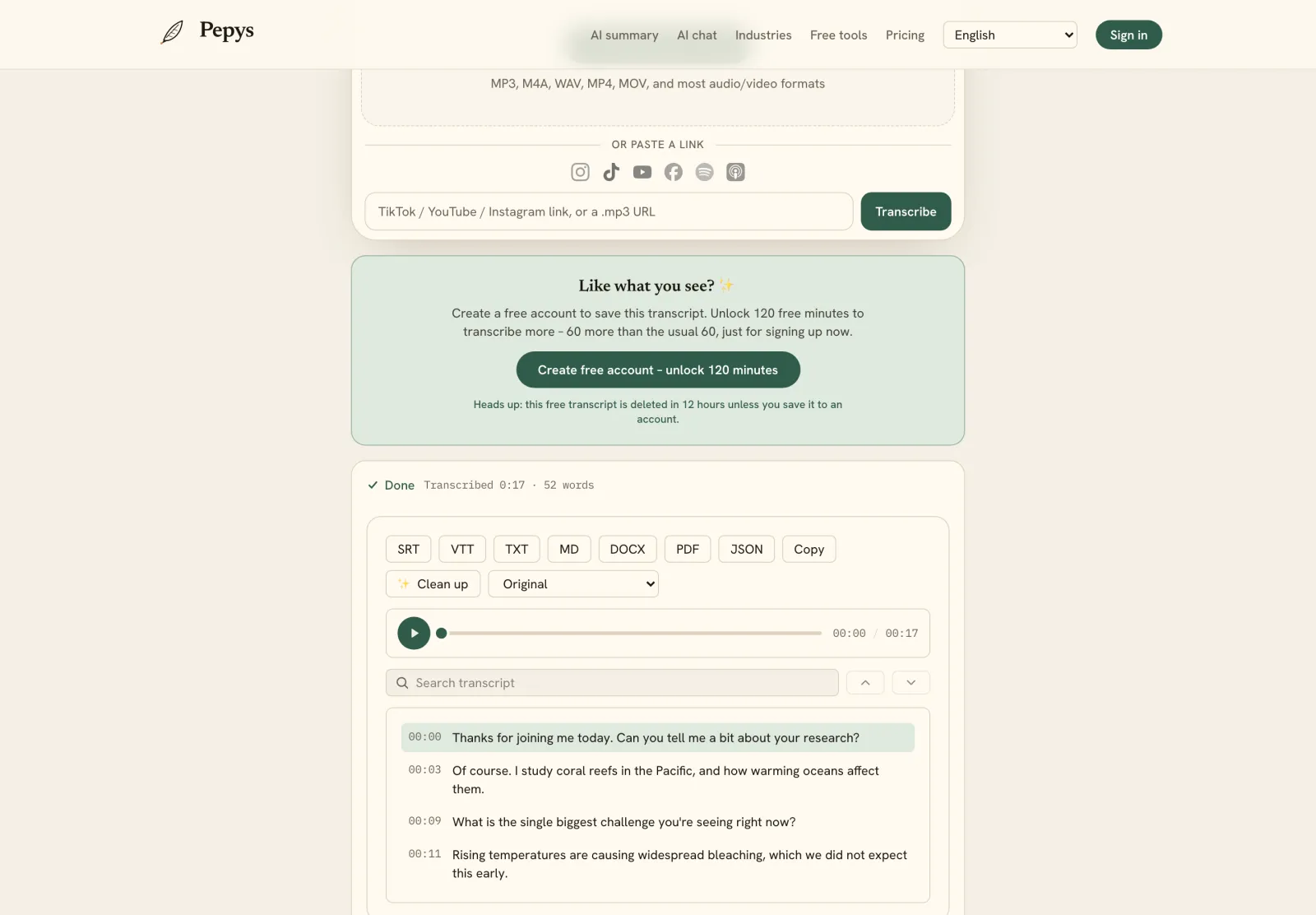
    Upload the recording for a speaker-labeled, timestamped draft in minutes. On clean audio this lands near the human accuracy ceiling, so the remaining work is editing rather than typing from scratch.

  3. 03

    Check the speaker labels

    Scan for misattributed turns, especially around crosstalk and short interjections. Speaker accuracy is a separate metric from word accuracy, and it is what makes a quote safely attributable.

  4. 04

    Verify the quotes against the audio

    Read the draft with the recording and fix the load-bearing 5%: names, acronyms, and fast numbers. Use timestamps to re-check every line you'll cite, and mark unclear passages as [inaudible].

  5. 05

    Lock your verbatim style

    Choose strict, clean, or readable verbatim before editing and apply it consistently. Never silently correct a source's factual slip; flag it with a bracketed sic marker instead.

Tips from people who do this a lot

  • Record a 10-second test and play it back – catching a buzzing fan or low SNR now prevents an interview you can't accurately transcribe later.

  • Per-channel recording is the biggest upgrade to speaker accuracy you can make, far more than any diarization setting inside the transcription tool.

  • Don't clean the whole transcript to publication quality. Verify only the lines you'll quote; the rest just needs to be searchable.

  • Judge accuracy on your own audio, not a lab benchmark – even professional human transcribers miss about one word in twenty on natural conversation.

  • Keep timestamps intact so every quote is re-checkable; a fact-checker who can hear the exact line works faster and trusts the quote more.

Try it now

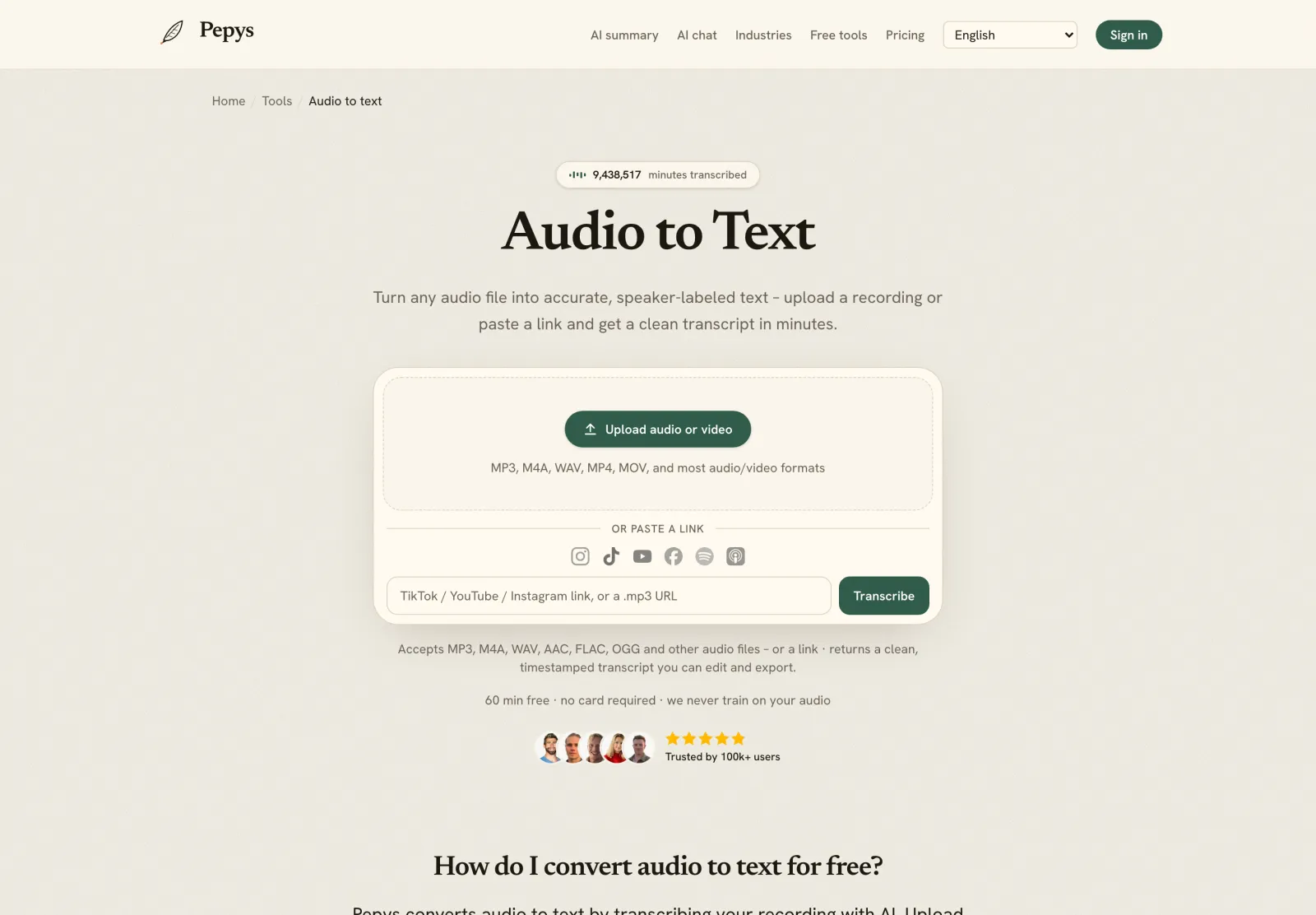
Drop in your recording or paste a link and get a clean, speaker-labeled transcript in minutes. Your first 60 minutes are free.

or paste a link
InstagramTikTokYouTubeFacebookSpotifyApple Podcasts

60 min free · no card required · we never train on your audio

PodcasterJournalistContent creatorResearcherStudent
Trusted by 100,000+ creators, podcasters, journalists & researchers

How to improve transcription accuracy – questions, answered

What is a good transcription accuracy rate?

Measured as word error rate (WER), professional human transcribers reach about 5.9% on clean conversational speech and 11.3% on harder open-ended calls. Treat roughly 5–6% WER as the realistic ceiling on good audio. On noisy or overlapping speech, expect worse, and judge any tool on your own recordings.

Why is my transcript accurate but the speakers are wrong?

Word accuracy and speaker accuracy are different things. Speaker attribution has its own score, diarization error rate, which measures who-spoke-when over time rather than whether words are correct. A transcript can be word-perfect yet mislabel who said what, usually around crosstalk or single-mic recordings where voices overlap.

Does background noise really affect transcription accuracy?

Yes, measurably. ASR word error rate rises as the signal-to-noise ratio falls, and degrades sharply once SNR drops below 5 dB. In one evaluation, a model scored 0.12 WER on clean speech versus 0.79 on noise-distorted audio. Recording cleanly is the biggest accuracy lever you control.

How do I check a transcript for errors quickly?

Read the draft against the audio and focus on the spots ASR misses: names, acronyms, and fast-spoken numbers. Use word- or sentence-level timestamps to jump to each line you'll quote and hear it in seconds. Verifying only the lines you publish is far faster than re-typing the whole file.

Should I fix a mistake the speaker made in the transcript?

No, not silently. If a source states a wrong fact, keep their exact words and flag it with a bracketed sic marker, italicized and placed immediately after the error, to show the mistake is theirs, not yours. In research, silently 'correcting' quotes changes the record you're analyzing.

References

  1. 1.Jurafsky & Martin, Speech and Language Processing (SLP3), Ch.15 – WER definition and NIST scliteStanford University
  2. 2.Xiong et al. (2016), Achieving Human Parity in Conversational Speech Recognition – 5.9% human WER on SwitchboardMicrosoft Research (arXiv)
  3. 3.Performance evaluation of ASR on noise-network distorted speech – WER vs SNRFrontiers in Signal Processing
  4. 4.First DIHARD Challenge – diarization error rate (DER), citing NIST RT-03SDIHARD Challenge (Ryant et al.)
  5. 5.Fleiss et al. (2024), Take the aTrain – manual transcription time, citing Bell et al. (2018)Journal of Behavioral and Experimental Finance (arXiv)
  6. 6.Oliver, Serovich & Mason (2005), Constraints and Opportunities with Interview TranscriptionSocial Forces (Oxford University Press)
  7. 7.Quotations that contain errors – the [sic] conventionAPA Style

Keep reading

Don't just take our word for it.

Ask ChatGPT, Claude, or Perplexity what Pepys is and who it's for. One click, and your favorite AI does the homework.

Get your transcript – free to start

Pay as you go – credits never expire, nothing to cancel. Or start free with 60 minutes, no card.