What goes into a set of podcast show notes?
A useful set of show notes has five parts: a two or three sentence summary, chaptered timestamps, three to five key takeaways, a guest bio with links, and two or three pull quotes. The summary and takeaways help someone decide to press play. The timestamps let them jump to the part they came for. The bio and quotes give credit and a reason to share.
Chapters are the one part with a real spec, so get them right. Apple documents three ways to deliver chapters: timestamps in the episode description, the RSS `<podcast:chapters>` tag, and metadata embedded in the file. Apple also says the first description chapter must start at 00:00:00, with at least three chapters. Spotify sets a similar floor, at least three chapters and at least 30 seconds between each start time.
Those delivery methods behave differently. Embedded chapters live in the audio file itself, carried by the ID3 CHAP and CTOC frames in an MP3; apps like Overcast read those file markers directly. The Podcasting 2.0 route instead links an external JSON file from your feed, which you can edit after publishing without re-uploading the audio. Pocket Casts reads that Podcast Index format plus embedded and Podlove chapters.
If that sounds like overhead, the description-timestamp route is the floor that works everywhere. You write a plain list in the episode description, starting at 00:00, one timecode and label per line. For an interview it might read: (00:00) Cold open; (04:12) The guest's origin story; (19:30) The tactic that changed everything; (38:05) Where to find them. Posting to YouTube too? YouTube wants the first timestamp at 00:00, at least three in ascending order, and each chapter at least 10 seconds long.
The free route: one prompt over a timestamped transcript
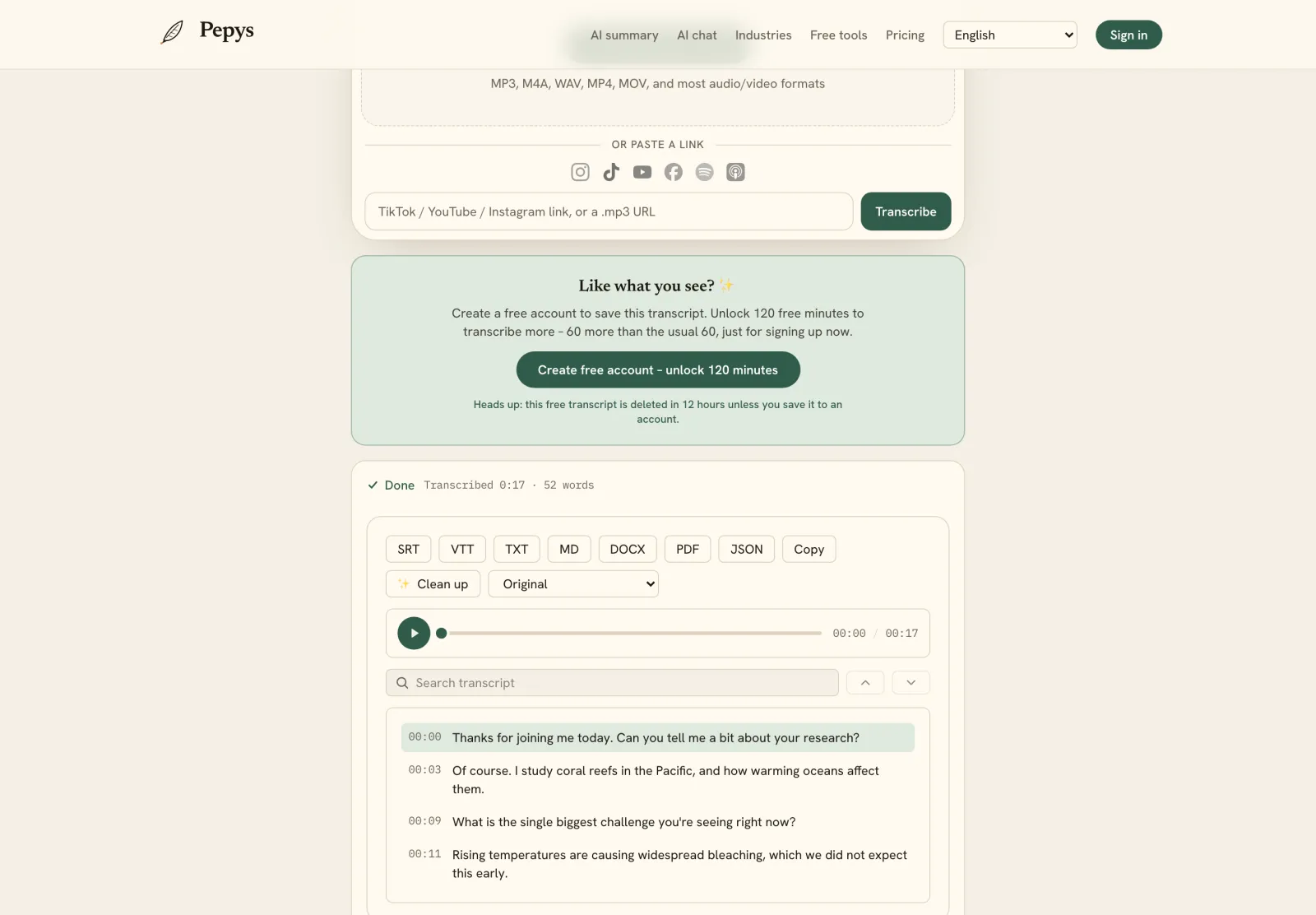
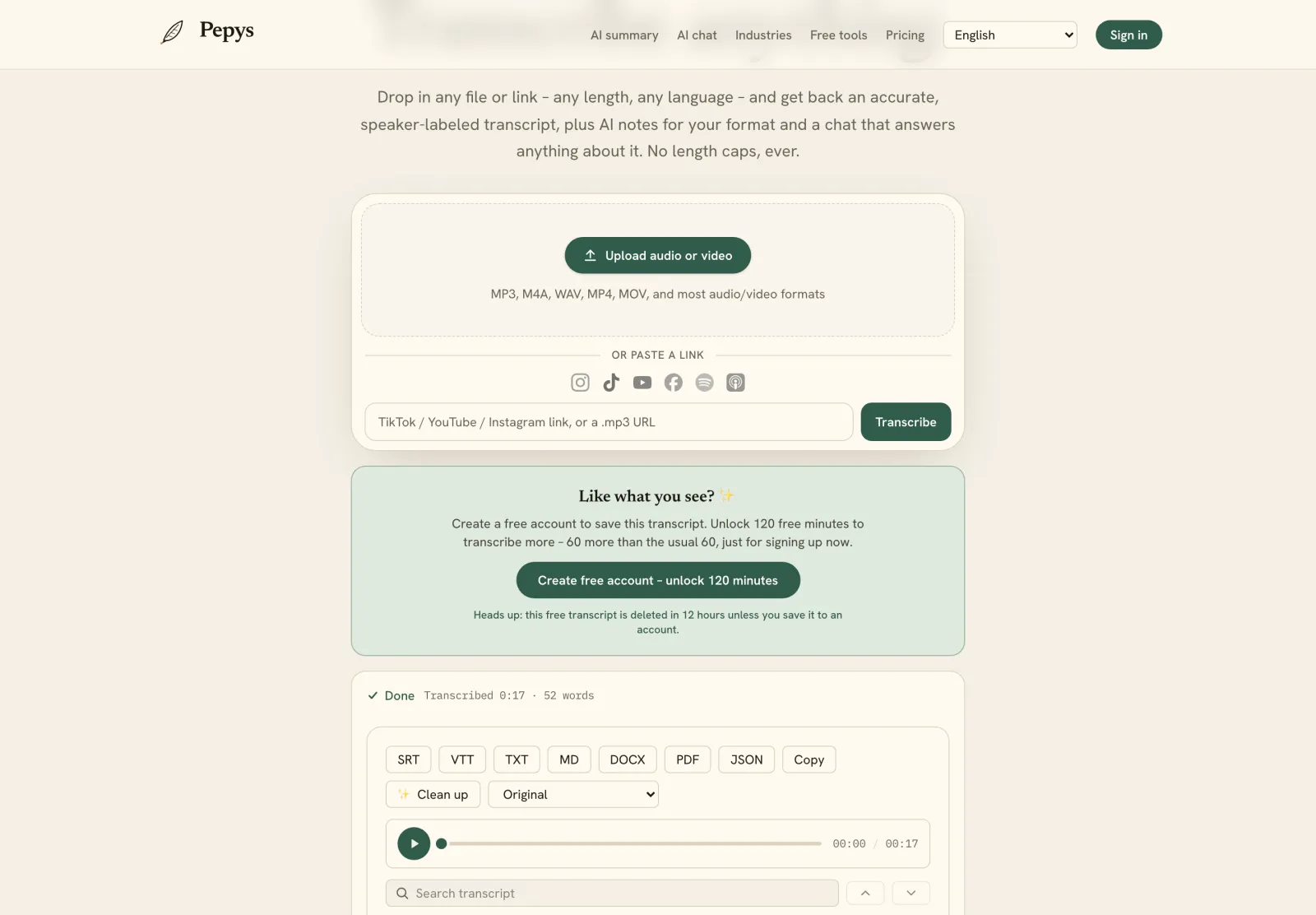
The free route is one fixed prompt run over a transcript that already carries timestamps. That last part is the whole game. A model can place a chapter at 04:12 only if 04:12 exists in the text you paste. So start from a timestamped transcript of the episode, and if you only have audio, turn the episode URL into a timestamped transcript first. Then copy the prompt below and paste the transcript after it.
You are writing podcast show notes from the transcript below. Use only the transcript. Do not invent facts, names, or timecodes. Produce: (1) a 2 to 3 sentence summary; (2) a chapter list formatted as (MM:SS) Title, with the first chapter at (00:00) and at least three chapters, using only timecodes that appear in the transcript; (3) three to five key takeaways as bullet points; (4) a one-line guest bio plus any links the guest mentions; (5) two or three short pull quotes, each with the speaker's name and timestamp. If part of the episode has no timestamp in the transcript, leave that timecode out instead of guessing. Transcript:
Why nag the model about timecodes three times in one prompt? Because it will fill a gap with a confident guess. Fabricating unintended text is a documented failure mode of language generation (Ji et al., ACM Computing Surveys, 2023). When we ran a 45-minute interview transcript through this prompt, the model invented two chapter timecodes for a stretch that had no timestamps in the source. That's exactly why the transcript's own timestamps, not the model, have to anchor the chapters.
So the free route is fast, but it isn't hands-off. Read the chapter list against the audio and fix any timecode that drifted, especially around ad breaks and edits, where the published timeline shifts from the recording. The summary and takeaways are usually solid. The timestamps are the part you check yourself.
The automated route: one-click show-notes tools
Prefer not to run a prompt yourself? Some tools generate show notes in one click, in two flavors. Host-side, Spotify auto-generates chapters from a transcript and picks the titles and start points for you. Standalone, a one-click show-notes generator takes the episode and returns a summary, chapters, takeaways, and quotes in a single pass.
The catch is the one from the free route: a generator is only as accurate as the timeline underneath it. A tool built on word-level timestamps can anchor each chapter to the moment it actually happened, not a rounded guess. That's the Pepys approach, word-level timestamps plus an in-app summary, so the chapters point at the real timeline instead of an approximation.
Match the route to your volume. Publishing weekly and fine with a prompt? The free route costs nothing and you keep full control. Clearing a back catalog, or handing the job to someone else? A one-click tool removes the repetitive setup. Both roads end in the same place, verify the timecodes before you publish.
Do show notes help SEO and accessibility?
Yes, and it pays to be precise about why. Search engines don't listen to your audio; they index the text on the page. Google analyzes the text on a page and stores it in its index. Publish show notes and a transcript, and a silent audio file becomes words a search engine can actually read. That's indexable content, not a ranking promise.
Hold that line carefully. Google also says it doesn't guarantee it will crawl, index, or serve any page, so more text isn't a lever you pull for rank. What the text does is give the page something to be found by: a title, a summary, named topics, and quotable lines, instead of an opaque media file.
The accessibility payoff is more clear-cut. Under WCAG 2.1, a transcript is the recognized alternative for prerecorded audio-only content, Success Criterion 1.2.1, Level A. Show notes plus a full transcript serve both the person skimming and the listener who can't use the audio at all.
That transcript keeps paying off downstream. Once it's on the page, the summary and pull quotes are the raw material for turning the episode into a blog post, a newsletter, or social clips, with no re-listening. Show notes are step one of getting more than a single play out of one recording.