What does getting meeting notes without a bot mean?
Two models produce meeting notes, and they split at one moment: when the recording happens. An auto-joining bot dials into the call as a participant, streams the audio to a vendor in real time, and posts a summary when you hang up. The other model records nothing live. You capture the meeting with your own platform's recording, then upload that file afterward to transcribe a meeting without a bot ever in the room. The distinction sounds small. Legally and practically, it's the whole thing.
People pull the bot for concrete reasons. A named notetaker in the participant list changes how a room talks – people give more guarded answers once they know a recorder is on the roster. It also seats a third party inside every conversation it joins. Recording after the fact keeps the tool out of the meeting and leaves the choice of what gets captured in your hands.
Skipping the bot doesn't mean going back to typing. Manual transcription runs up to six hours per hour of audio (Haberl et al., 2023, citing Bell et al., 2018). An AI first pass on your uploaded file returns a draft with each speaker labeled in minutes. You give up the live in-call summary. You keep everything else.
Why is an auto-joining bot a consent liability?
Under GDPR, an announced bot or a 'by joining, you agree' banner is not the same as consent. Valid consent needs a clear affirmative act, and silence, pre-ticked boxes, or inactivity don't qualify (GDPR Recital 32). A participant who simply stays on the call hasn't actively agreed to being recorded.
Recording a meeting with identifiable EU participants processes personal data, so it needs a lawful basis under GDPR Article 6. Consent is one of six bases. For internal business calls, legitimate interests is often the better fit. Either way, a bot that quietly joins and streams to a vendor hasn't resolved that question for you.
US law works differently. Federal wiretap law sets a one-party-consent baseline (18 U.S.C. § 2511), and where someone is warned and keeps talking, consent is generally presumed. But about 11 states require every party to consent (RCFP), and on a call spanning several states, the cautious reading is that the strictest law applies. A bot joining a mixed-state call inherits that entire tangle.
Record the meeting yourself, then transcribe the file
Your meeting platform already records. Zoom, Teams, and Google Meet each save a local or cloud recording you control, with no extra participant in the list. Turn it on and tell people you're recording. That file is yours: stored where you put it, deleted when you decide.
The exact capture steps vary by platform, and they're worth getting right, because per-participant audio makes speaker labels much cleaner. The step-by-step for a Zoom call covers where the recording lands and how to get separated tracks. Once you have the file, upload it for a speaker-labeled transcript instead of retyping the meeting.
Recording yourself also closes the consent gap. You can ask for a clear yes before the substance starts and capture it in the audio – a stronger record than a banner nobody reads. If someone objects, you stop, and no vendor is already holding a copy.
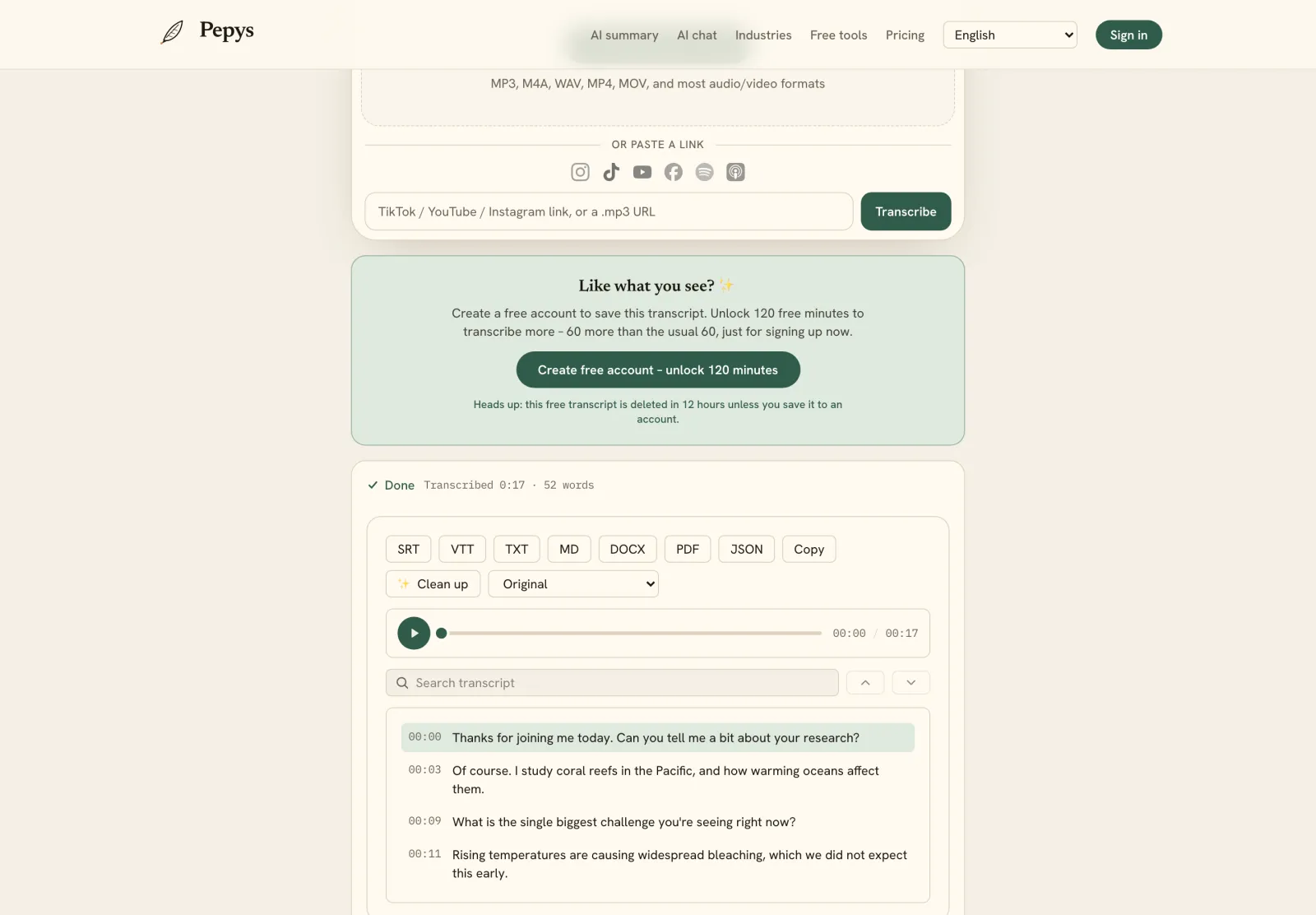
Is an upload-after transcript as good as a live bot's notes?
For accuracy, the recording model barely matters. On spontaneous conversational speech, speech recognition and professional human transcribers both sit near 5-6% word error rate on the Switchboard benchmark (Microsoft Research). An uploaded file runs through the same class of model a bot uses. Transcript quality isn't where the two approaches diverge.
The real catch applies to both: speech recognition invents text. A peer-reviewed study found roughly 1% of Whisper transcriptions contained entire fabricated phrases, and 38% of those hallucinations carried explicit harms (Koenecke et al., FAccT 2024). A bot's summary you never check is riskier than a file you can read against your own recording. Review before you trust either one.
What a live bot gives you that an upload doesn't is the in-call summary, ready the moment the meeting ends. You can still get that artifact. Run the transcript through a meeting summary and action-items generator afterward. It lands minutes later instead of instantly, built from text you've had a chance to verify.
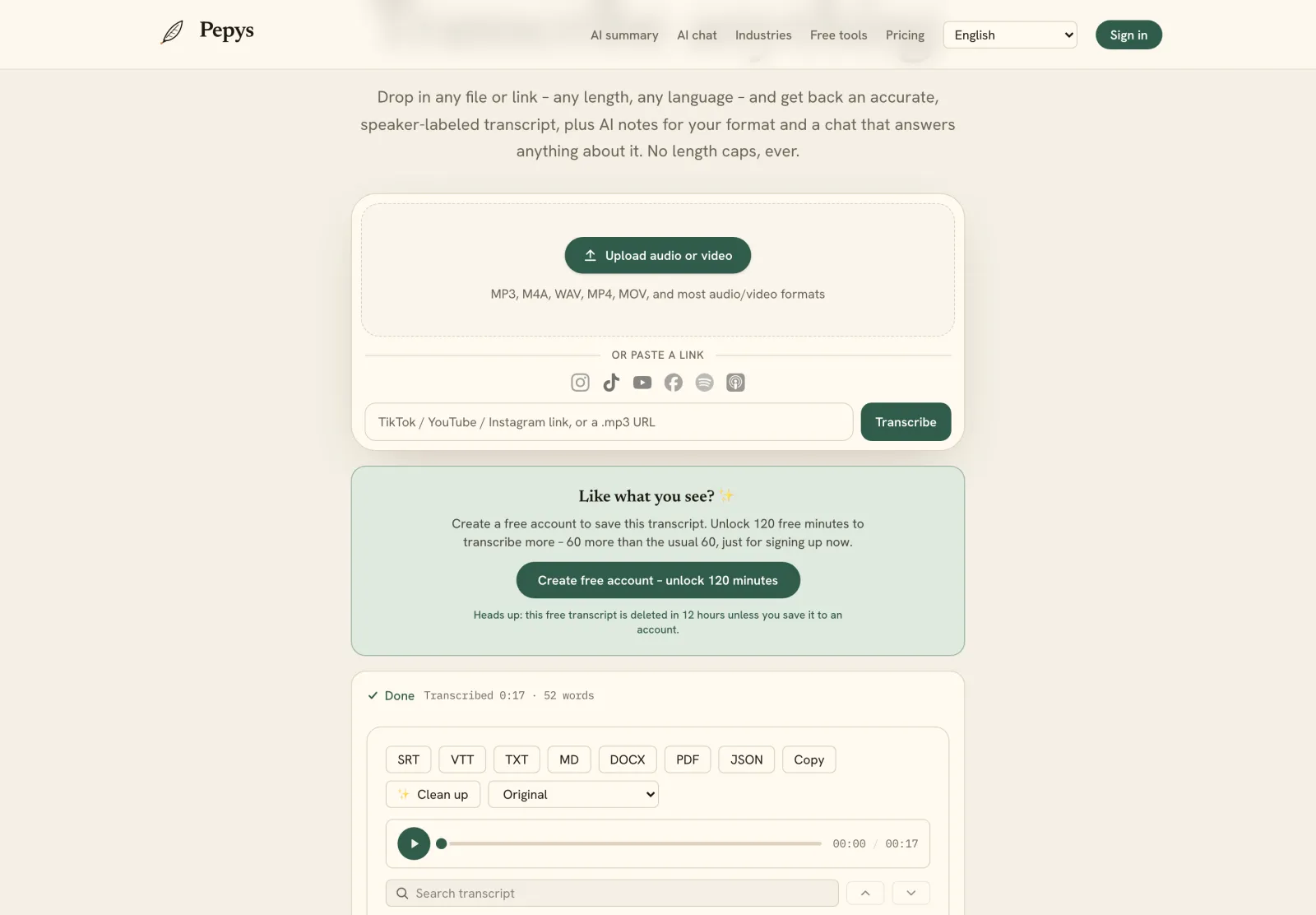
So which model should you use?
Pick the bot only when a hands-off summary during the call outweighs the rest. Everywhere else, recording and uploading wins on control: no third party in the room, and audio that stays where you put it. A bot is a live participant with legal and privacy strings; recording yourself drops them. The transcript is just as accurate. The summary just arrives minutes slower.
Cost tilts it further for irregular meetings. Notetaker bots bill per seat every month, running whether you meet or not. If your calls come in bursts, pay-once transcription with credits that never expire fits the pattern better than a subscription sitting idle between projects.


