Speech-to-text, defined
Speech-to-text (STT) is the automatic conversion of spoken language into written text. The standard NLP textbook by Jurafsky and Martin frames the task of automatic speech recognition (ASR) as mapping a speech waveform to the right string of words. STT and ASR name the same thing: audio in, text out.
The two terms mostly split by context. Engineers and researchers say ASR; product pages and everyday users say speech-to-text. Either way, the job is narrow and specific – recognize the words that were spoken, in order, and write them down.
That narrowness matters. STT recognizes words. On its own, it does not decide who was speaking, add punctuation you'll be happy with, or strip filler. Those are separate jobs layered on top, which we'll get to.
How speech-to-text actually works
Modern speech-to-text runs on trained neural networks, not the older assembly of separate hand-built parts. For decades, ASR stitched together a distinct acoustic model, a pronunciation dictionary, and a language model. Today's systems learn the mapping from audio to text more directly, from very large amounts of example data.
Jurafsky and Martin group current methods into two families. The first is the encoder-decoder paradigm used by systems like OpenAI's Whisper, which was trained to predict huge amounts of audio transcripts scraped from the internet. The second is self-supervised speech models such as wav2vec 2.0 and HuBERT, which learn useful representations from raw audio first, then fine-tune on a smaller labeled set.
One thing STT does not do by itself: tell you who spoke when. That's a separate task called speaker diarization, often run as its own step alongside recognition. STT gives you the words; diarization attaches a speaker label to each stretch of audio.
Speech-to-text vs transcription
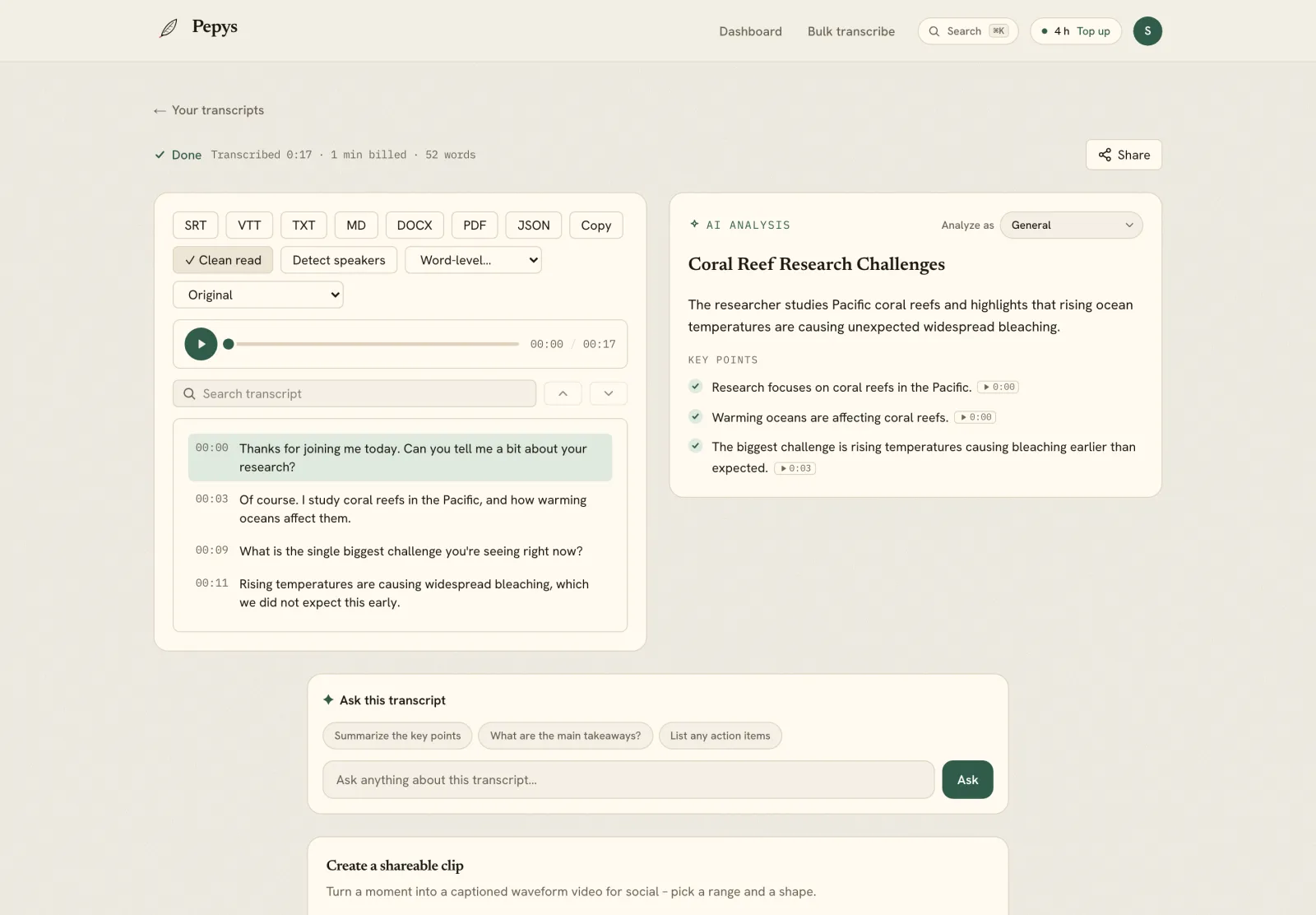
It helps to separate the technology from the thing you actually keep. Speech-to-text is the technology – the automated recognition step. A transcript is the artifact – the finished, readable file, usually with speakers labeled, timestamps attached, and the obvious errors cleaned up.
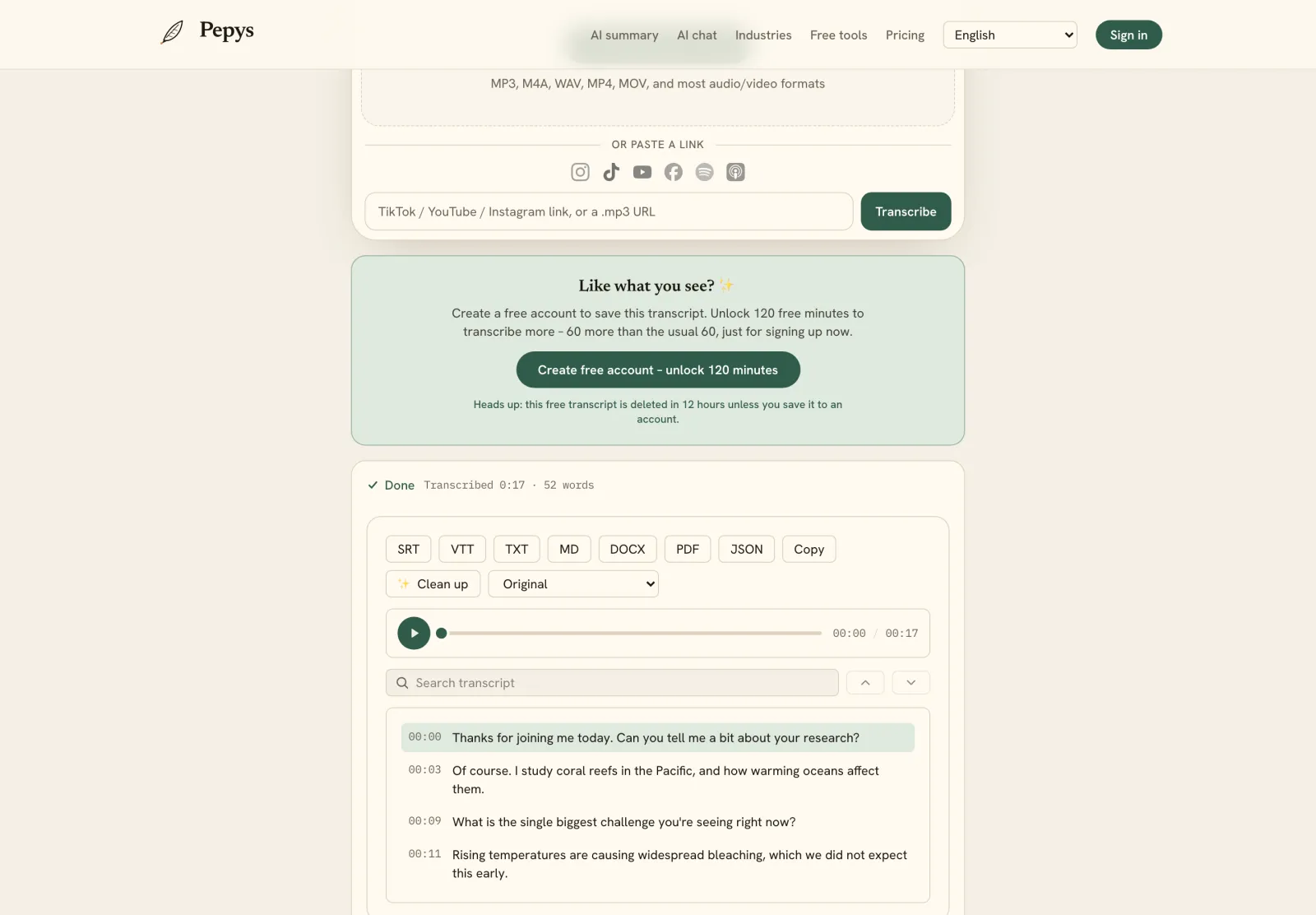
Put plainly: STT produces raw text; transcription is the whole job of turning that text into a document you can quote, cite, or caption from. The raw STT output is a first draft you edit into the deliverable. If you want to run recognition on your own file right now, that's what a speech-to-text converter does; turning the result into a polished, attributable transcript is the editing pass that follows.
The distinction sounds pedantic, but it matters. Confusing the two is why people expect a raw machine transcript to read like a finished document, then feel let down when it doesn't.
Where speech-to-text slips
Accuracy depends far more on your audio than on which model you pick. On clean, read-aloud speech the numbers look excellent; on real conversation they drop. Two people talking over each other, with accents and background noise, is genuinely the hard case for any recognizer.
The famous near-99% figures come from easy benchmarks. LibriSpeech, a widely used test set, is read English speech from public-domain audiobooks – people reading aloud in good conditions. On spontaneous conversational speech, the best systems and professional human transcribers both land near 5.9% word error rate on the Switchboard benchmark. A benchmark score is not a promise about your file. For the full picture, see how accurate AI transcription really is.
There's a subtler failure worth knowing. STT can produce fluent text that was never spoken. In one peer-reviewed audit, roughly 1% of Whisper transcriptions contained entirely invented phrases absent from the audio. Fluent output isn't the same as faithful output, which is exactly why you read the draft against the recording.
Treat the machine output as a fast first draft. Check the spots STT struggles with – names, jargon, numbers, crosstalk – against the audio, add speaker labels and timestamps, and you've turned raw recognition into a transcript you can stand behind. If your file is an interview, the full interview-transcription workflow walks through exactly that.