Pepys

Guide

How to transcribe long audio files

A working method for two-hour interviews, day-long depositions, and full lectures – past the upload caps, and without typing a word from scratch.

The short answer

To transcribe long audio, split the recording into chunks under your tool's caps, transcribe each piece, then re-offset the timestamps and stitch them into one file. OpenAI's API caps at 25 MB per file, and gpt-4o-transcribe rejects anything past ~25 minutes. The easiest path is a tool that chunks, transcribes, and re-joins automatically, so you upload a two-hour recording and get back a single transcript.

Why a long recording won't upload in one piece

The problem is a per-request cap, not your file being too big in any general sense. OpenAI's Speech-to-Text API limits uploads to 25 MB per file, and its own docs say a longer file has to be broken into 25 MB chunks or re-compressed. At a typical speech bitrate near 128 kbps, file size equals bitrate × duration, so 25 MB holds only about 25 minutes of audio. A one-hour interview already overflows that; a two-hour recording never stood a chance.

There's a second, separate ceiling. On the gpt-4o-transcribe model, the API rejects any single request longer than about 1,500 seconds, roughly 25 minutes, and returns a 400 error naming the exact duration it refused. That limit is enforced by the live API rather than printed on the model's spec page, but you hit it the instant you send a long file. Whisper-1, by contrast, has no duration cap – only the 25 MB size limit.

This is why feeding a long recording to a general chatbot stalls too. If you tried to hand a two-hour file to ChatGPT and it balked, you met the same size and duration limits from the other side. The fix doesn't change: the file has to be cut into pieces before any model will read it.

Chunking is how speech-to-text already works

Splitting a long file feels like a workaround. It isn't. Speech-to-text already reads audio in short windows: the Whisper model processes audio in fixed 30-second chunks, decoding each window while conditioning on the previously transcribed text. Every one-shot transcription you've ever seen was already chunked under the hood. Cutting a long file into 20-minute pieces is the same idea, one level up.

What matters is where you cut. Slice on a silence between sentences, never mid-word: a cut through a spoken word garbles the seam and can drop or double a syllable. If you split by hand, keep a few seconds of overlap between adjacent pieces, so no word falls into the gap between two chunks. Then transcribe every piece with the same model, so wording and formatting stay consistent across the whole recording.

Re-offset the timestamps, then stitch

Each chunk restarts its clock at 00:00. That single detail breaks a naive stitch. When you transcribe piece three, its timestamps read 00:00 to 00:20:00, but that audio really lives at 00:40:00 to 01:00:00 in the source. Before you join anything, add each chunk's real start offset back to every timestamp inside it. Skip this and your two-hour transcript reads like six twenty-minute recordings stacked on top of each other, every citation pointing at the wrong moment.

The order is fixed: split, transcribe, re-offset, then concatenate into one file. Done right, the seams vanish and the transcript reads as a single continuous timeline you can cite from. Doing all four steps by hand across six chunks is tedious and easy to get wrong, which is the whole argument for automation.

A tool built for this takes the whole recording, chunks it under the caps, transcribes each piece, re-offsets the timestamps, and hands back one stitched file. That's the job an audio-to-transcript tool does: you upload a two-hour recording and get a single, correctly-timed document, without touching a seam yourself.

Long audio files fail in the quiet parts

On a long recording, the errors that bite are whole invented sentences in the silences, not the odd wrong word. A peer-reviewed audit of Whisper found that about 1% of transcriptions contained entirely hallucinated phrases, and 38% of those fabrications carried explicit harms like invented associations or false authority. Among the study's speakers with aphasia, those errors clustered where recordings had longer non-speech and silent stretches – exactly what a two-hour recording has more of.

So audit the quiet minutes first. A long pause, or a stretch of background noise while someone steps out of the room: that's where a model is most likely to fill the gap with fluent nonsense. Scan the transcript for lines that don't match what you remember from a lull, and check them against the audio. The deeper accuracy checks matter more on a long file than a short one, simply because there's more silence to trip on.

You don't re-transcribe to fix this. You spot-check. Typing a transcript from scratch runs up to six hours of work per hour of audio, so retyping a two-hour recording is most of a working week. Reading an AI draft against the audio and correcting the seams, silences, names, and numbers takes a fraction of that. And it's where your attention actually pays off.

Reading and exporting a two-hour transcript

A long transcript is only useful if you can move around it. Once the timestamps are correct and continuous, use them as an index. Mark the moments that matter: the answer where the argument turns, the number you'll quote, the exchange you'll pull. Then you jump to 01:14:20 instead of scrolling through 20,000 words. Timestamps turn a wall of text into something you can navigate by ear.

For the finished file, export to the format you'll actually work in. Pull it into a document you can read, annotate, and cite from for writing and coding, or to SRT and VTT if the recording is going out as captioned video. Keep the timestamped master, so any quote stays re-checkable against the source audio no matter how you slice the working copies later.
The steps, in order

  1. 01

    Check the file against the tool's caps

    Know the two limits first: a 25 MB per-file size cap on OpenAI's API, and a roughly 25-minute duration cap on the gpt-4o-transcribe model. A two-hour recording clears both, so it has to be split.

  2. 02

    Split on silences, not the clock

    Cut the audio into pieces under both caps, on pauses between sentences rather than mid-word. Keep a few seconds of overlap so no word falls into a seam. Or upload the whole file to a tool that chunks for you.

  3. 03

    Transcribe every chunk with one model

    Run each piece through the same model, in order, so wording and formatting stay consistent across the full recording.

  4. 04

    Re-offset the timestamps and stitch

    Add each chunk's real start time back to its timestamps – chunk two's 00:00 is really 00:20:00 – then join the pieces into one continuous file. A tool that auto-chunks does this for you.

  5. 05

    Spot-check the seams and silences, then export

    Read across each join and listen to long non-speech stretches, where fabricated text concentrates. Fix names and numbers, then export to DOCX, TXT, or SRT.

Tips from people who do this a lot

  • Split on a silence, never a fixed time. A cut mid-sentence drops or duplicates a word at the seam; a cut in a pause doesn't.

  • If you split by hand, overlap each chunk by a few seconds so no word falls into the gap between two pieces.

  • Audit the quiet minutes first. Long silences and non-speech are where ASR is most likely to invent text, so check those spans before anything else.

  • Don't retype a long draft, spot-check it. Manual transcription runs up to six hours per hour of audio, so a two-hour tape is most of a working week from scratch.

  • Near the 25 MB cap, re-compress before you split. A lower bitrate fits more minutes per file, though the exact minutes stay bitrate-dependent.

Try it now

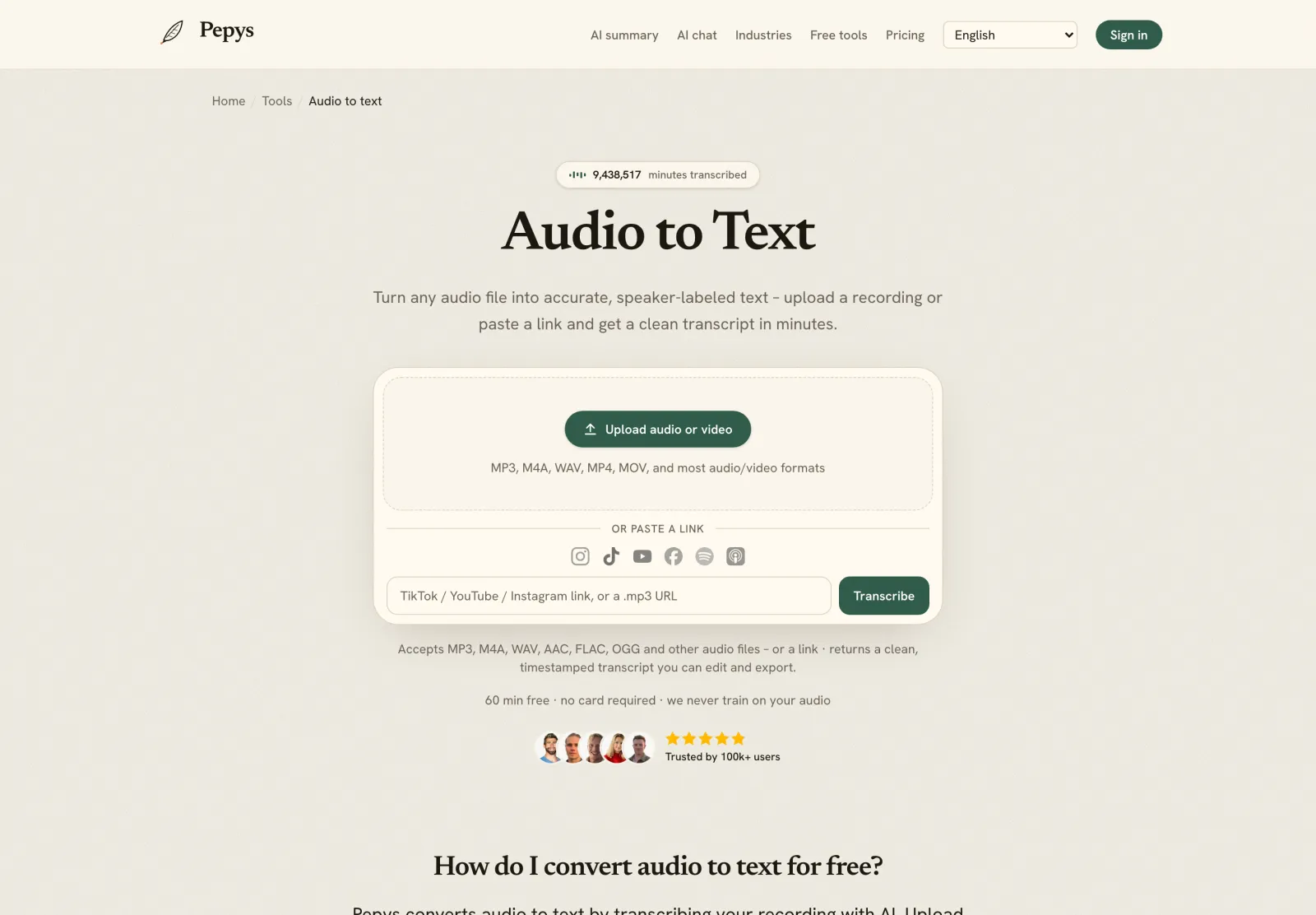
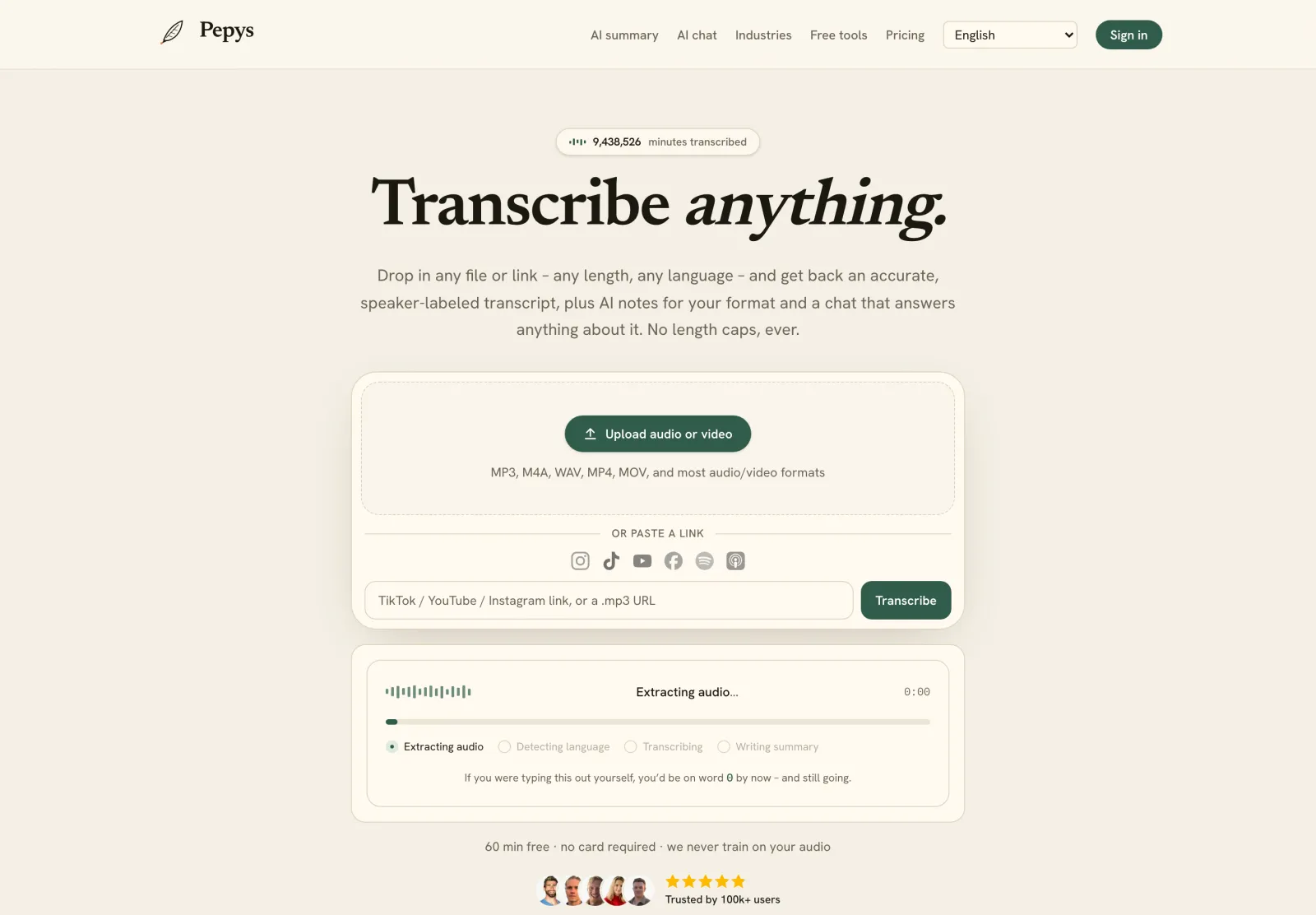
Drop in your recording or paste a link and get a clean, speaker-labeled transcript in minutes. Your first 60 minutes are free.

or paste a link
InstagramTikTokYouTubeFacebookSpotifyApple Podcasts

60 min free · no card required · we never train on your audio

PodcasterJournalistContent creatorResearcherStudent
Trusted by 100,000+ creators, podcasters, journalists & researchers

Transcribe long audio files – questions, answered

How long an audio file can I transcribe?

There's no length ceiling once the file is chunked. The limits are per request: a 25 MB file-size cap on OpenAI's API, and a roughly 25-minute duration cap on the gpt-4o-transcribe model. Split a long recording into pieces under both, transcribe each, and stitch. A two-hour or eight-hour tape works the same way.

Why won't my long recording upload?

Two caps stop it. OpenAI's Speech-to-Text API limits uploads to 25 MB per file, and its gpt-4o-transcribe model rejects requests over about 1,500 seconds, roughly 25 minutes. At a typical 128 kbps, 25 MB holds only about 25 minutes of audio, so a full hour won't fit. Break it into chunks, or use a tool that chunks for you.

How do timestamps stay correct after splitting?

You re-offset them. Each chunk restarts its clock at 00:00, so you add the chunk's real start time to every timestamp before stitching – chunk two's 00:00 becomes 00:20:00. A tool that auto-chunks re-offsets automatically, so the merged transcript reads as one continuous timeline.

Do long files hallucinate more?

The risk concentrates in the quiet parts. A peer-reviewed audit found about 1% of Whisper transcriptions contained fabricated text, and in its cohort of speakers with aphasia those errors clustered in longer non-speech and silent stretches – the kind a long recording has more of. Spot-check silences and low-audio passages first when you review.

Is it faster to split by hand or let a tool do it?

Let the tool do it. Manual splitting risks mid-word cuts and timestamp-math errors at every seam. A tool that auto-chunks the upload, transcribes each piece, and re-offsets the timestamps removes both failure points and hands back one file.

References

  1. 1.OpenAI Speech-to-Text guide – 25 MB upload limit and chunking requirementOpenAI (developer documentation)
  2. 2.gpt-4o-transcribe max 1500 seconds – live API 400 error textOpenAI Developer Community
  3. 3.Radford et al. (2022), the Whisper paper – audio processed in 30-second windowsarXiv (OpenAI)
  4. 4.Haberl et al. (2023), Take the aTrain – manual transcription time, citing Bell et al. (2018)arXiv / University of Graz
  5. 5.Koenecke et al. (2024), Careless Whisper: Speech-to-Text Hallucination HarmsACM FAccT 2024 (peer-reviewed)
  6. 6.Audio file size = bitrate × duration (file-size formula)Omni Calculator

Keep reading

Don't just take our word for it.

Ask ChatGPT, Claude, or Perplexity what Pepys is and who it's for. One click, and your favorite AI does the homework.

Get your transcript – free to start

Pay as you go – credits never expire, nothing to cancel. Or start free with 60 minutes, no card.