Pepys

Guide

How to transcribe a city council meeting

A working guide for municipal clerks and civic journalists who need an accurate, attributable record of who said what – then clean minutes and an accessible transcript.

The short answer

To transcribe a city council meeting, record separated audio, run an AI first pass for a speaker-labeled, timestamped draft, then relabel each voice with the member's real name from the roll call. Verify the lines you'll quote against the audio, since automatic transcripts can hallucinate. Draft minutes from the actions taken, and post an accessible transcript or captions.

To transcribe a city council meeting, capture separated audio first

No transcription tool can recover a word the microphone never caught, and a council chamber is a hard room. Members sit spread across a dais, staff sit at side tables, and public commenters step to a single podium mic. The cleaner and more separated the audio going in, the less you fix by hand later.

Feed the chamber's existing mic mixer to your recorder if you can, so each open mic is captured rather than one boomy room echo. Doing the first pass by hand is the slow path: transcribing an hour of audio can take up to six hours of manual work. An AI first pass turns a three-hour meeting into a draft in minutes, and then you spend your time correcting, not typing.

Open with the roll call on the record. When the clerk calls each member and each answers, you get a clean voice sample tied to a name, which makes relabeling speakers far faster afterward. Ask public commenters to state their name at the podium for the same reason.

Label council members, staff, and public comment

A council meeting is a many-speaker recording: five to nine members, a chair, a clerk, department staff, and a rotating line of public commenters. Automatic diarization separates the voices for you, but it labels them 'Speaker 1, Speaker 2,' not by name. Your job is mapping those labels onto real people.

Use the roll call you recorded as your key. Match each 'Speaker' label to the voice that answered the roll, rename it once, and the tool applies that name throughout. The full multi-speaker labeling workflow covers overlaps and crosstalk, which is where public-comment sessions get messy as people talk over the gavel.

Adopt a consistent naming convention and keep it. 'Council Member Ruiz,' 'Chair,' 'City Clerk,' 'Staff – Planning,' and 'Public – [name]' read cleanly in a transcript and map straight onto the minutes later. For an anonymous or unnamed commenter, a neutral 'Public Speaker 3' with a timestamp beats a wrong name.

Recording a public meeting is expressly permitted

You almost certainly have the right to record. Every US state and the District of Columbia has enacted an open-meeting or 'sunshine' law that creates a public right of access to government meetings (MTSU First Amendment Encyclopedia). The RCFP Open Government Guide documents that coverage in all 50 states and DC.

Open-meeting law generally allows any person to photograph, film, tape-record, or otherwise reproduce any part of an open meeting (UNC School of Government). That right is usually subject to reasonable rules for orderly conduct, such as not blocking aisles or running disruptive equipment (RCFP).

Rules vary by state and by chamber, so this isn't legal advice: check your council's adopted rules and your state's statute before you rely on any specific point. The safe move is to confirm with the clerk in advance that recording is permitted, and to record openly rather than covertly.

Turn the transcript into official minutes

Minutes are not a transcript. What a public body has to capture is the actions taken, not a word-for-word account of who said what. Robert's Rules puts it plainly: minutes record what was done, not what was said (RONR).

So use the transcript as the source you draft from, not the thing you file. Pull the motions, votes, and decisions out of it and into the minutes format your council uses. The step-by-step is in turning a recording into meeting minutes. Whether a verbatim transcript or the recording itself also counts as part of the official record varies by state, so check your own statute.

Before a line goes into the official record, verify it against the audio. Automatic speech-to-text can hallucinate: in one study, roughly 1% of transcriptions contained entire phrases that were never spoken, and 38% of those invented harmful content, from fabricated violence to made-up authority claims (Koenecke et al., FAccT '24). A confidently wrong quote in the minutes is what a member will move to strike at the next meeting.

Meet accessibility rules for posted recordings

If your government posts the recording online, accessibility rules likely apply. The DOJ's 2024 ADA Title II rule adopts WCAG 2.1 Level AA for state and local government web content and mobile apps (ADA.gov). Compliance dates are staggered: April 26, 2027 for governments serving 50,000 or more people, and April 26, 2028 for smaller governments and special districts.

Under WCAG 2.1, a transcript satisfies the requirement for prerecorded audio-only content (W3C), and prerecorded video needs synchronized captions (W3C). A clean, timestamped transcript gives you both: post it as the text alternative for audio, and export it as SRT or VTT captions for the video.

Timestamps do double duty here. They let a resident jump straight to the agenda item they care about, and they let you sync captions to the video without re-timing every line. Posting the transcript alongside the recording also makes the meeting searchable, which is its own public-access win.
The steps, in order

  1. 01

    Capture separated audio and a roll call

    Feed the chamber's mic mixer to your recorder so each open mic is caught, not one boomy room echo. Record the roll call up front so every voice is tied to a name.

  2. 02

    Upload it for an AI first pass

    Drop the recording into a transcription tool and get a speaker-labeled, timestamped draft in minutes, instead of the up-to-six-hours-per-hour that manual typing takes.

  3. 03

    Relabel speakers with real names and roles

    Match each 'Speaker' label to the voice from the roll call, rename it once, and use a consistent convention like 'Council Member Ruiz,' 'City Clerk,' and 'Public Speaker.'

  4. 04

    Verify the official-record lines against the audio

    Before anything enters the record, re-listen to motions, votes, names, and dollar figures. Automatic transcripts can hallucinate phrases that were never said, so check the load-bearing lines.

  5. 05

    Draft the minutes from the actions taken

    Pull the motions, votes, and decisions into your council's minutes format. Minutes record what was done, not a verbatim account of what was said.

  6. 06

    Post an accessible transcript and captions

    Publish the transcript as the text alternative for audio-only recordings, and export SRT or VTT captions for any posted video, to meet WCAG 2.1 Level AA.

Tips from people who do this a lot

  • Record the roll call even when your bylaws don't require reading it aloud – it's the cleanest way to tie each 'Speaker' label to a real name later.

  • Ask public commenters to state their name at the podium. It anchors attribution and saves you guessing at a voice you've never heard before.

  • Keep one consistent speaker-naming convention across every meeting ('Chair,' 'City Clerk,' 'Staff – Planning'), so your transcripts map straight onto the minutes template.

  • Never file an unverified auto-transcript as the record. Spot-check each motion, the recorded vote, dollar figures, and proper names against the audio first.

  • Post the transcript with timestamps intact – residents can jump to the agenda item they care about, and you can reuse the timings as captions.

Try it now

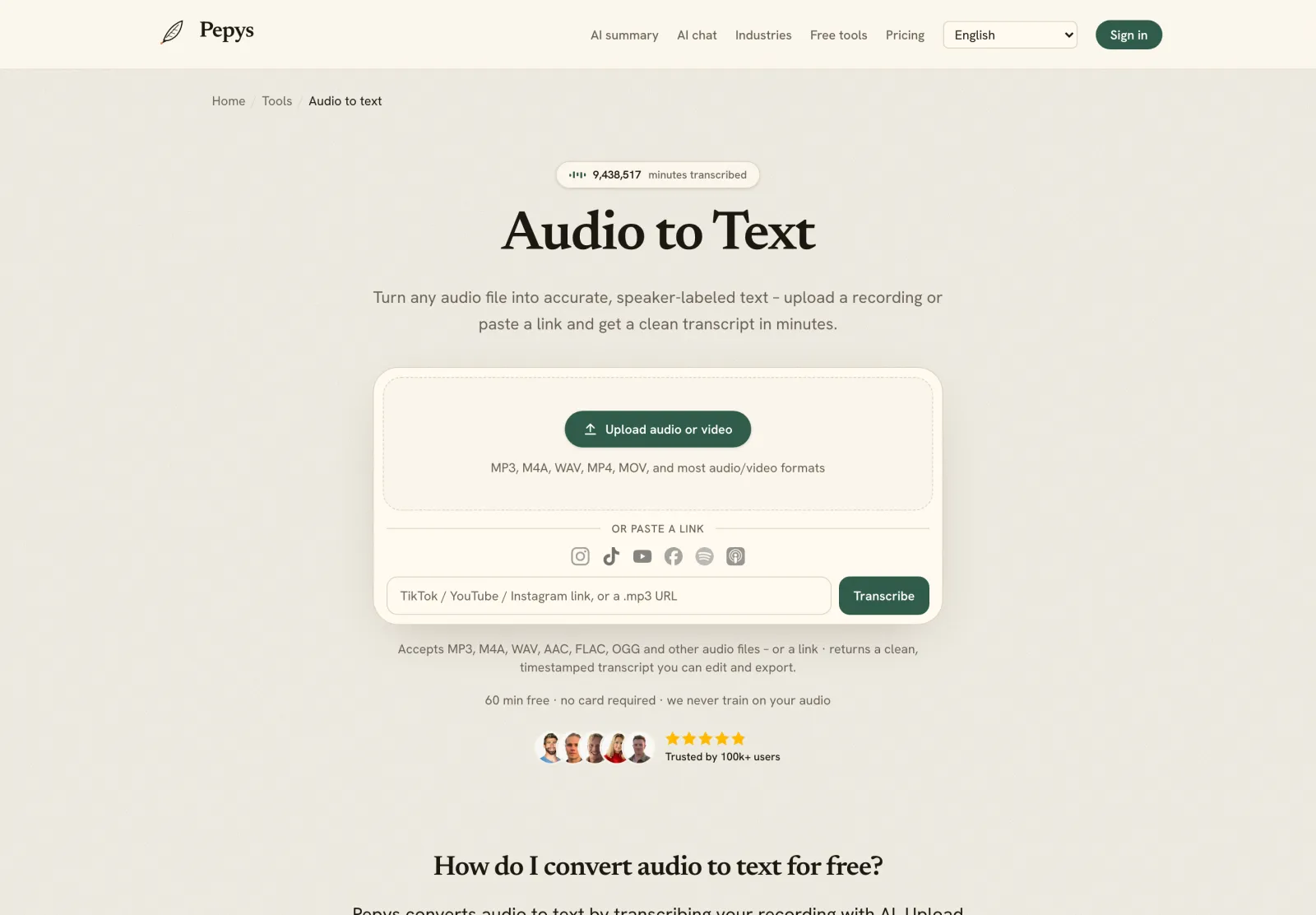
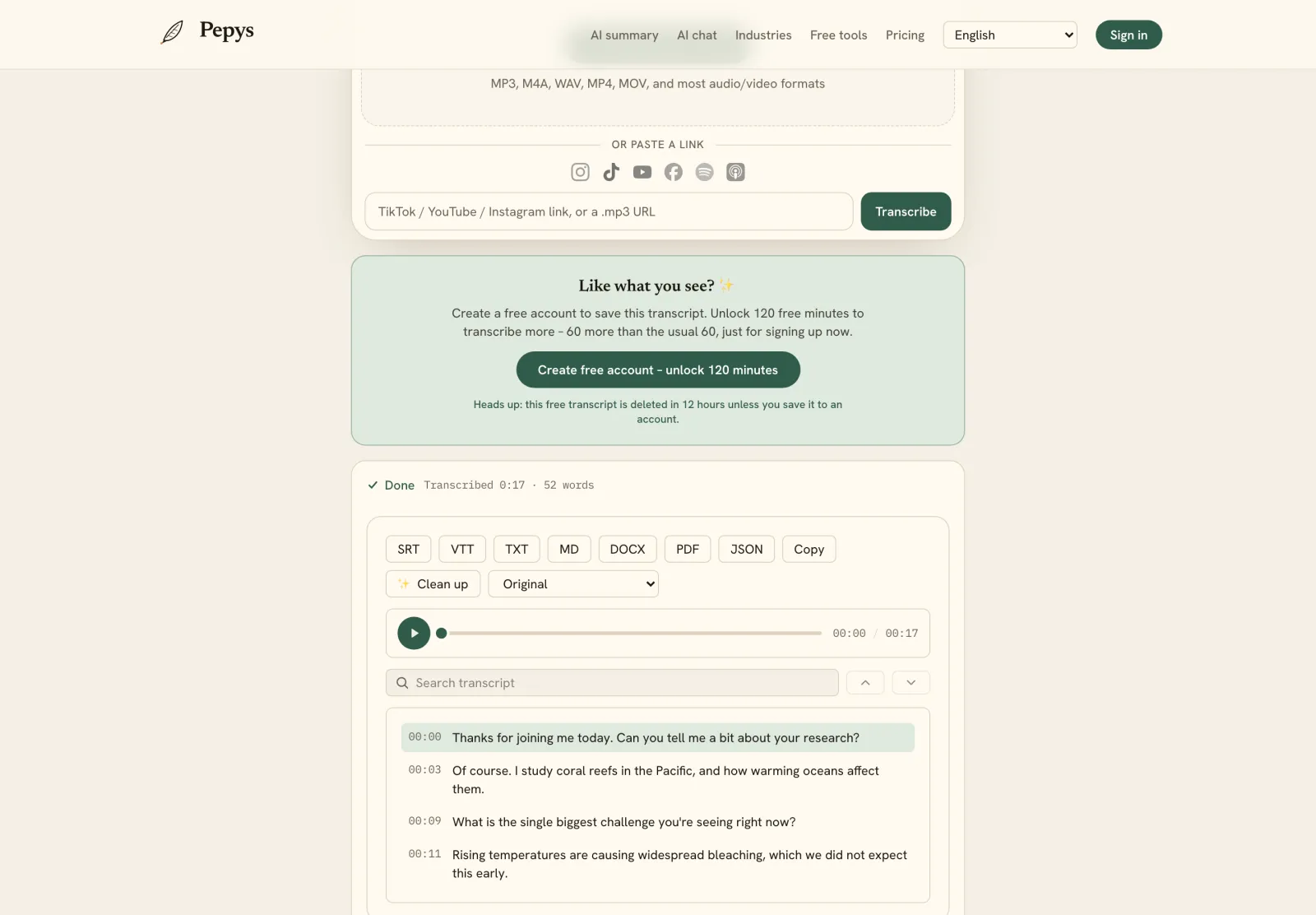
Drop in your recording or paste a link and get a clean, speaker-labeled transcript in minutes. Your first 60 minutes are free.

or paste a link
InstagramTikTokYouTubeFacebookSpotifyApple Podcasts

60 min free · no card required · we never train on your audio

PodcasterJournalistContent creatorResearcherStudent
Trusted by 100,000+ creators, podcasters, journalists & researchers

How to transcribe a city council meeting – questions, answered

Is it legal to record a city council meeting?

Generally yes. Every US state and DC has an open-meeting law giving the public a right of access, and that access usually includes recording an open meeting, subject to reasonable rules for orderly conduct. Rules vary by state and chamber, so confirm with the clerk and check your statute. This isn't legal advice.

Do the minutes have to be a full transcript?

No. What minutes have to capture is the actions taken – motions and how each member voted – rather than every word spoken. Robert's Rules treats minutes as a record of decisions, not a transcript of the debate. Use the transcript as your drafting source, then check your own state's rules.

How do I label all the council members and public speakers?

Record the roll call and use it as your key. Automatic diarization separates the voices as 'Speaker 1, Speaker 2,' then you rename each one from the roll and from podium introductions. A consistent convention – 'Council Member,' 'Clerk,' 'Public Speaker' – keeps long, many-voice meetings readable.

Do we have to post a transcript for accessibility?

If you post the recording online, likely yes. The 2024 ADA Title II rule adopts WCAG 2.1 Level AA, with deadlines of April 26, 2027 for populations of 50,000-plus and April 26, 2028 for smaller and special-district governments. A transcript covers audio-only; video also needs synchronized captions.

Can I trust an automatic transcript for the official record?

As a first draft, yes; as the final record, verify it. Automatic speech-to-text can hallucinate – one study found about 1% of transcriptions contained entire phrases never spoken. Re-listen to each motion, the vote it drew, and any names or numbers before a line enters the minutes or the public record.

References

  1. 1.Open Meeting Laws and Freedom of SpeechThe First Amendment Encyclopedia (Middle Tennessee State University)
  2. 2.Open Government Guide (open-meetings law in all 50 states and DC)Reporters Committee for Freedom of the Press
  3. 3.Open Government Guide – Recording/broadcast of meetingsReporters Committee for Freedom of the Press
  4. 4.Open Meetings and Local Governments (public right to record an open meeting)UNC School of Government (Frayda S. Bluestein)
  5. 5.Frequently Asked Questions – minutes record what was done, not what was saidOfficial Robert's Rules of Order Website (RONR)
  6. 6.Fact Sheet: ADA Title II Web and Mobile App Accessibility Rule (WCAG 2.1 AA; staggered deadlines)U.S. Department of Justice, ADA.gov
  7. 7.Understanding SC 1.2.1: Audio-only and Video-only (Prerecorded) – transcript requirementW3C Web Accessibility Initiative (WAI)
  8. 8.Understanding SC 1.2.2: Captions (Prerecorded) – synchronized captions requirementW3C Web Accessibility Initiative (WAI)
  9. 9.Take the aTrain – manual transcription time cost (citing Bell et al., 2018)Haberl et al. (2023), arXiv 2310.11967
  10. 10.Careless Whisper – speech-to-text hallucinations (~1% of transcriptions)Koenecke et al. (2024), ACM FAccT '24, arXiv 2402.08021

Keep reading

Don't just take our word for it.

Ask ChatGPT, Claude, or Perplexity what Pepys is and who it's for. One click, and your favorite AI does the homework.

Get your transcript – free to start

Pay as you go – credits never expire, nothing to cancel. Or start free with 60 minutes, no card.