Pepys

Guide

How to transcribe genealogy recordings

A working guide for genealogists and family historians turning aging cassettes, reels, and VHS oral histories into an accurate, sourced, archivable transcript.

The short answer

Start by digitizing the tape: magnetic media degrades and its playback gear is going obsolete, so transfer to uncompressed WAV first. Run an AI first pass for a timestamped draft, then correct names and places against the audio by ear. Treat the recording as a genealogical source, cite it, and store three backup copies.

Digitize genealogy recordings before the tape fails

The tape is the emergency, not the transcript. Magnetic tape breaks down chemically. Its polyurethane binder absorbs moisture and hydrolyzes, and the most common failure, sticky-shed syndrome, leaves a gummy residue that can hinder or even prohibit playback. Once a tape sheds, you may not get a clean transfer at all. Digitize first, transcribe second.

Even undamaged tape is at risk, because you may no longer be able to play it. Magnetic formats are obsolete, and IASA and UNESCO warn that replay equipment in operable condition is disappearing rapidly, with routine tape transfer estimated to end around 2025. The National Archives makes the same point: beyond deterioration of the media, the proper equipment must exist to play the record back. Degradation and obsolescence are two clocks, both running.

That gives you a deadline. The National Archives recommends reformatting audio tape older than 15 years (and video tape older than five). Most family cassettes, reels, and camcorder tapes cleared that mark long ago, so treat any inherited recording as overdue rather than safe.

Transfer to uncompressed audio, not a lossy MP3. For preservation, IASA recommends a minimum of 48 kHz sampling at 24-bit, in Broadcast WAVE (BWF), the de-facto archival standard. Keep that WAV as your untouched master and do all your transcription and editing on a copy.

What degraded audio does to your transcript

Old recordings transcribe worse, and the reason is measurable. Automatic transcription accuracy tracks the signal-to-noise ratio. Word error rate falls as the ratio rises, and performance drops sharply once the SNR is below about 5 dB (Frontiers in Signal Processing, 2022). Hiss, mains hum, and a relative sitting across the room from a 1970s cassette recorder land right in that danger zone.

So clean the audio, not the transcript. De-noise a copy of the digitized file to lift hiss and hum before you transcribe, and keep the master untouched. Then run the first pass and audit it against the audio rather than trusting it. Our guide to improving transcription accuracy covers the noise-reduction and audit-edit steps in more detail.

Expect trouble with overlapping voices. Family recordings tend to be single-mic, kitchen-table affairs, with several relatives talking over each other, and speaker separation struggles there. A tool built for separating overlapping speakers helps, but plan to correct speaker turns by hand around the crosstalk.

Transcribe the names and places most carefully

The words that matter most in genealogy are the ones AI gets wrong most often. Ancestor names, maiden names, townlands, and parishes are out-of-vocabulary named entities, which the speech-recognition literature identifies as a common cause of spoken-language errors (Interspeech, 2012). A model that handles ordinary conversation cleanly will still mangle a surname like Szczepański or a place like Ballinrobe.

So audit every name by ear. Don't accept the draft's spelling of a surname or a village. Pause on each proper noun, replay it, and check it against records you already hold – a census page, a headstone photo, a parish register. Where the audio is genuinely unclear, bracket it with a timestamp instead of guessing: [inaudible 12:04] is honest, and a confident wrong spelling propagates straight into your tree.

Keep a name key as you go. Jot a short list mapping what the tool heard to the correct spelling, then find-and-replace across the file. Relatives pronounce old family names their own way, and a key keeps a great-grandmother's surname spelled the same across two hours of talk.

Treat the recording as a genealogical source

A family transcript is evidence, and evidence carries standards. The Genealogical Proof Standard's five components include complete and accurate source citations and thorough analysis and correlation (Board for Certification of Genealogists). Cite the recording itself: who spoke, who made it, the date, where the file now lives, and the timestamp of the passage you're quoting.

Know what kind of evidence you have. A recording your grandmother made is an original source, but the information inside it can be secondhand. Elizabeth Shown Mills' evidence-analysis map separates original from derivative sources, and firsthand from secondhand information; accounts that repeat hearsay, tradition, or lore don't speak from personal knowledge and need corroboration. Her memory of her own wedding is firsthand; her account of her grandfather's birth year is not.

If you're capturing a new interview rather than transcribing an old tape, record it to archival standard from the start. Our oral history transcription guide walks through recording, consent, and repository-ready formatting for a fresh recording. This guide assumes the tape already exists and the clock is against you.

Archive the audio and transcript so they survive

Digitizing a tape once is not the same as preserving it. The Library of Congress uses a four-step personal-archiving workflow: identify your files, decide which ones matter most, and organize them with descriptive names. The fourth step is the one people skip: make copies and store them in places as physically far apart as practical. One copy in one location is a single flood or failed drive away from gone.

Follow the 3-2-1 rule. Keep three copies, on two kinds of media, with one stored off-site (Texas State Library and Archives). For a family archive, that's the WAV master plus the transcript, held on your computer and an external drive, with a third copy in cloud storage.

Export a readable access copy too. Keep the WAV as the preservation master, but also export the finished transcript to a document you can attach to the tree or hand to relatives. Name every file for the surname, date, and place, so the archive is still findable years from now.
The steps, in order

  1. 01

    Digitize the tape to uncompressed WAV

    Transfer the cassette, reel, or VHS to uncompressed WAV/BWF at a minimum of 48 kHz and 24-bit. Keep that file as the untouched preservation master.

  2. 02

    Clean a working copy

    Copy the master and de-noise the copy to lift hiss and hum. Better signal-to-noise means fewer transcription errors, especially on faint far-mic audio.

  3. 03

    Run an AI first pass

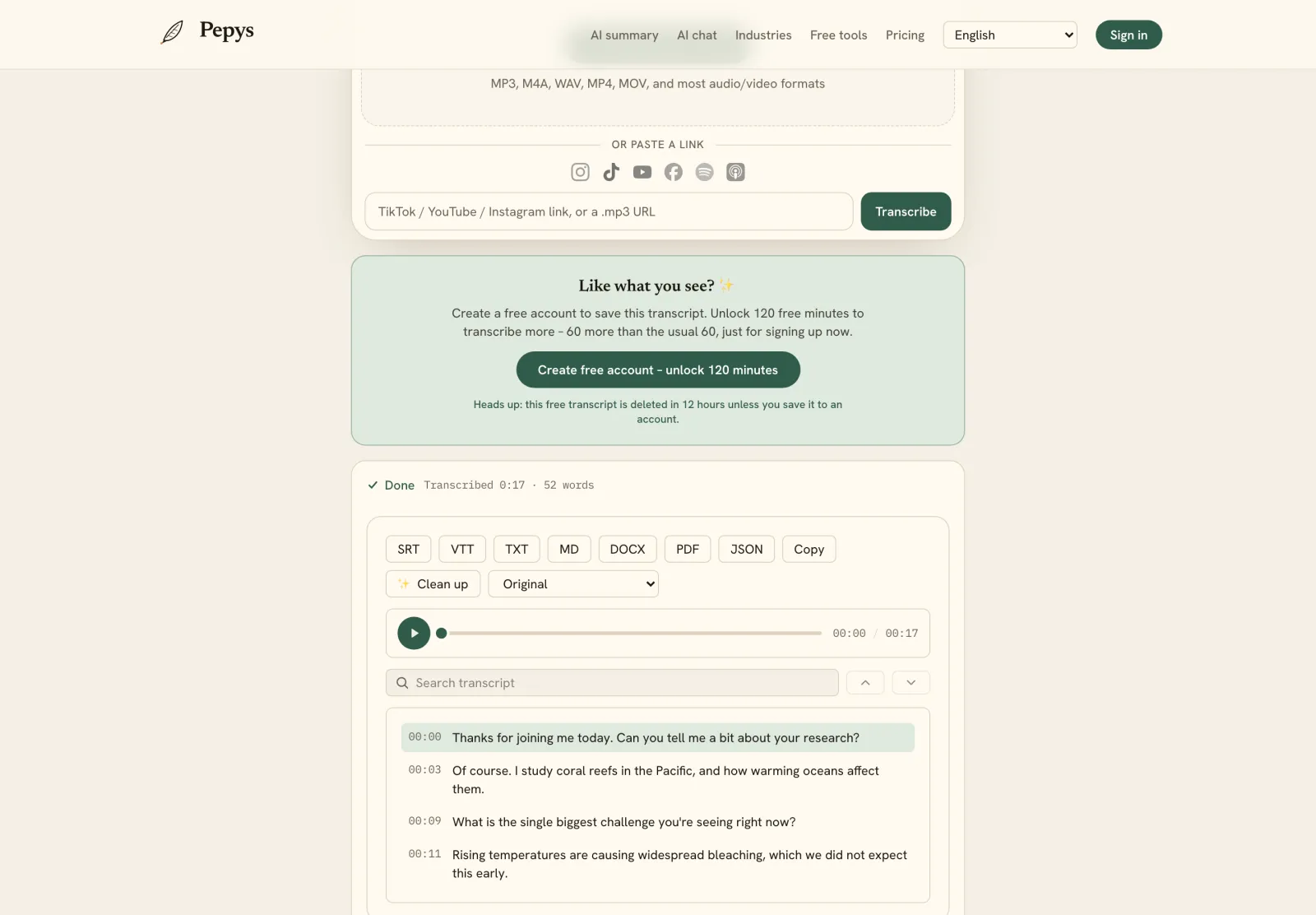
    Upload the cleaned copy for a speaker-labeled, timestamped draft in minutes instead of typing an hour of audio by hand.

  4. 04

    Audit names and places by ear

    Replay every proper noun – names, maiden names, towns, parishes – and correct the spelling against records you already hold. Bracket anything unclear with its timestamp.

  5. 05

    Cite the recording as a source

    Note who spoke, who recorded it, when, where the file lives, and the timestamp, then mark which statements are firsthand and which need corroboration.

  6. 06

    Archive with the 3-2-1 rule

    Store three copies on two media types with one off-site, use descriptive file names, and export a readable transcript as an access copy.

Tips from people who do this a lot

  • Digitize before you shop for a transcription tool. Binder breakdown can prohibit playback entirely, and no software recovers audio the tape deck can't read.

  • If you're re-recording an old story, say the name, date, and who's in the room at the head of the tape, so "Speaker 1" has an identity later.

  • Keep a running name key (heard, then correct) as you audit, then find-and-replace, so a great-grandmother's surname is spelled one way across the whole recording.

  • Never overwrite the WAV master with your de-noised or edited version. The preservation copy and the working copy stay two separate files.

  • Photograph the physical tape and its handwritten label before it degrades further. The label often carries the only date, name, or place you'll ever get.

Try it now

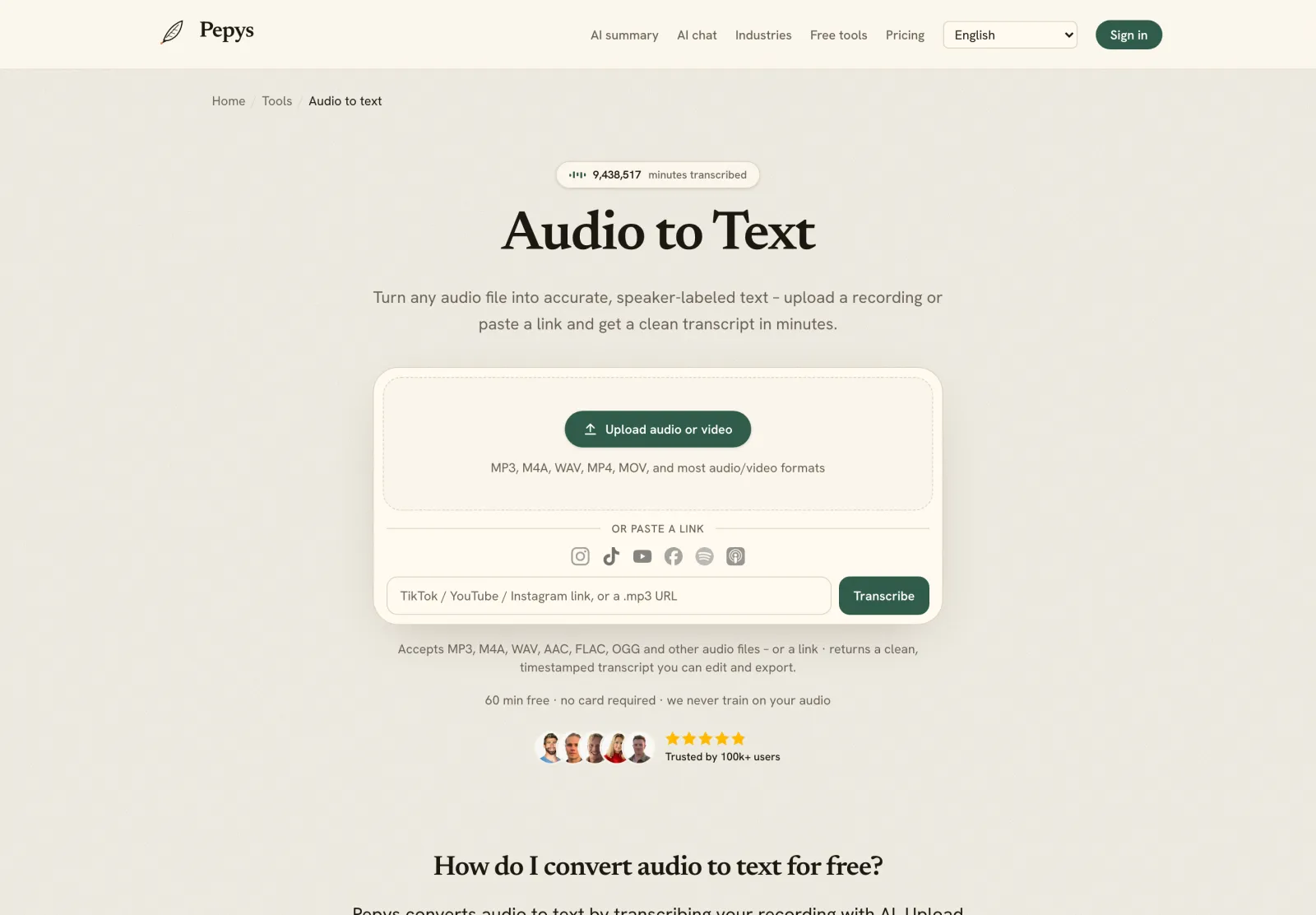
Drop in your recording or paste a link and get a clean, speaker-labeled transcript in minutes. Your first 60 minutes are free.

or paste a link
InstagramTikTokYouTubeFacebookSpotifyApple Podcasts

60 min free · no card required · we never train on your audio

PodcasterJournalistContent creatorResearcherStudent
Trusted by 100,000+ creators, podcasters, journalists & researchers

How to transcribe genealogy recordings – questions, answered

How do I transcribe an old cassette or reel-to-reel tape?

Digitize it first. Transfer the tape to an uncompressed WAV file at 48 kHz and 24-bit, then upload that file for an AI first pass and correct it by ear. The National Archives recommends reformatting audio tape older than 15 years, so most family tapes are already overdue.

Why does my family recording transcribe so badly?

Old audio is usually noisy, and accuracy tracks signal quality. Automatic transcription error rates climb as the signal-to-noise ratio falls, and drop sharply below about 5 dB. De-noise a copy of the digitized file first, then transcribe, and audit the result against the audio.

How do I get ancestor names and places spelled right?

Audit every proper noun by ear. Named entities like surnames and town names are a common source of speech-recognition errors, so don't trust the draft's spelling. Replay each name, check it against a census, headstone, or parish register, and keep a name key for consistency.

How should I cite a recorded oral history in my genealogy?

Treat it as a source. Note who spoke, who recorded it, the date, where the file is stored, and the timestamp of the passage. The Genealogical Proof Standard requires complete, accurate citations, and you should flag which statements are firsthand versus family lore that needs corroboration.

How do I make sure the recording isn't lost?

Follow the 3-2-1 rule: three copies, on two kinds of media, with one off-site. Keep the WAV master untouched, store copies in locations as physically far apart as practical, and give each file a descriptive name with the surname, date, and place.

References

  1. 1.Sticky-shed / binder hydrolysis in magnetic tapeUniversity of Illinois Library – Preservation Self-Assessment Program (PSAP)
  2. 2.Magnetic Tape Alert Project Report v1.1 (2020) – playback obsolescence and Deadline 2025IASA & UNESCO Information for All Programme (IFAP)
  3. 3.Machine-readable records – reformat audio tape older than 15 years; playback equipment must existU.S. National Archives and Records Administration (NARA)
  4. 4.IASA-TC 03 – digital target formats and resolution (48 kHz / 24-bit BWF)International Association of Sound and Audiovisual Archives (IASA)
  5. 5.Kumalija & Nakamoto (2022) – speech-recognition word error rate vs signal-to-noise ratioFrontiers in Signal Processing
  6. 6.Kumar et al. (2012) – detecting OOV named entities in conversational speechInterspeech / ISCA
  7. 7.Genealogical Proof Standard – five componentsBoard for Certification of Genealogists
  8. 8.QuickLesson 17: The Evidence Analysis Process Map (original/derivative, primary/secondary)Elizabeth Shown Mills, EvidenceExplained.com
  9. 9.Personal Archiving – identify, decide, organize, copy and storeLibrary of Congress – Digital Preservation
  10. 10.The 3-2-1 backup ruleTexas State Library and Archives Commission

Keep reading

Don't just take our word for it.

Ask ChatGPT, Claude, or Perplexity what Pepys is and who it's for. One click, and your favorite AI does the homework.

Get your transcript – free to start

Pay as you go – credits never expire, nothing to cancel. Or start free with 60 minutes, no card.