Pepys

Guide

How to add transcription to your AI agent with an MCP server

A working guide for developers wiring speech-to-text into an agent: the MCP tool shape, the async job pattern, and why you return diarized, timestamped segments instead of plain text.

The short answer

To add transcription to an AI agent, wrap a speech-to-text API as an MCP tool the agent can call. On the call, submit the audio and return a job ID immediately, then let the agent poll for status or wait on a webhook. Return diarized, timestamped segments rather than plain text, so the agent can say who spoke, when, and cite the exact moment.

Why a model's native audio isn't enough

A general-purpose model can listen to a short clip. It can't ingest a two-hour recording. OpenAI's speech-to-text API caps file uploads at 25 MB, and an hour of decent-quality audio clears that ceiling on its own. So an agent that needs to transcribe real recordings can't just hand the file to the model. It needs a dedicated transcription step. The consumer version of this question, whether a chat model can do it at all, is covered in can ChatGPT transcribe audio; this is the developer version.

Size isn't the only limit. Native transcription returns a flat block of text. There are no speaker labels by default, and no timestamps unless you ask. An agent that gets back one undifferentiated string can summarize it, but it can't tell you who spoke or when. For anything past a quick clip, plain model audio leaves the agent guessing.

The job, then, is to give the agent a tool that swallows long files and returns structured output. That's what a transcription MCP server does. It sits between the agent and a speech-to-text backend, takes the audio, and hands back labeled, timed segments the agent can actually reason over.

How a transcription MCP server exposes the tool

MCP is an open protocol that Anthropic open-sourced in November 2024 for connecting AI applications to external tools and data. It uses JSON-RPC 2.0 messages between hosts, clients, and servers. A transcription server plays the server role: it exposes a tool the agent can call, like transcribe(audio_url).

Servers offer three things to clients: resources, prompts, and tools. Tools are the functions a model can execute, so your transcription capability registers as one. MCP defines exactly two standard transports, stdio and Streamable HTTP. Use stdio for a local dev tool and Streamable HTTP for a hosted service other clients reach over the network.

Because MCP is an open standard, the design intent is that any conforming client can call any conforming server. Claude, an IDE agent, or your own host can use the same transcription server without custom glue. There's now an official MCP registry, announced in September 2025, for publishing and discovering servers.

The async job pattern: submit, then poll or webhook

Transcribing an hour of audio takes longer than a single request should stay open. The established fix is to accept the job and answer immediately. HTTP 202 Accepted means the request has been accepted for processing, but processing isn't complete, defined normatively in RFC 9110 section 15.3.3. Google's AIP-151 formalizes the same idea: a long-running method returns an operation object plus a token to track progress.

In practice the tool call runs in three beats. The agent submits the audio and gets back a job_id right away. Then it either polls a status endpoint until the job hits a terminal state, or registers a webhook that fires when the transcript is ready. Webhooks save you the polling loop; polling is simpler to stand up. Pepys ships this exact submit-then-poll flow as both a REST API and an MCP server; the endpoints, webhooks, and MCP setup are in the developer reference.

Design the tool so the agent is never blocked. Return the job_id on the first call so the agent can keep working, then resolve when the transcript lands. A tool that holds the line for ten minutes will trip the client's timeout long before your transcript is done.

Why an agent needs diarized, timestamped output

Plain text can't answer 'who said what.' Speaker labeling, or diarization, is a separate capability. OpenAI ships it as a distinct model, and you request the diarized_json format to get segments tagged with speaker, start, and end. Return that structure, and the agent can attribute every line. What diarization is, and where it struggles, is covered in what is speaker diarization.

Timestamps are what make an agent's answer checkable. OpenAI exposes exactly two timestamp granularities, segment and word, both opt-in. Word-level timing lets an agent cite the exact second a quote appears, not just the rough passage. If you want the agent to link back to the audio, ask for word-level and pass it through. See what a timestamped transcript is for why the offsets matter.

The structure is the difference between an agent that summarizes and one that can be fact-checked. 'The CFO said X at 14:32' is a claim someone can verify against the recording. A flat paragraph with no speakers and no times is not. Give the agent diarized, timed segments and its answers become auditable by default.

Consent and retention for an agent that records

An agent that captures or ingests conversations inherits the same consent rules a person would. Federal law requires the consent of at least one party, and about 11 US states require all parties to consent before recording. Rules also differ by country. Build consent capture into the flow rather than assuming it.

Retention is the other half. An agent pipeline shouldn't hoard raw audio it no longer needs. Pepys never trains on your audio or text, and source media auto-deletes after processing rather than sitting on a server indefinitely. For sensitive material, delete the audio once the transcript is written and keep only what the agent actually uses.

Treat the transcript as the artifact, not the recording. Once you have diarized, timestamped text, the agent rarely needs the audio again. Keeping less is both a privacy posture and one fewer thing to secure.
The steps, in order

  1. 01

    Wrap your transcription API as an MCP tool

    Stand up an MCP server that registers a transcription tool. Use the stdio transport for a local dev tool or Streamable HTTP for a hosted service, so any conforming MCP client can call it.

  2. 02

    Accept the audio and return a job ID

    When the agent calls the tool, submit the audio file or URL to your speech-to-text backend and return a job ID right away with a 202-style accepted response, instead of blocking the request.

  3. 03

    Poll for status or fire a webhook

    Have the agent poll a status endpoint until the job reaches a terminal state, or register a webhook that notifies the agent the moment the transcript is ready.

  4. 04

    Return diarized, timestamped segments

    Send back structured output: segments tagged with speaker plus start and end times, not a flat string. This lets the agent answer who said what and cite the exact second.

  5. 05

    Capture consent and limit retention

    Record consent up front, since some jurisdictions require every party to agree, and delete the source audio once the transcript is written so the pipeline keeps only what the agent needs.

Tips from people who do this a lot

  • Return the job ID on the first call and let the agent keep working. A tool that blocks for the full transcription time will hit the client's timeout before the transcript is done.

  • MCP defines only two transports. Use stdio for a local tool and Streamable HTTP for a hosted server, and don't invent a third.

  • Give the tool a tight input and output schema, audio URL in and labeled segments out, so the model calls it with the right arguments instead of guessing.

  • Ask for word-level timestamps, not just segment-level. They're opt-in, and they're what let the agent cite an exact second rather than a vague passage.

  • Publish the server in the official MCP registry so other clients can discover it instead of hard-coding your endpoint.

Try it now

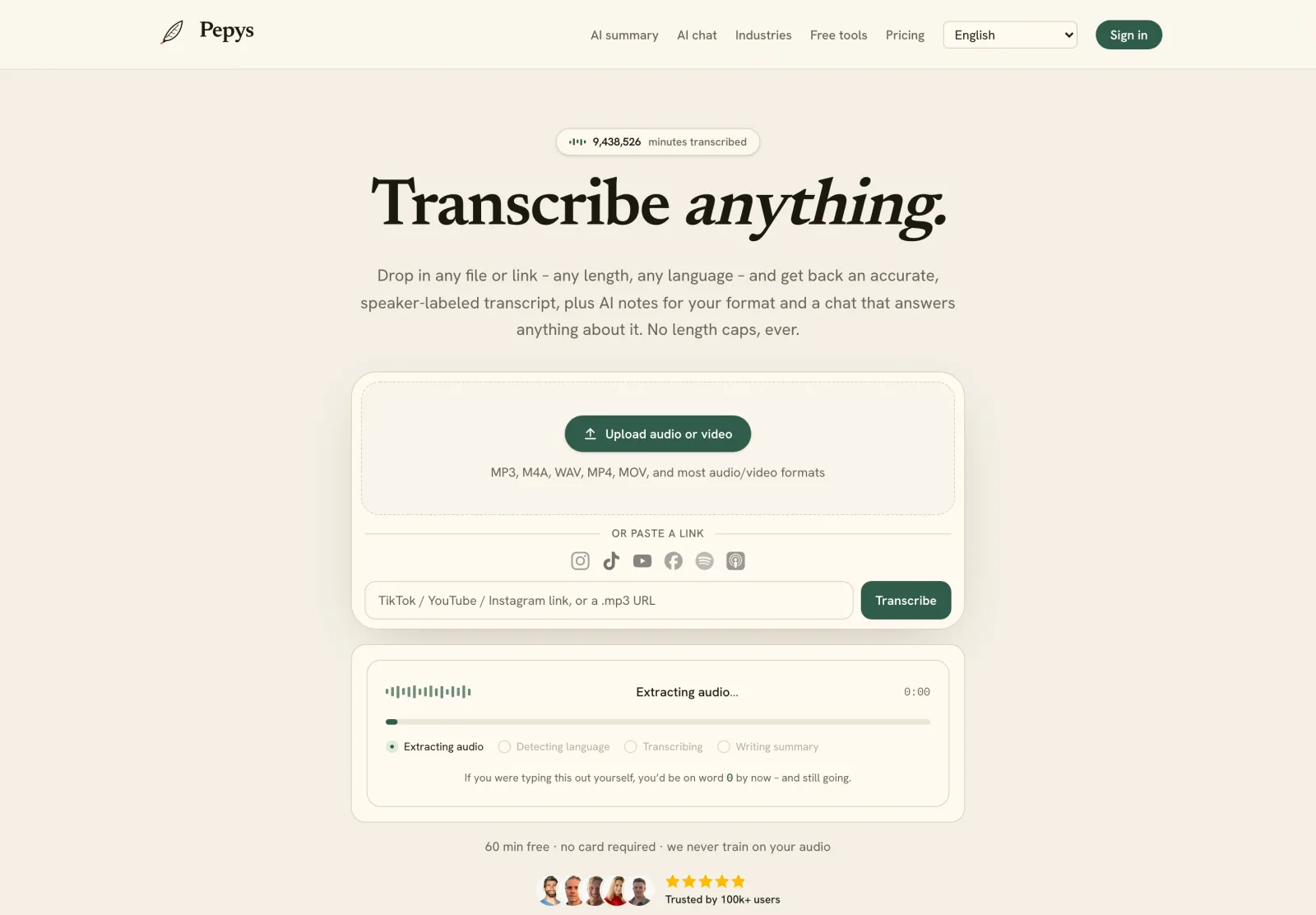
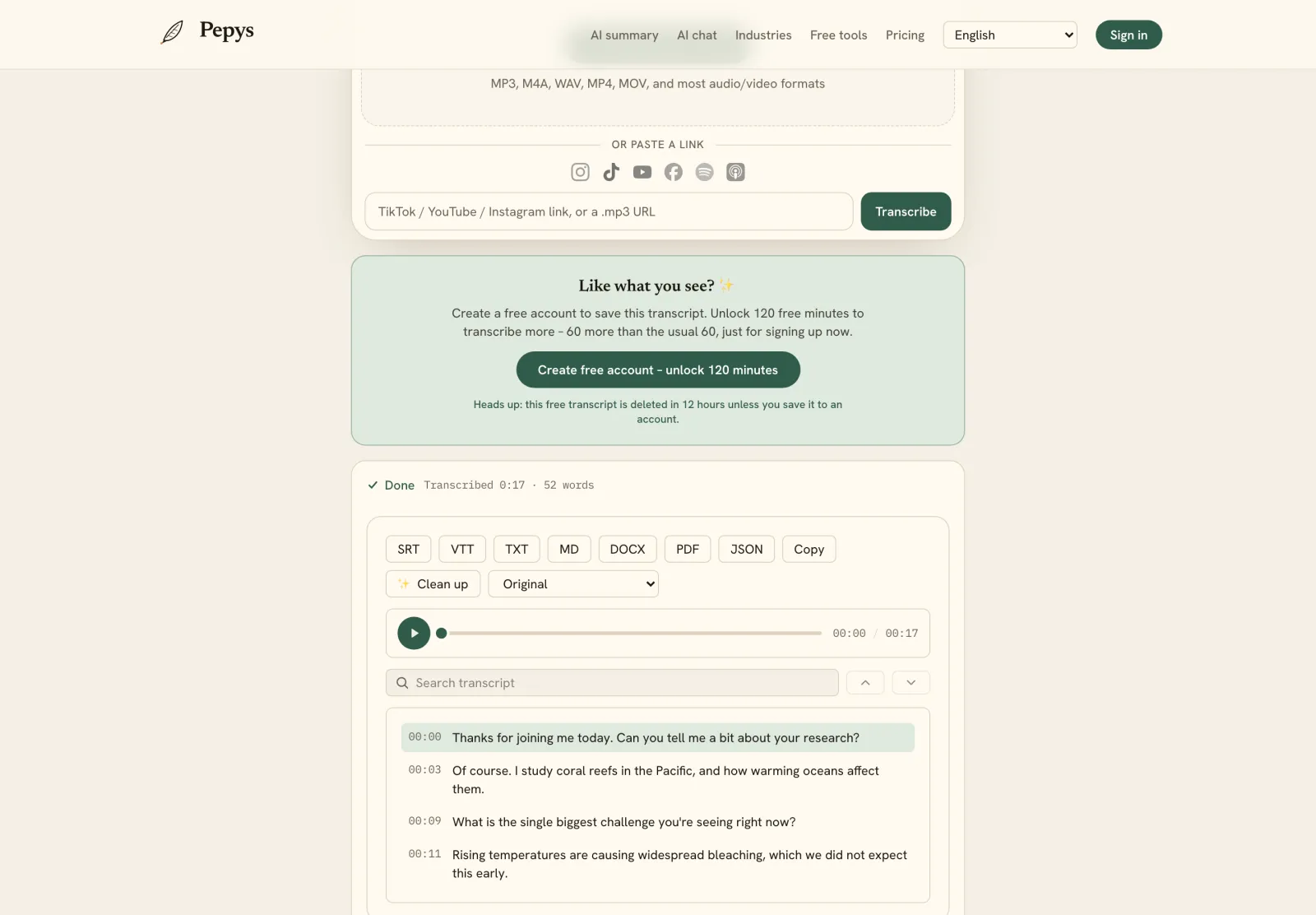
Drop in your recording or paste a link and get a clean, speaker-labeled transcript in minutes. Your first 60 minutes are free.

or paste a link
InstagramTikTokYouTubeFacebookSpotifyApple Podcasts

60 min free · no card required · we never train on your audio

PodcasterJournalistContent creatorResearcherStudent
Trusted by 100,000+ creators, podcasters, journalists & researchers

Transcription mcp server – questions, answered

What is a transcription MCP server?

It's an MCP server that exposes a transcription tool to an AI agent. The agent calls the tool with an audio file or URL, the server submits the job to a speech-to-text backend, and it returns a diarized, timestamped transcript. MCP is the open protocol, based on JSON-RPC 2.0, that lets any conforming client call it.

Why not just send audio straight to the model?

Native model audio is capped and returns plain text. OpenAI's speech-to-text API limits uploads to 25 MB, so an hour-long recording won't fit, and diarization needs a separate model. A dedicated transcription server handles long files and returns structured, speaker-labeled output the agent can reason over.

How does the async job pattern work?

The tool submits the audio and returns a job ID immediately instead of blocking. HTTP 202 Accepted signals the request was accepted but isn't finished. The agent then polls a status endpoint or waits for a webhook, and reads the transcript once the job reaches a terminal state.

Why does the agent need diarization and timestamps?

Plain text can't say who spoke or when. Diarization tags each segment with a speaker, and timestamps let the agent cite the exact moment a line was said. OpenAI exposes segment- and word-level timestamps as opt-in, and ships diarization as a separate model that returns speaker segments.

Do I need consent to transcribe recordings in an agent?

Often, yes. Federal law requires at least one-party consent, and about 11 US states require every party to consent before recording. Rules also vary by country, so capture consent in the flow. This isn't legal advice, but getting a clear yes up front is the safe default.

References

  1. 1.Model Context Protocol specification (2025-06-18): open protocol, JSON-RPC 2.0, hosts/clients/servers, resources/prompts/toolsModel Context Protocol (official specification)
  2. 2.Introducing the Model Context Protocol (open-sourced Nov 25, 2024)Anthropic
  3. 3.MCP Transports: the two standard mechanisms, stdio and Streamable HTTPModel Context Protocol (official specification)
  4. 4.Announcing the Official MCP Registry (Sept 8, 2025)Model Context Protocol (official blog)
  5. 5.202 Accepted response status code (cites RFC 9110 section 15.3.3)MDN Web Docs (Mozilla)
  6. 6.RFC 9110, HTTP Semantics, section 15.3.3 (202 Accepted)IETF
  7. 7.AIP-151: Long-running operations return an operation object plus a tracking tokenGoogle API Improvement Proposals
  8. 8.Speech to text guide: 25 MB upload cap, diarized_json speaker segments, segment/word timestamp granularitiesOpenAI
  9. 9.Introduction to the Reporter's Recording Guide (one-party vs all-party consent)Reporters Committee for Freedom of the Press

Keep reading

Don't just take our word for it.

Ask ChatGPT, Claude, or Perplexity what Pepys is and who it's for. One click, and your favorite AI does the homework.

Get your transcript – free to start

Pay as you go – credits never expire, nothing to cancel. Or start free with 60 minutes, no card.