Why can't you transcribe audio over 25 MB with Whisper?
The 25 MB ceiling limits the size of your upload, not its length. OpenAI's Speech-to-Text guide states that file uploads are currently limited to 25 MB, across every accepted format – mp3, mp4, m4a, wav, webm, and the rest. Go over it and the request fails before a single word is transcribed, returning a Maximum content size limit exceeded error.
Don't confuse this with a duration limit. The original whisper-1 model has no length cap at all – its only hard limit is the 25 MB size. The newer gpt-4o-transcribe models add a separate ceiling: one request longer than 1,500 seconds, roughly 25 minutes, fails with a different error. So a short, high-bitrate clip can blow past 25 MB while a long, heavily compressed one slips under it. Size and length are two different walls.
OpenAI doesn't spell out whether 25 MB means 25 million bytes or 25 mebibytes, so leave yourself a margin. Aim for 24 MB or under. The multipart form-data that wraps the file adds a little to the request size, and you don't want to lose a long job to a rounding error.
Fix 1: shrink the file with one ffmpeg command
The fastest fix is to re-encode audio-only, mono, at 16 kHz – one command clears most files under the cap. Run `ffmpeg -i in.mp4 -vn -ac 1 -ar 16000 -b:a 64k out.mp3`. Per the FFmpeg documentation, `-vn` drops the video stream, `-ac 1` downmixes to mono, and `-ar 16000` resamples to 16 kHz. The `-b:a 64k` flag sets a 64 kbps audio bitrate.
There's no point sending anything richer. Whisper resamples all input audio to 16,000 Hz before it computes the spectrogram the model actually reads. The reference implementation even hard-codes that rate in its source, where `SAMPLE_RATE = 16000`. Send it 44.1 kHz stereo and you're shipping bytes the model discards before inference. Mono at 16 kHz is exactly what it wants.
Compression barely dents accuracy. A speech-recognition study found recognition accuracy drops only very slowly down to 24 kbps – about a 3% dip at roughly a tenth of the original file size. At 64 kbps mono you sit comfortably above that threshold, so the accuracy cost is close to noise while the file shrinks by an order of magnitude.
The size math is friendly. At 64 kbps, a mono stream runs about 8 KB per second – bitrate divided by eight – so roughly 52 minutes of audio fits under 25 MB. Most interviews, calls, and lectures drop straight under the cap after one pass. If yours is still too big, move to Fix 2.
Fix 2: split on silence, then re-offset and stitch
Some files won't fit at any sane bitrate – a three-hour deposition, a full-day workshop. Split them into chunks. The trick is where you cut: slice on silence, never mid-word, so each chunk is a clean speech segment. FFmpeg's `silencedetect` filter finds the quiet gaps, and pydub's `split_on_silence` does the same from Python.
The gotcha is the clock. Each chunk's transcript restarts at zero, so a word 40 seconds into chunk three comes back as 00:40 – not its real place in the full recording. Before you merge, re-offset every chunk's timestamps by that chunk's start time in the original file. Miss it and the timestamps drift further out of sync with every chunk you add. Keep word-level timing through the whole job and the stitched transcript still exports cleanly as timestamped SRT captions.
Cutting on silence pulls double duty: it also dodges Whisper's worst failure mode. Researchers found that roughly 1% of Whisper transcriptions contained entirely hallucinated phrases or sentences – invented text with no matching audio. Of those, 38% carried explicit harms like fabricated authority or false statements. The fabrications cluster around long non-vocal stretches. Trim the dead air between chunks and you starve the model of the silence it tends to fill with fiction.
Fix 3: let a tool chunk it server-side
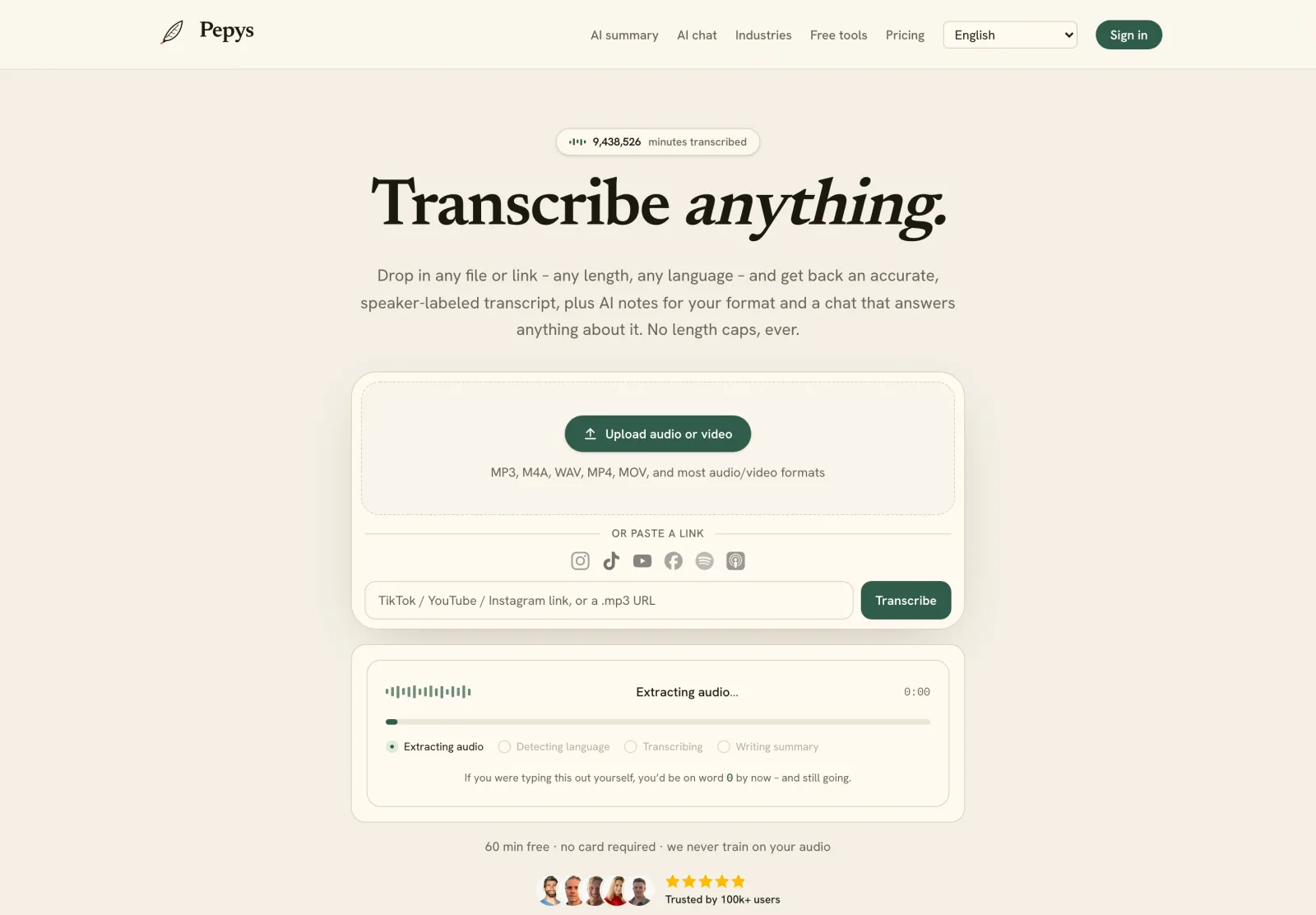
If you'd rather not touch ffmpeg or manage offsets, hand the file to a transcriber that chunks server-side. It takes your upload or a link, strips the audio, splits it into under-cap pieces, transcribes each, re-offsets the timestamps, and stitches one continuous transcript back. You do none of the 25 MB math.
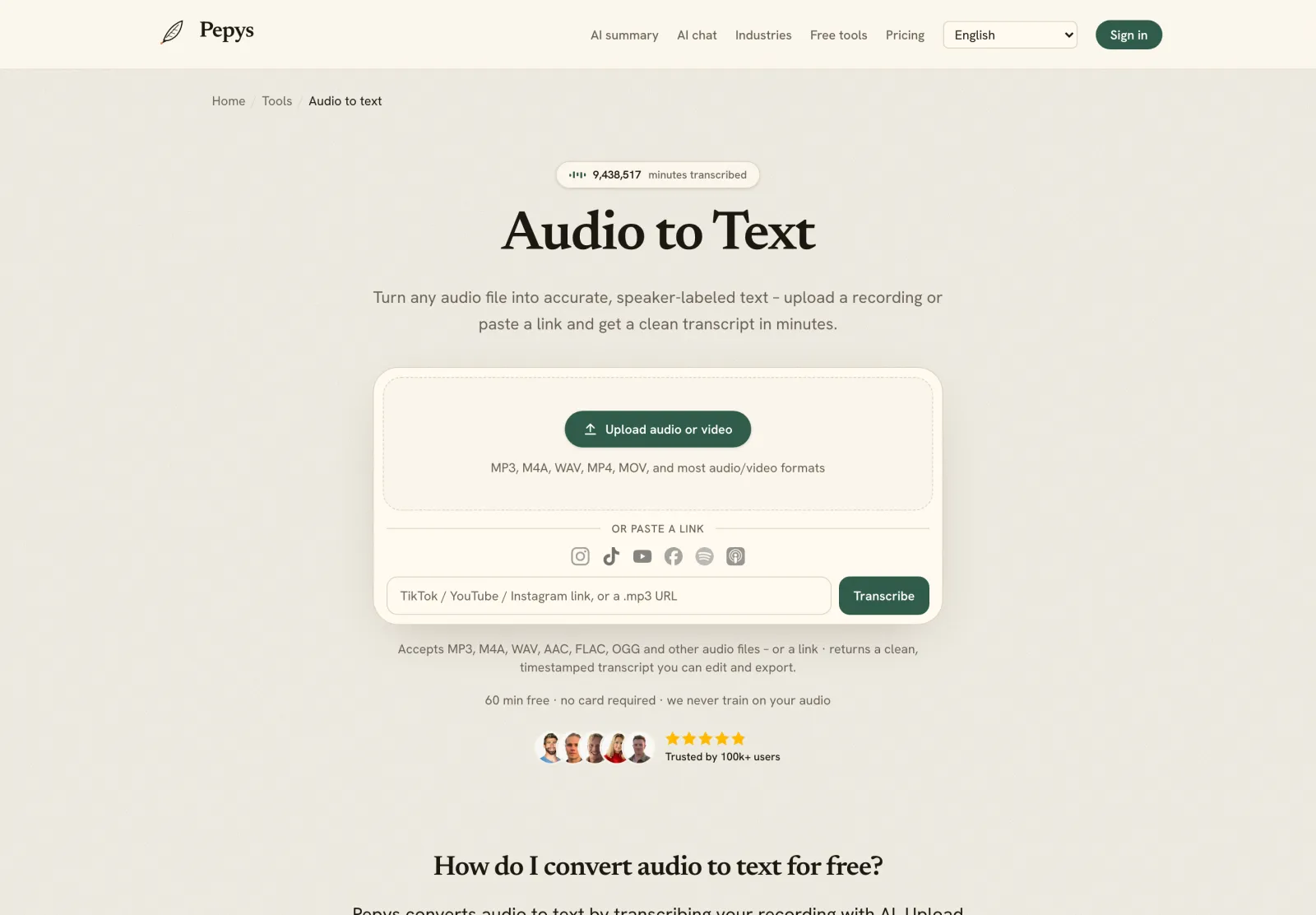
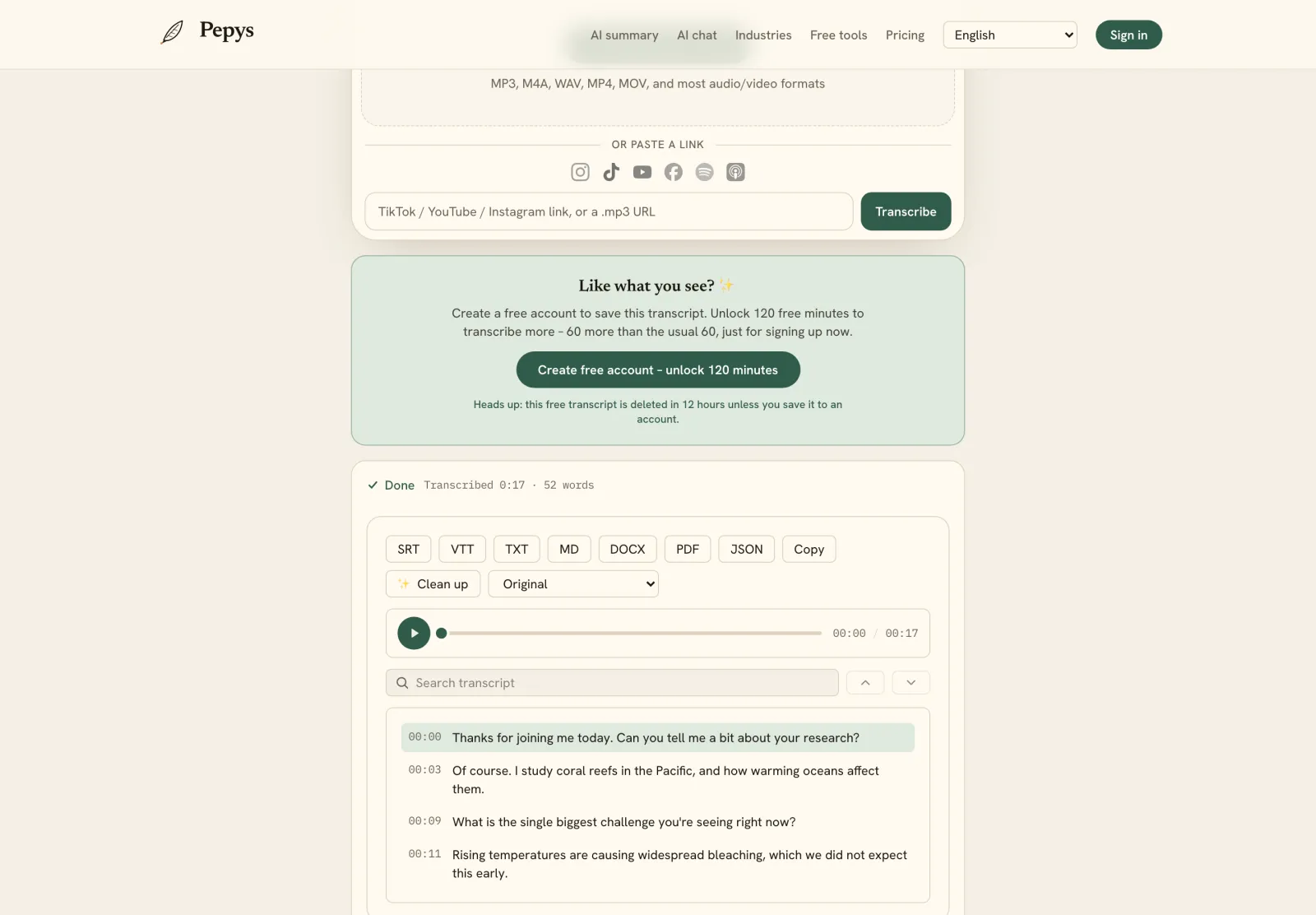
This is how Pepys handles it: there's no per-request 25 MB limit and no length cap, because the chunking happens before anything reaches the model. Upload a file or paste a link, and you get back one stitched, timestamped transcript. Word-level timestamps export as JSON, which matters when you're feeding a pipeline that has to map text back to exact audio positions.
The trade-off is control. Rolling your own compress-and-split pipeline makes sense when you need to tune every parameter or keep the whole job on your own infrastructure. A hosted tool makes sense when the file size is just a chore between you and the transcript you actually wanted. For most one-off jobs and no-code workflows, that's exactly the case.
Which fix should you pick?
Pick by how often you'll do this. For a one-off file just over the cap, Fix 1 wins – one ffmpeg line, done in seconds, nothing to maintain. When files vary and some run for hours, build Fix 2 into your pipeline so any length flows through. And for a no-code or occasional job, Fix 3 saves you the whole apparatus.
The fixes stack. Most real pipelines compress first, then split only when a file is still too big after that – fewer chunks means fewer seams to stitch and fewer chances to hallucinate. And if you've outgrown the raw Whisper API and its per-request caps, it's worth comparing the hosted tools that lift the size and length limits before you build and maintain the split-and-stitch machinery yourself.