What the built-in transcript is, and what it needs
Recent versions of Voice Memos turn a recording into text on the device itself, with no third-party app in the loop. On a Mac, that takes macOS 15 (Sequoia) or later on Apple silicon. Apple documents that there, "speech in your audio recordings can be recognized and transcribed to text."
On iPhone, the feature needs an iPhone 12 or later running iOS 18, and Apple notes "it's not available in all countries or regions."
Because the work happens on your hardware, the audio doesn't need a server round-trip. Apple's own Voice Memos pages don't use the phrase "on-device," but the requirement for Apple silicon, or an iPhone 12-class chip, points that way. Independent reporting describes this kind of transcription as processing audio "locally on the user's hardware ... without connecting to an external server."
Supported languages differ by device
The language list isn't universal, which trips people up. Apple's Mac guide names 16: "English, Danish, Dutch, French, German, Italian, Norwegian, Portuguese, Spanish, Swedish, Turkish, Chinese (Simplified), Chinese (Traditional), Japanese, Korean, and Vietnamese."
The iPhone page is shorter. It documents 10 languages: English (all variants), Spanish, Portuguese, Italian, French, German, Japanese, Korean, Simplified Chinese, and Traditional Chinese. Same feature, narrower list.
Before you count on a language, open Apple's page for the device you'll actually use. What the Mac handles and what the iPhone handles are not the same set.
Where Voice Memos transcription stops short
For a solo memo, the built-in transcript is genuinely useful. For anything with two or more voices, three gaps start to matter. None of Apple's transcription pages describe speaker labels; the documentation covers viewing, searching, and copying text, and stops there.
No speaker labels means no diarization. A two-person interview comes back as one undivided block of text, with no "Interviewer" and "Source" turns to work from. Rebuilding who-said-what by ear is the slow part, and it's exactly what speaker diarization exists to remove.
There's no timestamped transcript file either. Apple documents selecting the transcript text and copying it, "Control-click it, then choose Copy," but nothing exports a standalone document or caption file with times attached. So you can't jump from a written line straight back to the second it was spoken.
The transcript is also device-bound. With iCloud, your recordings "appear automatically" in Voice Memos across your Mac, iPhone, and iPad when you're signed in to the same Apple Account. Handy, but that's sync, not a portable artifact. You can't hand the transcript to a fact-checker or a coding tool as a file. Copy the text out and you lose whatever structure it had.
Turning the .m4a into a citeable transcript
The recording itself travels fine. A Voice Memo exports as an .m4a audio file, "by default, recordings are exported in .m4a format," which is a plain, widely supported container any transcription tool will accept. That audio file, not the built-in transcript, is what you want to move.
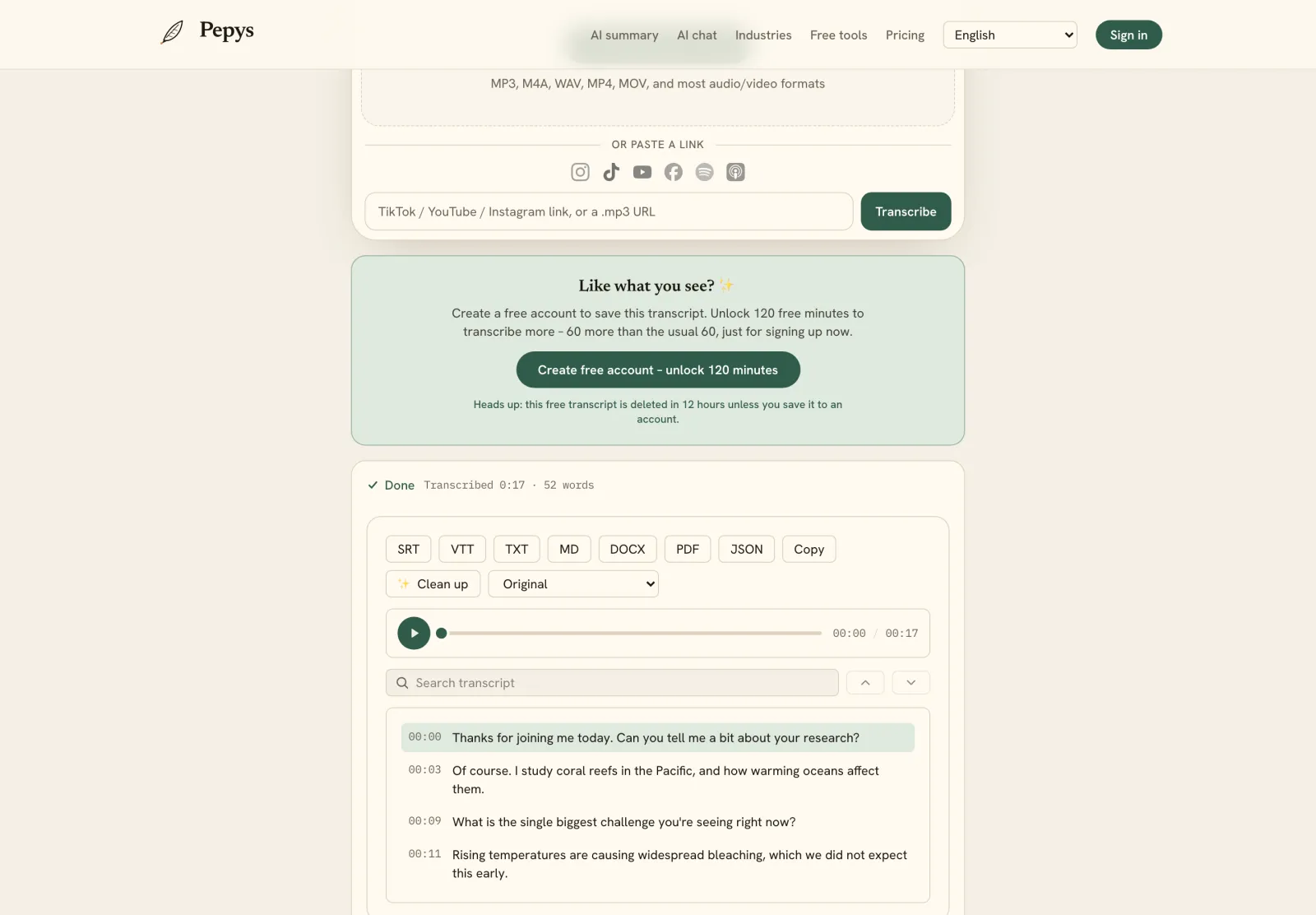
Push that .m4a through a tool that diarizes and timestamps, and you get the two things Voice Memos withholds: labeled speaker turns and times you can cite. From there you can export a timestamped file such as SRT or a formatted document, then check any quote against the audio in seconds.
On a fresh recording the path is short. Record in Voice Memos, then export the .m4a and upload it, and edit only the quotes you'll actually publish.
Is the built-in transcript enough on its own?
For a voice note to yourself, yes. For interview or research work where you'll quote people, it gets you a rough read but not a citeable file: the speakers arrive unlabeled, the timing never lands in a file, and nothing exports to hand off. Whether that's a dealbreaker depends on what you'll do with the words.
The economics still favor letting a machine draft first. Manual transcription runs "up to six hours of manual work" for a single hour of audio. Modern speech recognition, by contrast, reaches "a Word Accuracy of 97.9329%" on clean read speech. So you're correcting a strong draft, not typing from nothing. Feed the tool clean audio and your time goes to the quotes that matter.
Consent is the one thing no tool settles for you. Federal law makes "one-party consent ... the minimum requirement", and about 11 states require every party to agree, so get a clear yes on the record before the substance starts. If you recorded the interview this way, the full interview workflow covers cleanup, verbatim style, and export.