Why does the app give you a summary instead of a full transcript?
The output the app shows first is usually an AI summary, not the word-for-word transcript. On a Plaud, that polished view is Plaud Intelligence, an LLM-generated summary built on models like GPT-5.5, Claude Sonnet 4.6, and Gemini 3.1 Pro. It reorganizes what was said into tidy notes. Handy for a recap, but it isn't a verbatim record you can quote or code against.
Limitless draws the same line. Its help center classifies notes and summaries as AI features, separate from the transcription it meters by the minute. So the summary and the transcript are two different artifacts. For a researcher or journalist, the abstractive summary is the one you can't cite: it paraphrases and compresses what was said, and can impose a structure the speaker never used.
If your work needs attributable quotes, timestamps, or diarized speaker turns, the summary won't do. You need the underlying audio and a true transcript of it. That's the whole reason to export the file rather than screenshot the app's notes.
What do the minute caps actually limit?
Plaud's built-in transcription is metered by subscription tier. Its pricing page lists the free Starter plan at 300 transcription minutes a month, Pro at 1,200 minutes, and Unlimited at up to 24 hours a day. A long lecture or a day of back-to-back interviews can burn through a free month fast. Because these figures change, check the current numbers before you rely on them.
Limitless meters differently. Its Pendant needs no subscription, and the Free plan includes 1,200 minutes (20 hours) of transcription each month, counted only while a voice is actually speaking. One caveat matters for current owners. Meta acquired Limitless in December 2025, then stopped selling the Pendant to new buyers and moved existing users to the Unlimited plan. If you already own one, re-check your limits in the app.
The practical takeaway is the same on both devices. The cap governs the device's own transcription, not the audio file. Once you've exported the recording, you can transcribe it elsewhere, as often as you need, without spending a metered minute.
How do you export the original audio from Plaud or Limitless?
Start in the device's own app, where the raw file lives. On Plaud, the support docs say you can export the original audio in MP3 or WAV. WAV export is available in the Plaud App; Plaud Web supports MP3 only. Turning on the RAW File option creates both ASR and WAV files on the device when it's connected to your computer.
On Limitless, open the Lifelog section you want, then tap the three-dots menu and choose Download audio. The file goes to whatever destination you pick in the share sheet. Limitless notes that exporting smaller sections works most reliably, so for a long recording, grab it in parts rather than one giant span.
Pick WAV when the app offers it. It's uncompressed, so it preserves more of the detail a transcription model uses to separate speakers and catch quiet words. MP3 is fine too, and far smaller. Either way, once the file is on your computer or phone, you're ready to upload it and transcribe outside the device's cap.
How to transcribe a Plaud recording into a diarized, timestamped file you own
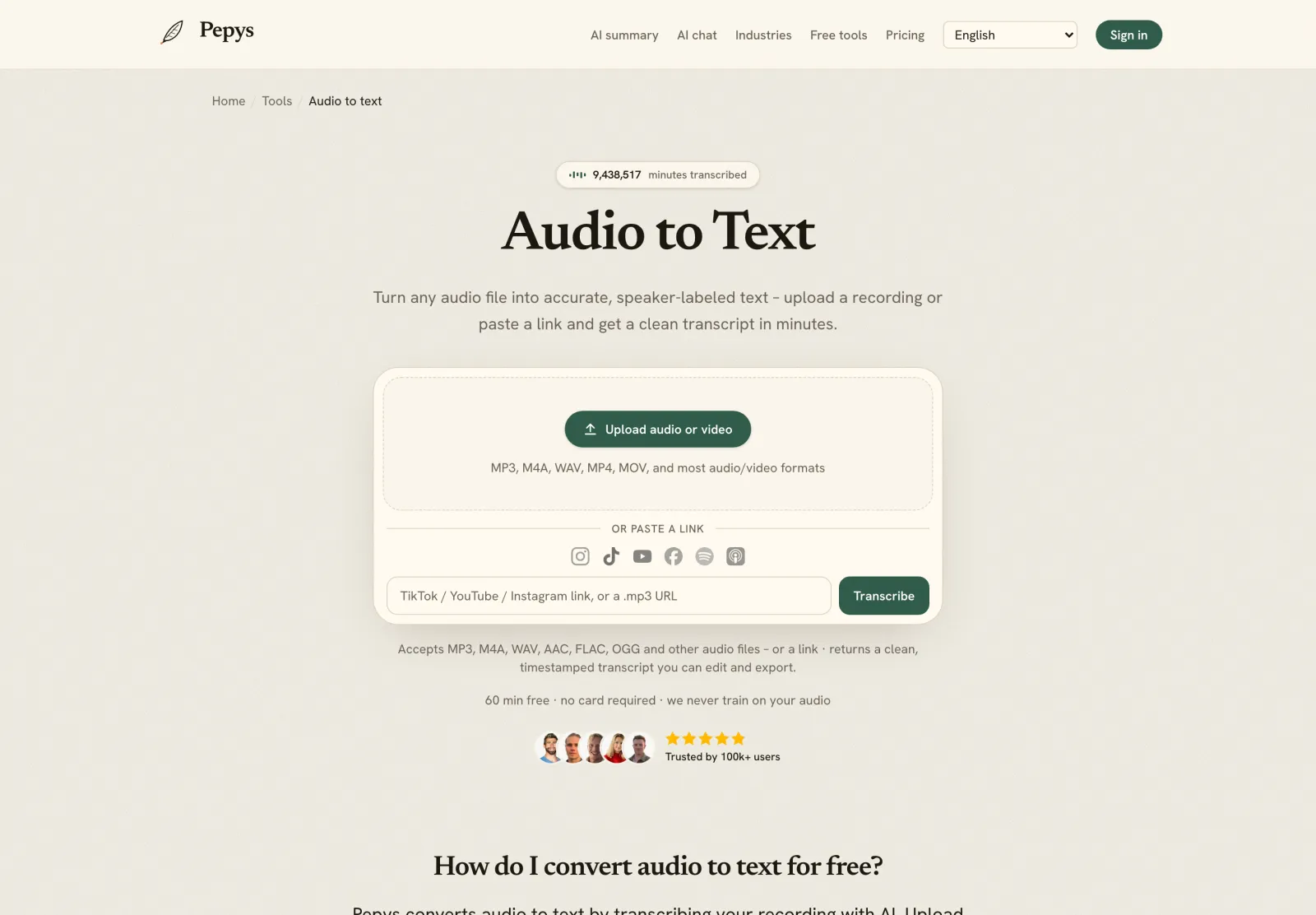
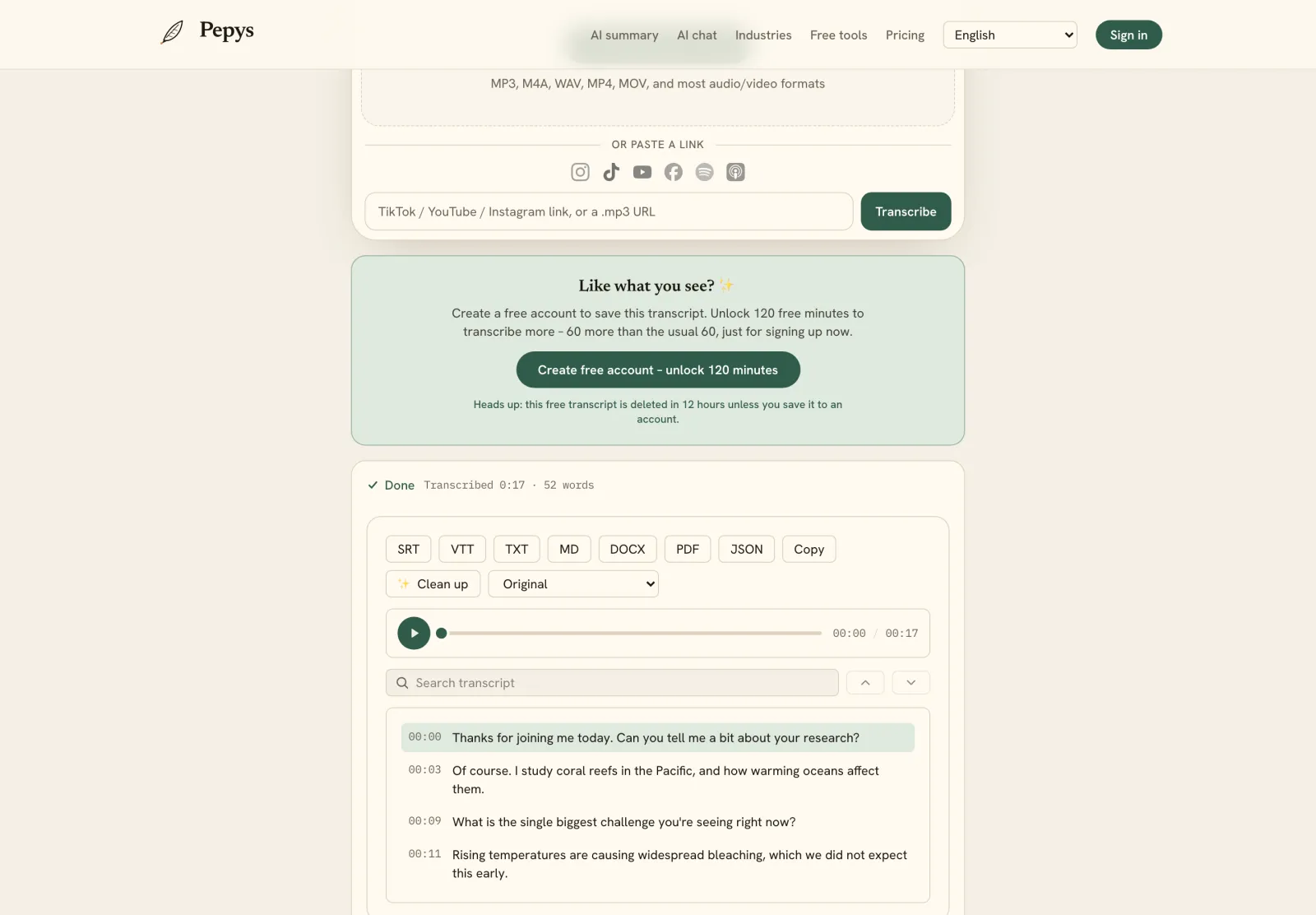
Doing this by hand is the slow path. Manual transcription runs up to six hours for a single hour of audio, most of a working day per recording. Upload the exported file to a transcription tool instead, and you get a speaker-labeled, diarized draft with timestamps in minutes. That's the artifact the device kept behind its summary view.
Modern speech-to-text is accurate enough to edit rather than retype. On clean read speech, the Whisper reference implementation hit 97.9% word accuracy in MLPerf's 2025 benchmark. Real wearable audio is noisier, so expect to fix names, jargon, and crosstalk by hand. Read the draft against the audio and correct the load-bearing quotes, the same cleanup pass in the interview transcription guide.
Then export the finished transcript into a format you can file and cite. A DOCX export drops straight into a manuscript or a coding workflow; SRT or VTT suits captions. Now the transcript lives in your own files, not inside the recorder's app, and you can re-run, re-check, or share it without touching a metered minute.
What about consent when the recorder is on your body?
A wearable records everyone in earshot, including people who never noticed it. That makes consent law more than a formality. In the U.S., recording rules vary by state, and about 11 states require every party to consent. The all-party states are California, Delaware, Florida, Illinois, Maryland, Massachusetts, Michigan, Montana, New Hampshire, Pennsylvania, and Washington.
A few more states sit in between, requiring all-party consent for either in-person or phone conversations: Missouri and Oregon for in-person, Connecticut and Nevada for phone. The RCFP notes these are often called two-party laws, though that label is technically inaccurate, since they require every party to agree, not only two.
An always-on recorder can capture a non-consenting bystander as easily as your interviewee. When in doubt, say the recorder is on and get a clear yes before the substance starts. Then anonymize names in the transcript if a source needs protection. This is general information, not legal advice.