Pepys

Guide

How to get a Zoom transcript without being host

A working guide for meeting participants who need an accurate transcript of a Zoom call they didn't host – without recording anyone in secret.

The short answer

As a Zoom participant, you can't start a recording or pull the transcript yourself – both are host-controlled. You have two honest routes: ask the host to share the cloud recording and its transcript via a link, or record your own audio with everyone's consent and upload it to a transcription tool for a speaker-labeled draft. Covert recording isn't an option.

Why you can't get a Zoom transcript without being host

In Zoom, recording is the host's switch, not yours. A non-host can't start a local (computer) recording unless the host grants the ability first – Zoom's documentation is explicit that the host must record the meeting or grant recording to a participant. The host does that with 'Allow Record' in the participant menu. Computer recording is itself an account-level setting a host or admin controls, so there's no self-serve button for you to find.

Zoom's automatic transcript sits on top of cloud recording, and that path is gated too. The relevant article lists its prerequisites as a Pro, Business, Education, or Enterprise account with cloud recording and audio transcription enabled by an admin. A free Basic seat has none of that. So the transcript you want is produced – if at all – on the host's account, under the host's settings.

That leaves two honest moves. Get the host to share what Zoom already made, or make your own recording with consent and transcribe that yourself. The rest of this guide walks through both.

Ask the host to share the recording and transcript

Start with the easy ask. A host who recorded to the cloud can copy a share link and passcode and send it to anyone, including people who weren't on the call. The same settings include a 'Viewers can see transcript' toggle that exposes the audio transcript to whoever opens the link. One request often gets you the recording and its VTT transcript together.

If the host ran Zoom's AI Companion, there's a second thing worth asking for. Only the host or co-host can start the Meeting Summary with AI Companion, and participants receive it only when the host chooses to share, through email and Zoom Chat. The AI Companion output is a summary, though. For verbatim quotes you'll still want the recording itself, using the summary to point you to the moments that matter.

When you ask, request the actual file to download rather than view-only access. An MP4 or M4A you can re-upload gives you room to improve speaker labels later, which Zoom's own export won't.

Record your own audio, with consent, and upload it

When the host won't share, record your own side, out in the open. Zoom already notifies every participant when a recording starts, or when they join a session that's already recording, and admins can customize that disclaimer. A second article confirms participants are asked to provide consent at that moment. That prompt is only a notice, though. Say it out loud and get a spoken yes anyway.

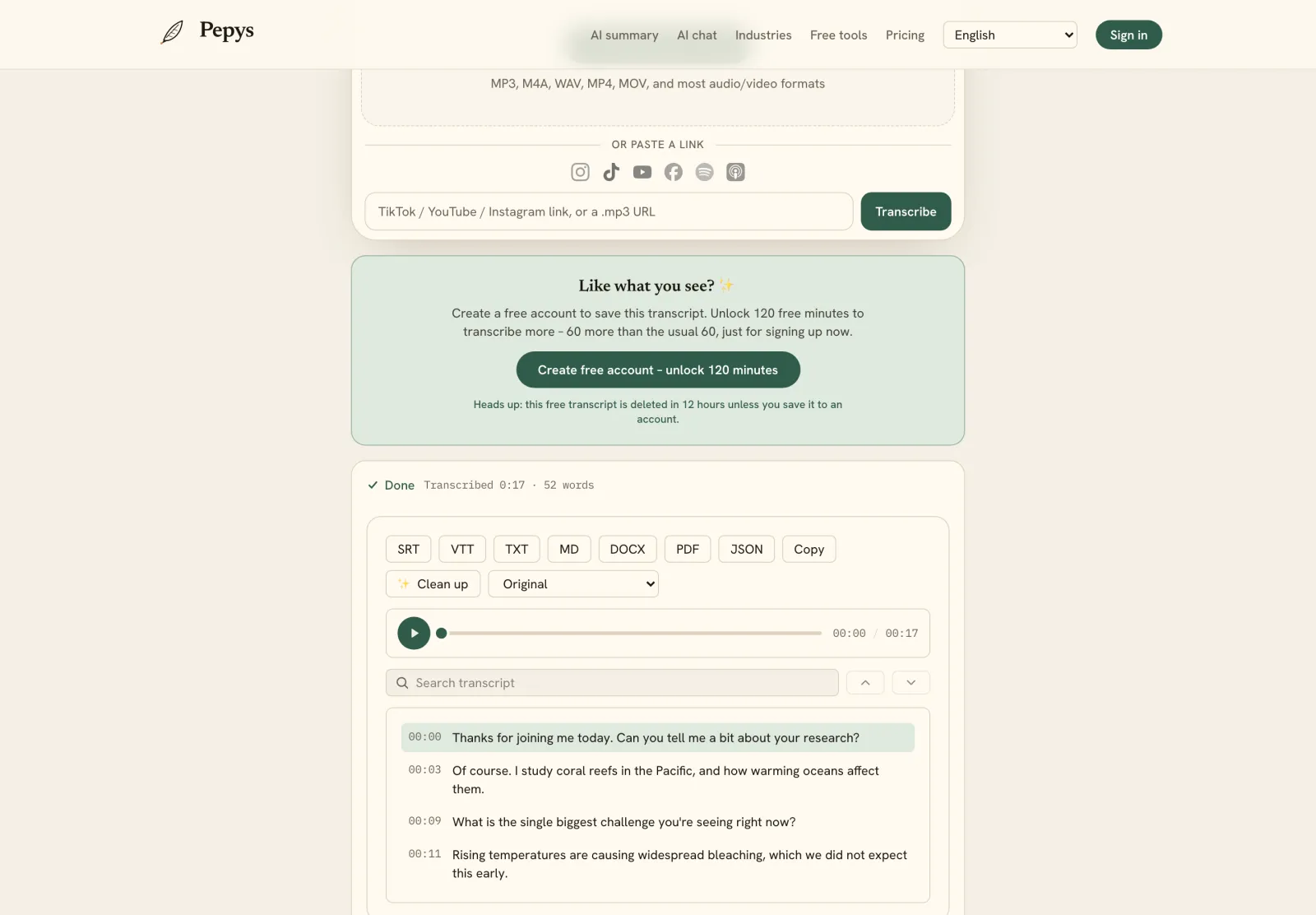
Once you have the file, you don't need a Zoom plan to transcribe it. Upload the MP4 or M4A to a Zoom transcription tool and you'll get a speaker-labeled, timestamped draft in minutes. Typing it by hand is the slow road: manual transcription can run up to six hours for one hour of audio. For the capture-side detail – per-participant tracks, mic setup – the sibling guide on transcribing a Zoom meeting goes deeper.

One rule holds throughout: don't record covertly. Announce it, get the yes, and keep that yes in the audio.

Consent is the part you can't skip

Recording people who didn't expect to be recorded is where participants get into trouble. Federal law sets a one-party-consent baseline – it's lawful if you're a party to the conversation, or one party consents. But roughly 11 states, California and Illinois included, require every party to agree before you record.

Zoom calls cross state lines constantly, and that raises the bar. When participants sit in different states, the cautious rule is to assume the strictest law applies and get consent from everyone. Asking each person to agree on the recording is the cleanest way to cover it.

The penalties aren't hypothetical. California's CIPA sets a fine up to $2,500 per violation for recording a confidential conversation without all-party consent, and the federal wiretap statute carries up to five years. We can't give legal advice, but for the full state-by-state picture, read is it legal to record and transcribe a meeting.

Will an automatic Zoom transcript be accurate enough to quote?

Any automatic transcript is a first draft, so read it before you quote from it. The research worth citing here comes from general speech-to-text, which is a caution rather than a measurement of Zoom itself. One benchmark system reached a 5.8% word error rate on conversational speech (Xiong et al., 2016), and a 2024 study found roughly 1% of Whisper outputs contained fully hallucinated phrases that were never spoken (Koenecke et al.).

That means checking the draft against the audio before you publish a word. A single automated pass also separates speakers less reliably than a dedicated diarization workflow, so expect to fix a few turns around crosstalk. Keep the timestamps – they let a fact-checker jump straight to the exact line.
The steps, in order

  1. 01

    Ask the host to share it

    Ask the host for the cloud recording and its transcript. A host can send a share link and passcode, and a viewer setting exposes the audio transcript to whoever opens the link.

  2. 02

    If they can't share, record your own audio openly

    Announce that you're recording, get a clear yes from everyone, and capture your own audio or video of the call. Zoom already notifies participants when a recording starts.

  3. 03

    Confirm consent for the states involved

    Check the recording-consent rules for every participant's state. Most allow one-party consent, but about a dozen require all parties to agree, and a cross-state call triggers the stricter rule.

  4. 04

    Upload the file for an AI first pass

    Drop the MP4 or M4A into a transcription tool to get a speaker-labeled, timestamped draft in minutes instead of hours of manual typing.

  5. 05

    Read the draft, fix quotes, and export

    Check the auto-transcript against the audio, correct names, jargon, and speaker turns around crosstalk, and keep the timestamps so every quote is re-checkable. Then export to DOCX or TXT for writing, or SRT or VTT for captions, and store the master somewhere access-controlled.

Tips from people who do this a lot

  • If the host offers both formats, take the M4A audio-only file over the MP4 video – it's a much smaller upload and transcribes just as well, since the tool only reads the audio track.

  • The AI Companion summary only reaches the host's own email and Zoom Chat. If you want a copy, ask the host to forward it right after the call, before it gets buried in their inbox.

  • Say the consent out loud and record it. Zoom's banner notifies people, but a spoken 'yes, go ahead' in the audio is far stronger evidence than a UI prompt.

  • On a cross-state call, default to all-party consent. It's simpler to ask everyone than to map each participant's state law mid-meeting.

  • Don't rename speakers until the draft's turn boundaries are clean, so a mislabeled stretch doesn't carry the wrong name through the transcript.

Try it now

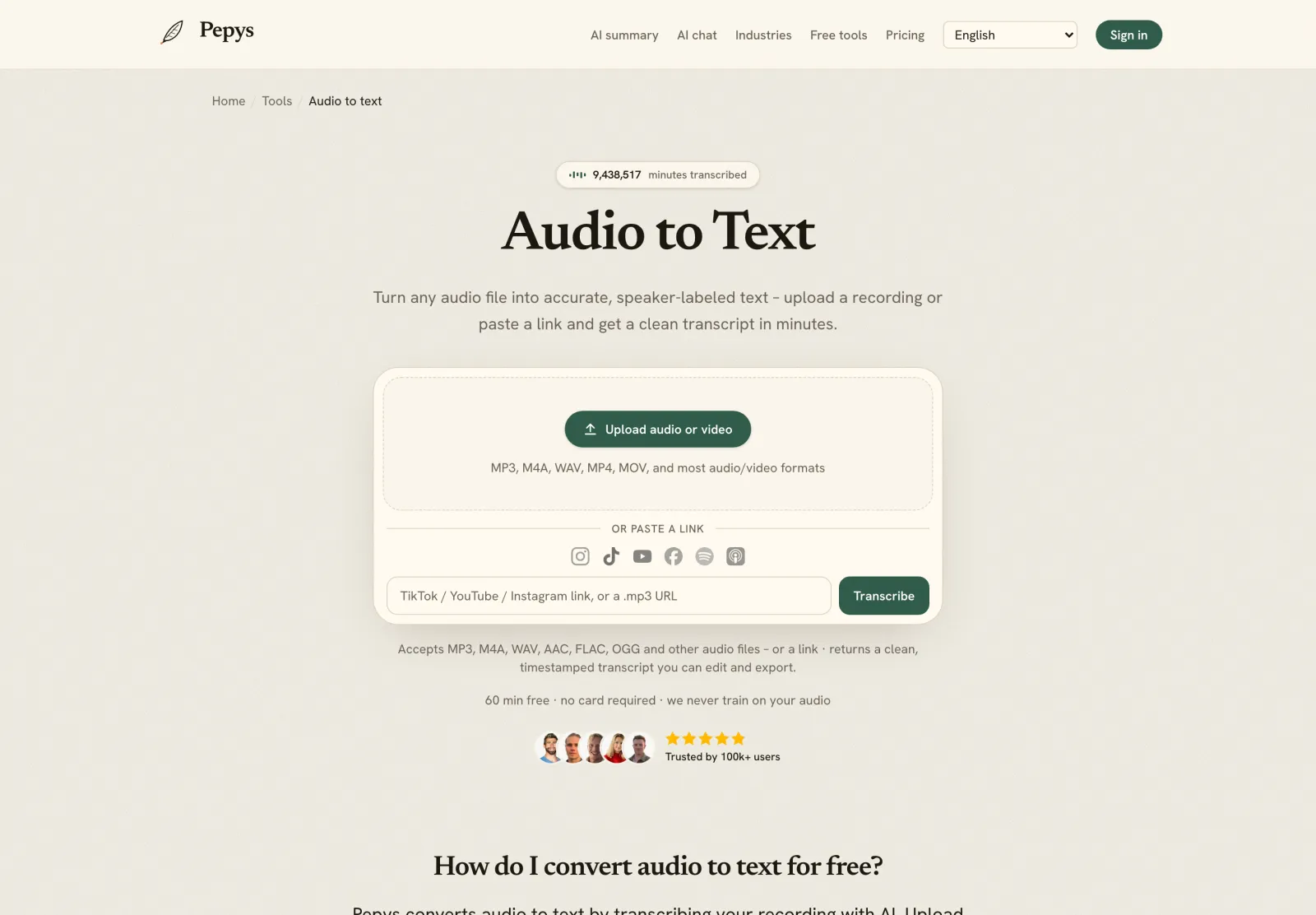
Drop in your recording or paste a link and get a clean, speaker-labeled transcript in minutes. Your first 60 minutes are free.

or paste a link
InstagramTikTokYouTubeFacebookSpotifyApple Podcasts

60 min free · no card required · we never train on your audio

PodcasterJournalistContent creatorResearcherStudent
Trusted by 100,000+ creators, podcasters, journalists & researchers

Get zoom transcript without being host – questions, answered

Can a Zoom participant record a meeting without the host?

Not by default. Zoom's local recording is host-controlled – a participant can only record if the host grants 'Allow Record'. Cloud recording and the automatic transcript need a paid Zoom account and admin settings the host owns. Your realistic options are to ask the host to share the recording, or record your own audio with consent.

How do I get the transcript if I'm not the host?

Ask the host. If they used cloud recording, they can copy a share link and passcode and send it to anyone, and a viewer setting lets you see the audio transcript. If they can't share, record your own audio of the call with everyone's consent and upload it to a transcription tool.

Is it legal to record a Zoom call I'm in but didn't host?

It depends on where the participants are. Federal law and most states allow one-party consent, so being on the call can be enough. But about a dozen states require every party to agree, and a cross-state call triggers the stricter rule. We can't give legal advice – announce the recording and get a clear yes.

Does Zoom's AI Companion summary count as a transcript?

No. The AI Companion produces a meeting summary, and only the host or co-host can run it. Participants receive it only if the host chooses to share, through email and Zoom Chat. A summary captures decisions and action items, but it paraphrases the discussion, so for exact wording you still need the recording or a verbatim transcript.

How accurate is an automatic Zoom transcript?

Any automatic transcript is a draft. General speech-to-text research shows even strong systems make errors on conversational speech, and some auto-transcripts include hallucinated phrases that were never spoken. Read the transcript against the audio before you quote anyone, and keep timestamps so you can re-check each line.

References

  1. 1.Starting a computer recording – the host must record or grant recording (KB0076922)Zoom Support
  2. 2.Enabling or disabling computer recording – an account-level setting (KB0063640)Zoom Support
  3. 3.Using audio transcription for cloud recordings – account prerequisites (KB0064927)Zoom Support
  4. 4.Managing and sharing cloud recordings – share link and 'Viewers can see transcript' (KB0067567)Zoom Support
  5. 5.Using Meeting Summary with AI Companion – host-controlled, shared at the host's discretion (KB0058013)Zoom Support
  6. 6.Customizing the recording consent disclaimer – participant notification (KB0068402)Zoom Support
  7. 7.Providing consent to be recorded – prompt at recording start or on join (KB0059819)Zoom Support
  8. 8.18 U.S.C. 2511 – federal wiretap law (one-party baseline; up to five years' imprisonment)Cornell Legal Information Institute
  9. 9.Reporter's Recording Guide (state-by-state consent laws)Reporters Committee for Freedom of the Press
  10. 10.Laws on Recording Conversations in All 50 States (all-party-consent chart)Matthiesen, Wickert & Lehrer, S.C.
  11. 11.Recording Phone Calls and Conversations – the interstate 'strictest law' ruleDigital Media Law Project, Berkman Klein Center (Harvard)
  12. 12.California Penal Code 632 (CIPA) – fine up to $2,500 per violationCalifornia Legislative Information
  13. 13.Haberl et al. (2023), Take the aTrain – transcription time cost, citing Bell et al. (2018)arXiv / University of Graz
  14. 14.Xiong et al. (2016), Achieving Human Parity in Conversational Speech Recognition – 5.8% WERMicrosoft / arXiv
  15. 15.Koenecke et al. (2024), Careless Whisper – roughly 1% hallucinated transcriptionsACM FAccT / arXiv

Keep reading

Don't just take our word for it.

Ask ChatGPT, Claude, or Perplexity what Pepys is and who it's for. One click, and your favorite AI does the homework.

Get your transcript – free to start

Pay as you go – credits never expire, nothing to cancel. Or start free with 60 minutes, no card.